


Internal tools are the unglamorous apps that run a business: a CRM the sales team lives in, a dashboard ops checks every morning, a tracker that replaces a messy spreadsheet. Nobody tweets about them, but they’re exactly the kind of real, login-backed software where the Day Two problem bites hardest. This is the hub ranking for that whole category. As the spoke rankings land, each app type below links to its own dedicated list: CRMs, internal dashboards and admin panels, booking/scheduling apps, project trackers, knowledge bases, and membership sites.
When evaluating systems for operational business deployments, we prioritize “Day Two” resilience and visual certainty over raw proof-of-concept velocity. Studies of unconstrained AI generation indicate that while models output code successfully in 90% of attempts, approximately 45% of that code harbors OWASP Top 10 security vulnerabilities. A real internal business app requires:
- Immutable authentication that prevents team members or contractors from bypassing security rules
- Visual, secure permissions so users only read or write the data matching their designated roles
- Predictable costs that don’t balloon when you spend credits in an AI debugging loop
- A stable backend where minor layout iterations don’t cause silent database corruption or data loss.
1. Softr - the operational software that works on day two
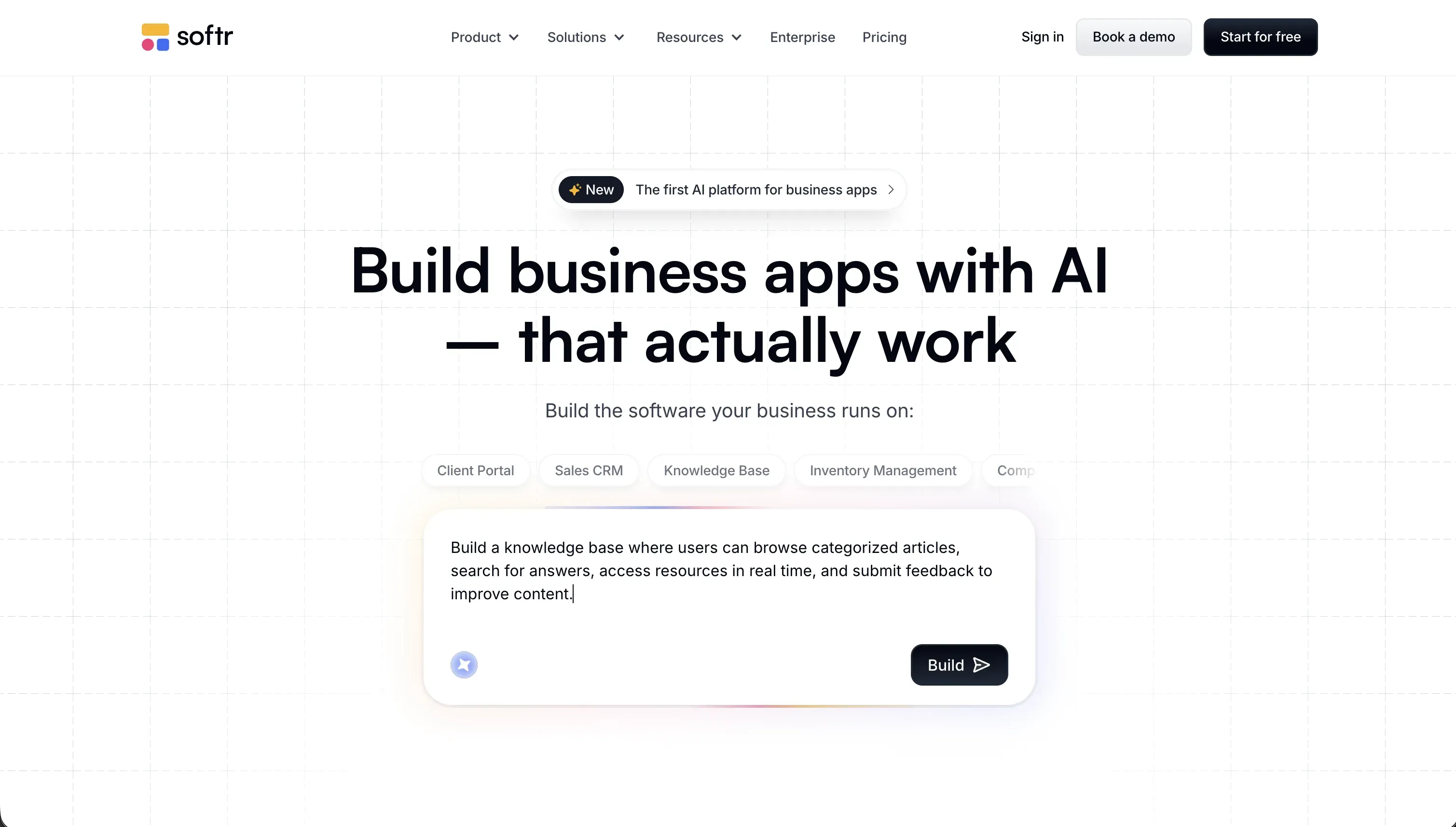 Softr homepage snapshot
Softr treats the foundational plumbing of internal business apps - authentication, user groups, and secure data read/writes - as tested platform infrastructure rather than generated code. Instead of praying an LLM securely constructs your database permissions, you click to define user groups and visually verify access rules. The AI Co-Builder handles scaffolding in minutes, after which you fluidly edit visually or use the Vibe Coding custom block for bespoke frontend logic without risking system-wide regressions.
Because Softr’s database and interface connections run entirely on the server-side, sensitive company API keys and client data are never exposed to the user’s browser. It integrates natively with Airtable, Google Sheets, SQL backends, and its own high-performance local database. If your operations team needs a tool that doesn’t break the moment you edit a form field or add a new column, this is the most reliable operational platform available. Full review.
2. Replit - the power of real code for technical teams
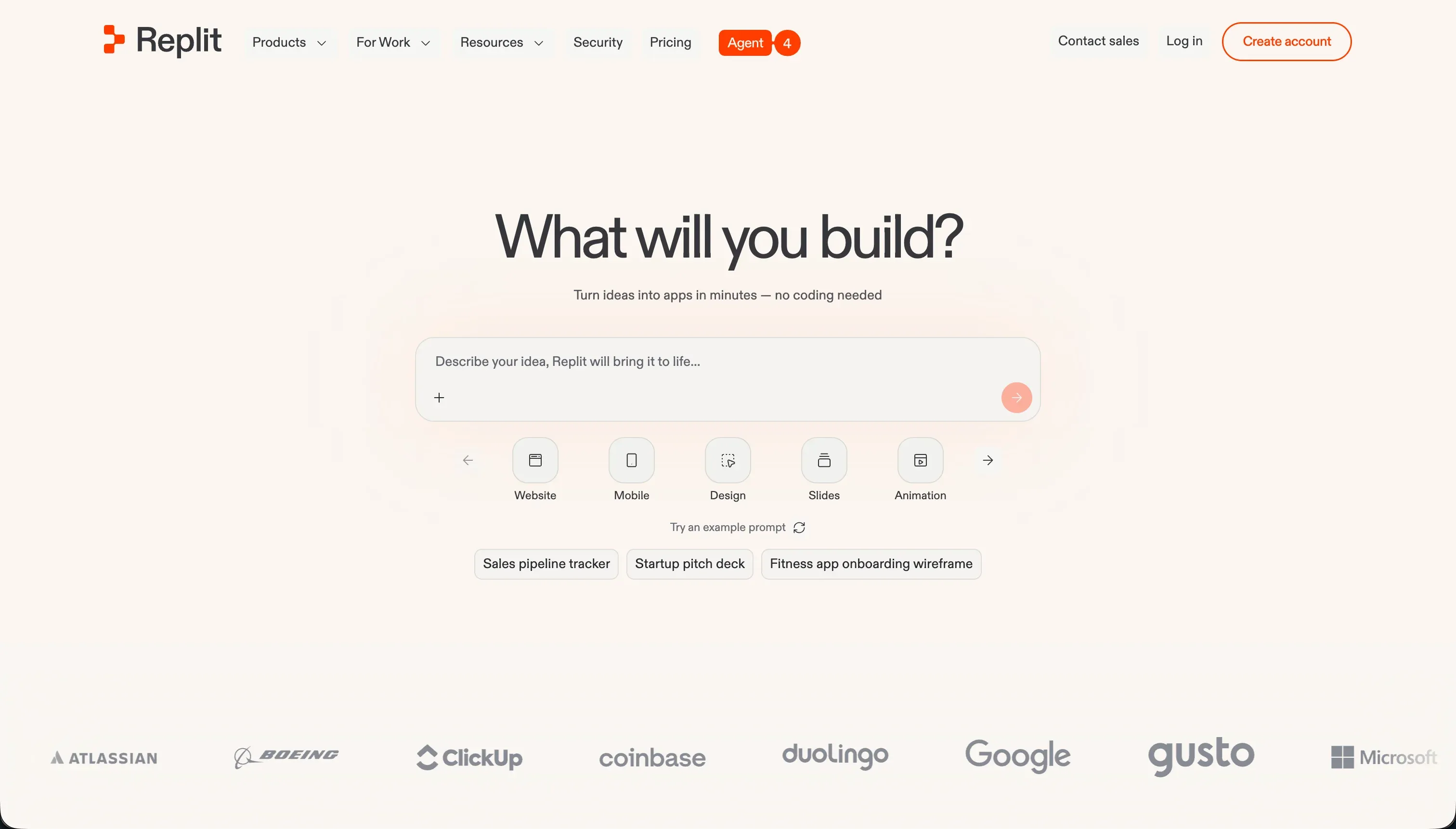 Replit homepage snapshot
Replit acts as a complete cloud developer environment with an autonomous agent that generates and maintains files behind the scenes. It sets up server instances, installs dependencies, and deploys live apps with custom domains easily. For highly customized business workflows that need to execute complex server scripts in Python, Go, or Node.js, Replit’s raw capability is exceptional.
However, it ranks below Softr because it is still a traditional developer interface that requires you to manage database schemes and server environments. If the agent makes a structural error, a non-technical manager will struggle to debug the container. Additionally, community feedback warns of rapid credit drain during debug loops, and hidden backup checkpoint fees can result in unexpected overages. Select Replit if your team has in-house technical oversight. Full review.
3. Retool - the gold standard for database-heavy admin portals
 Retool homepage snapshot
Retool is designed specifically for technical teams to construct dashboards and administrative consoles. It connects natively to almost any relative database or API, supplying a comprehensive library of dense UI elements like JSON schema editors and diagnostic data tables. It abstracts the tedious interface work so you can focus on data orchestration.
We rank Retool third because it has a high coding barrier: you must know SQL and JavaScript to write query logic, manage state, and construct conditional workflows. It is also priced on a per-user seat model, which makes it cheap for small operations teams but highly expensive when scaling access to external vendors or hundreds of staff members. Pick Retool if you already have clean Postgres or API systems and comfortable SQL builders. Full review.
4. Bubble - deep visual logic with a steep learning curve
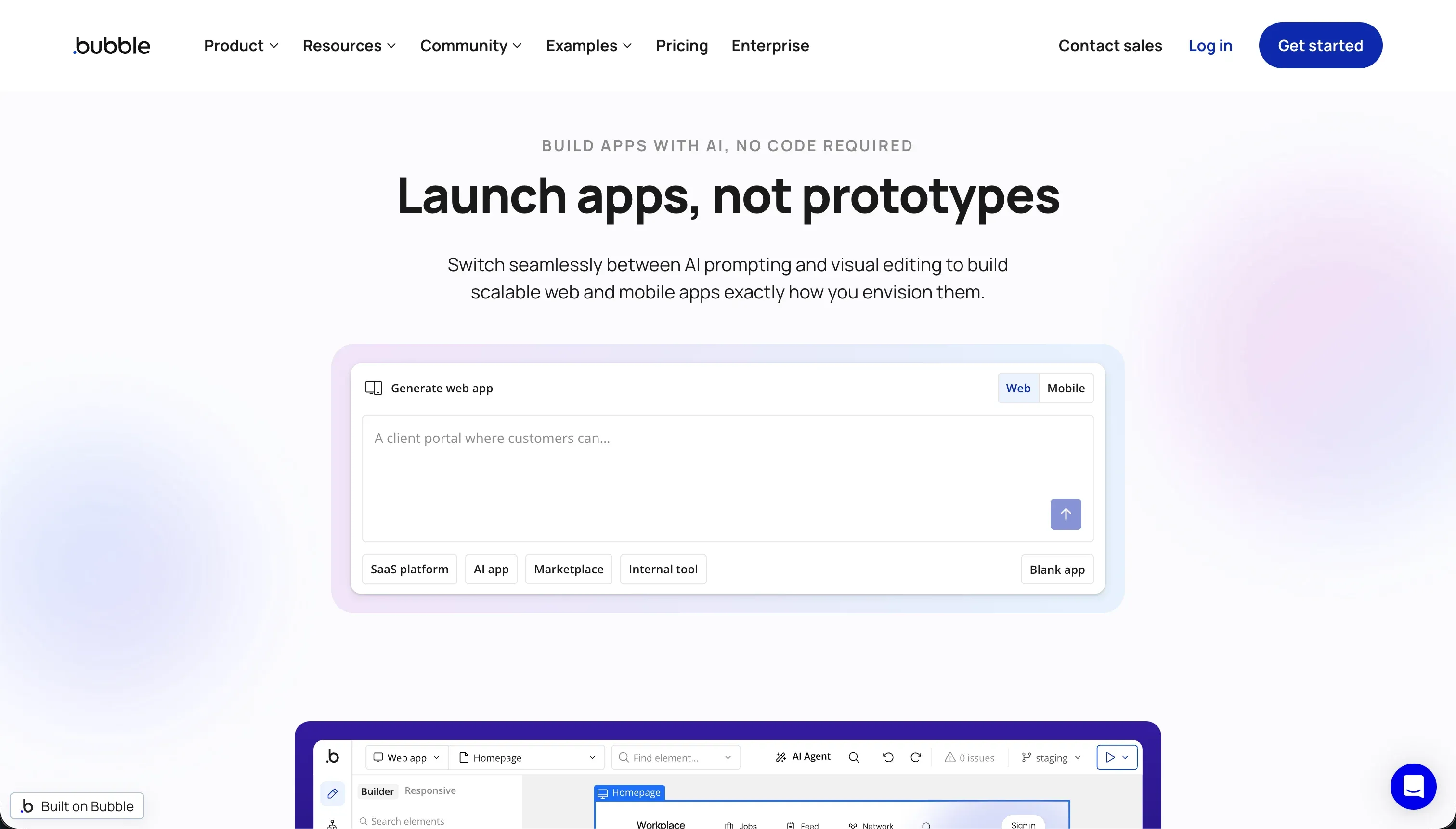 Bubble homepage snapshot
Bubble is a deep visual programming system: a real relational database engine alongside multi-step visual workflows. Its server-side security rules allow you to maintain genuine role-based permissions, and the massive marketplace of 8,000+ plugins covers most custom operational requests.
Despite its technical completeness, Bubble is held back by visual editor bloat and a notoriously steep learning curve. Inefficient workflows can trigger massive consumption of Workload Units (WU), leading to volatile and unpredictable monthly software bills. Furthermore, because Bubble is a completely closed proprietary system, you cannot export the code if you decide to migrate elsewhere. Full review.
5. Cursor - accelerated desktop software development
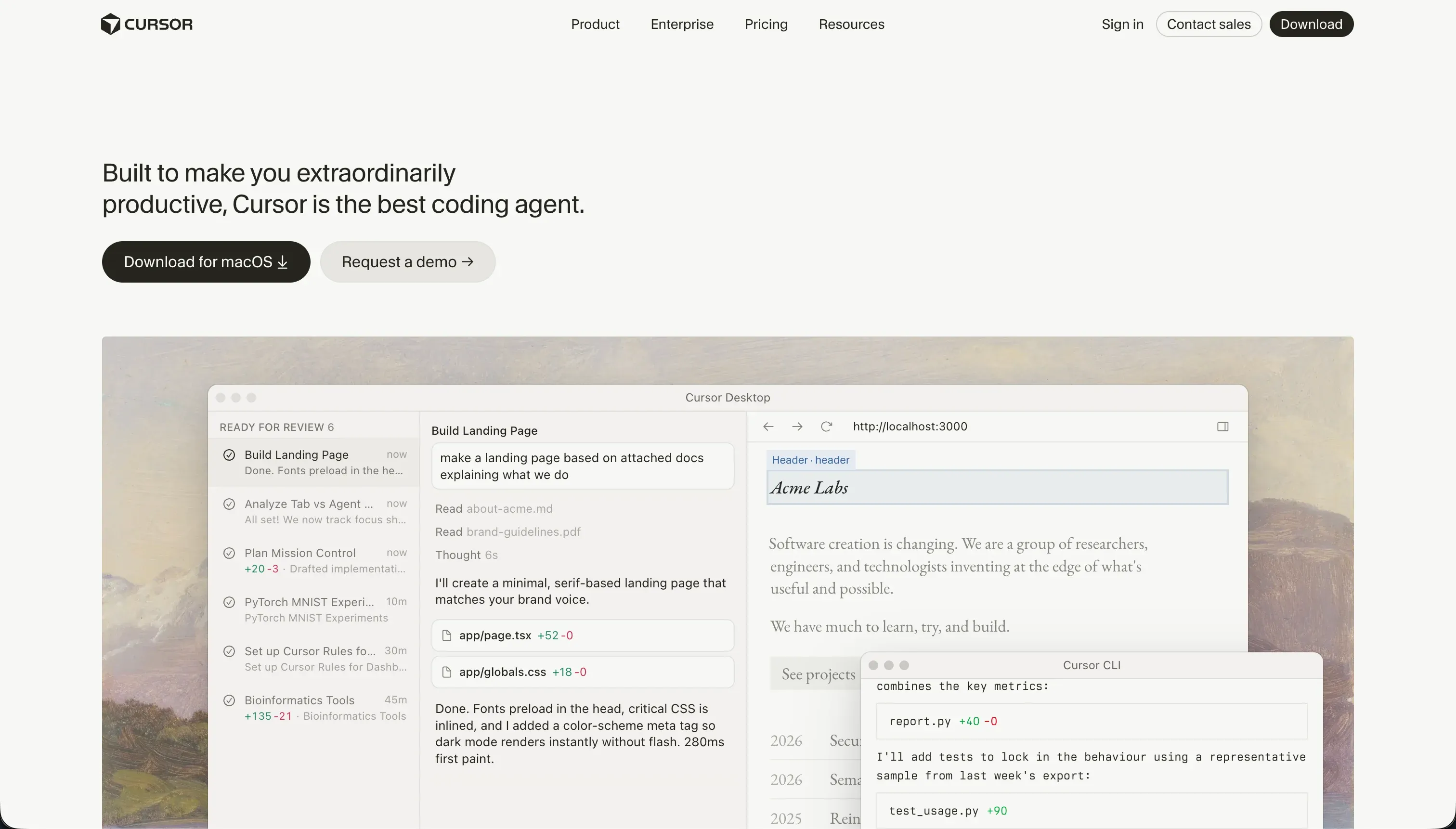 Cursor homepage snapshot
Cursor is a professional code editor built for engineers. By indexing your local codebase, it understands how systems reference each other, allowing its Agent mode to safely plan and execute changes across multiple files. For technical builders, it takes most of the typing and cross-file bookkeeping out of writing custom software.
It features further down our list because Cursor is an IDE, not a host, database, or visual builder. It provides no ready-made components, identity management, or cloud servers out of the box. Non-technical business teams should avoid it, but for a professional developer tasked with building a highly bespoke internal engine from scratch, it is the premier choice. Full review.
6. Base44 - fast conversational MVP generation
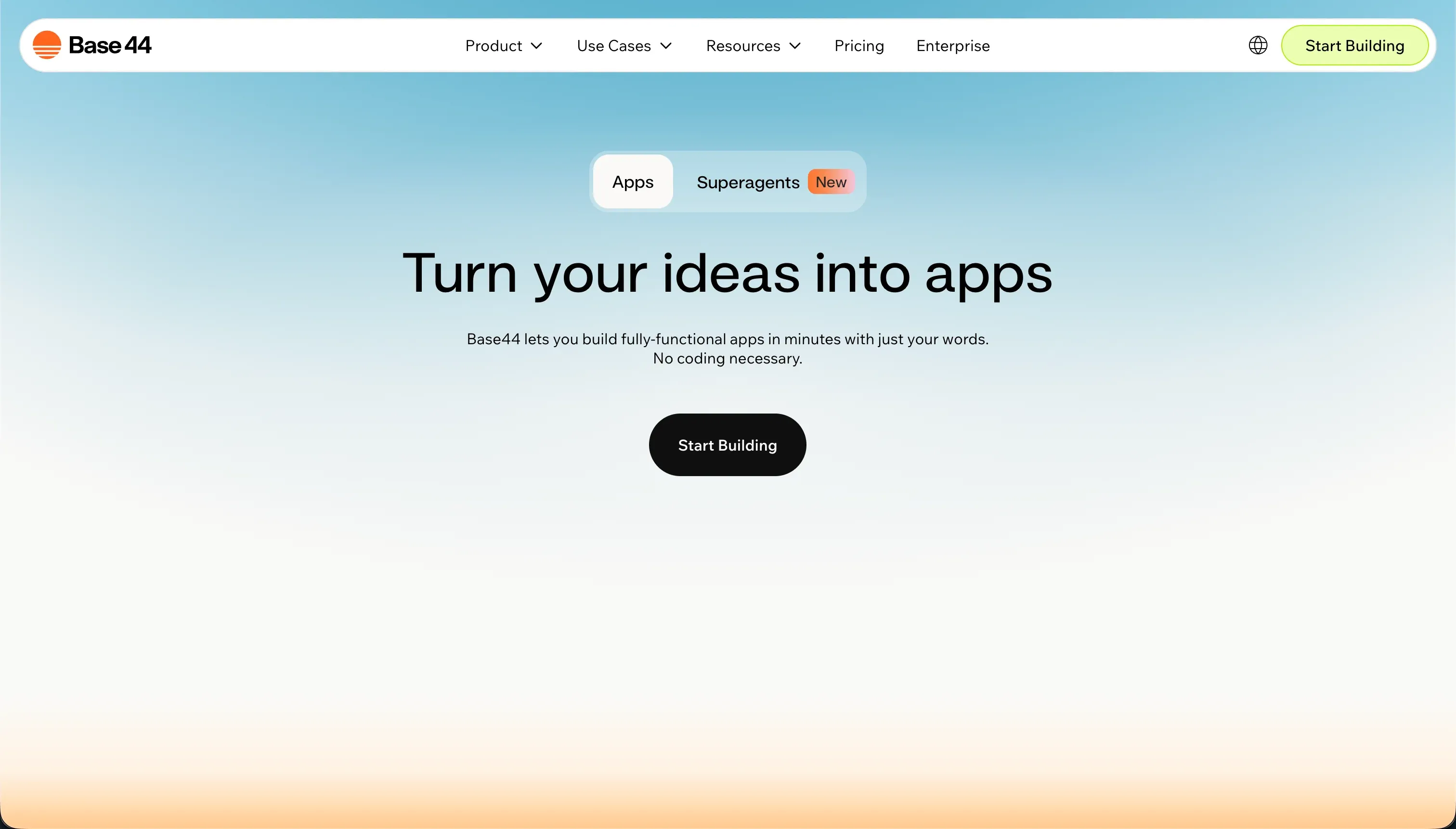 Base44 homepage snapshot
Base44 translates plain-language descriptions into full-stack web applications, instantly configuring a Postgres database, user accounts, and visual views. It is remarkably simple to prompt into existence and supports direct, manual frontend edits as well as easy code exports straight to GitHub.
It sits at the bottom of our ranked roster because the platform struggles with system stability and edit regression loops. Community feedback regularly mentions that the AI can enter repetitive debugging loops that exhaust your build credits. Additionally, database structures stay locked inside Base44’s hosting infrastructure, and the default login components cannot be custom-branded, making it better for fast prototypes than core business logic. Full review.
Also tried: the tools that didn’t make the cut
We also tested Lovable, which generates stunning frontend designs but depends entirely on manual Supabase configuration for securing database rows - a serious data exposure risk if your operational rules aren’t audited by a senior developer. Meanwhile, Zite inherits a brilliant form-builder DNA but lacks a native GitHub code export, presenting eventual scaling limit concerns. We also tried Claude Code, which lives strictly in the command-line terminal; while it is brilliant for local git and file manipulation, it is far too low-level for a non-technical operations manager seeking to build a visual interface.
How to pick your internal tool builder
When selecting a platform, bypass the initial demo speed and ask this crucial question: Who has to maintain this application six months from now when your database needs to change?
| Your situation | Build on |
|---|---|
| Non-technical managers maintain the tool visually | Softr |
| You have internal developers who write SQL and JavaScript | Retool |
| Your team wants raw code ownership and a custom host | Replit |
| You need deep logic and intend to hire a specialized developer | Bubble |
As a quick rule of thumb: Create two tester accounts with distinct roles (e.g., Sales Rep and Admin) before shipping your app. If you cannot visually trace your security rules to verify that the Rep cannot access the Admin’s analytics, your internal tool is a data breach waiting to happen.