


An internal dashboard or admin panel is mostly a plumbing problem: connect the data you already have, present it clearly, and let the right people update records without breaking anything. That is a very different job from generating a nice-looking chart, and it is where many vibe-coded dashboards fall apart. This ranking is part of the internal tools family.
What this use case actually requires is pretty simple:
- Watertight data security so the wrong user cannot see or edit the wrong rows.
- Direct read and write connections to existing sources like SQL databases or Airtable, without brittle middleware.
- Responsive, dense UI blocks that still behave under real daily usage.
We ranked these tools by what survives real business use, not by who can ship the prettiest demo fastest. That matters because studies of AI-generated code show roughly 45% of it contains OWASP Top 10 vulnerabilities, so the winners here are the ones that reduce fragile hand-rolled security and maintenance work rather than just speeding up the first prototype.
1. Retool - the power tool for real developers
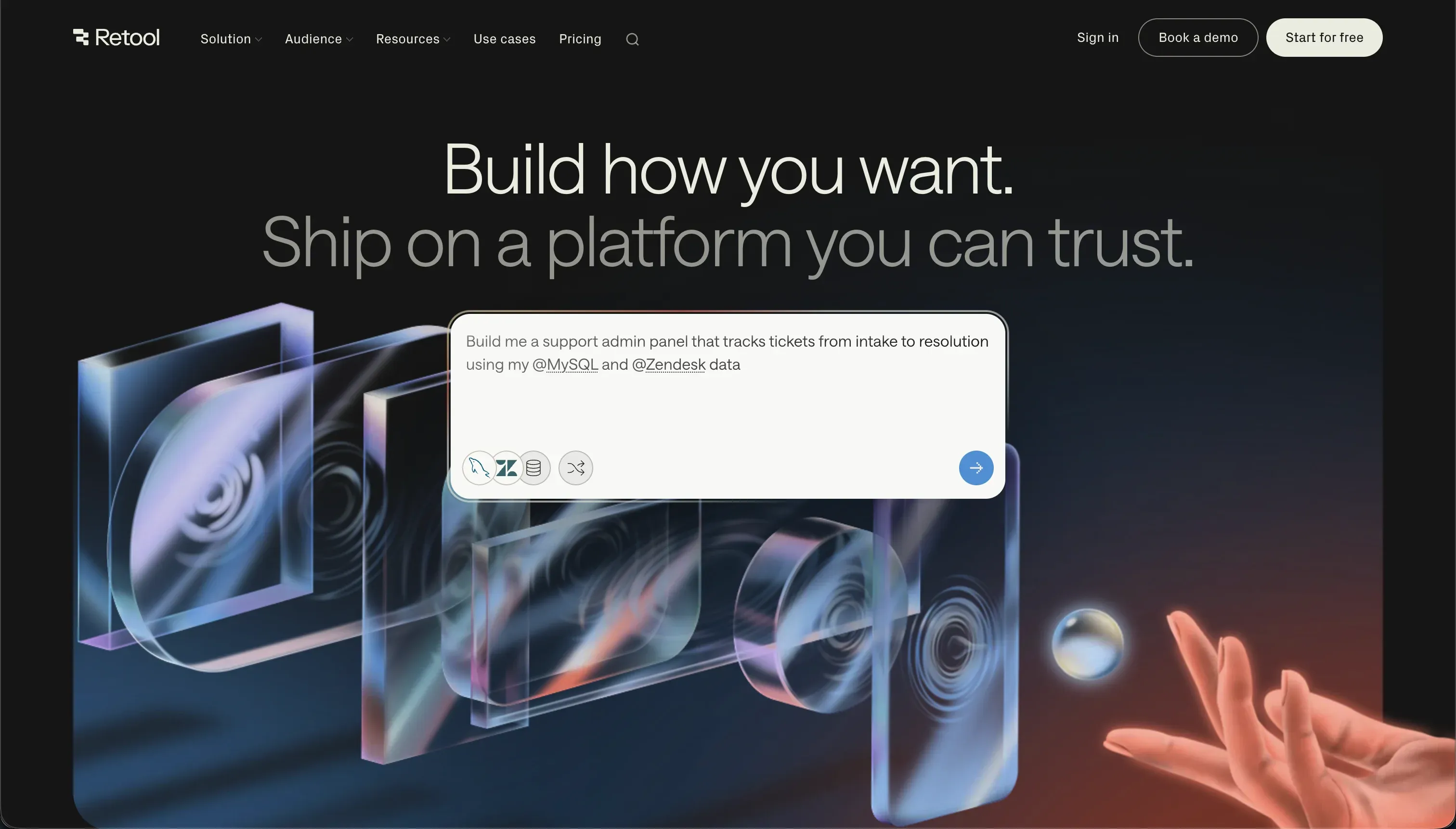 Retool homepage snapshot
Retool is outstanding when the people building the dashboard are comfortable with SQL, JavaScript, and backend systems. Its component library is deep, its data-source support is broad, and it is purpose-built for operational interfaces where tables, filters, forms, and actions all need to work together. For teams that want direct control, Retool exposes the plumbing instead of hiding it.
Pick Retool if your dashboard is core internal software and you have engineers who want precision more than simplicity. It ranks first because it handles complex CRUD logic, heavy database queries, and direct API connections in a dense layout that operations teams depend on. Full review.
2. Softr - visual block resilience for mixed teams
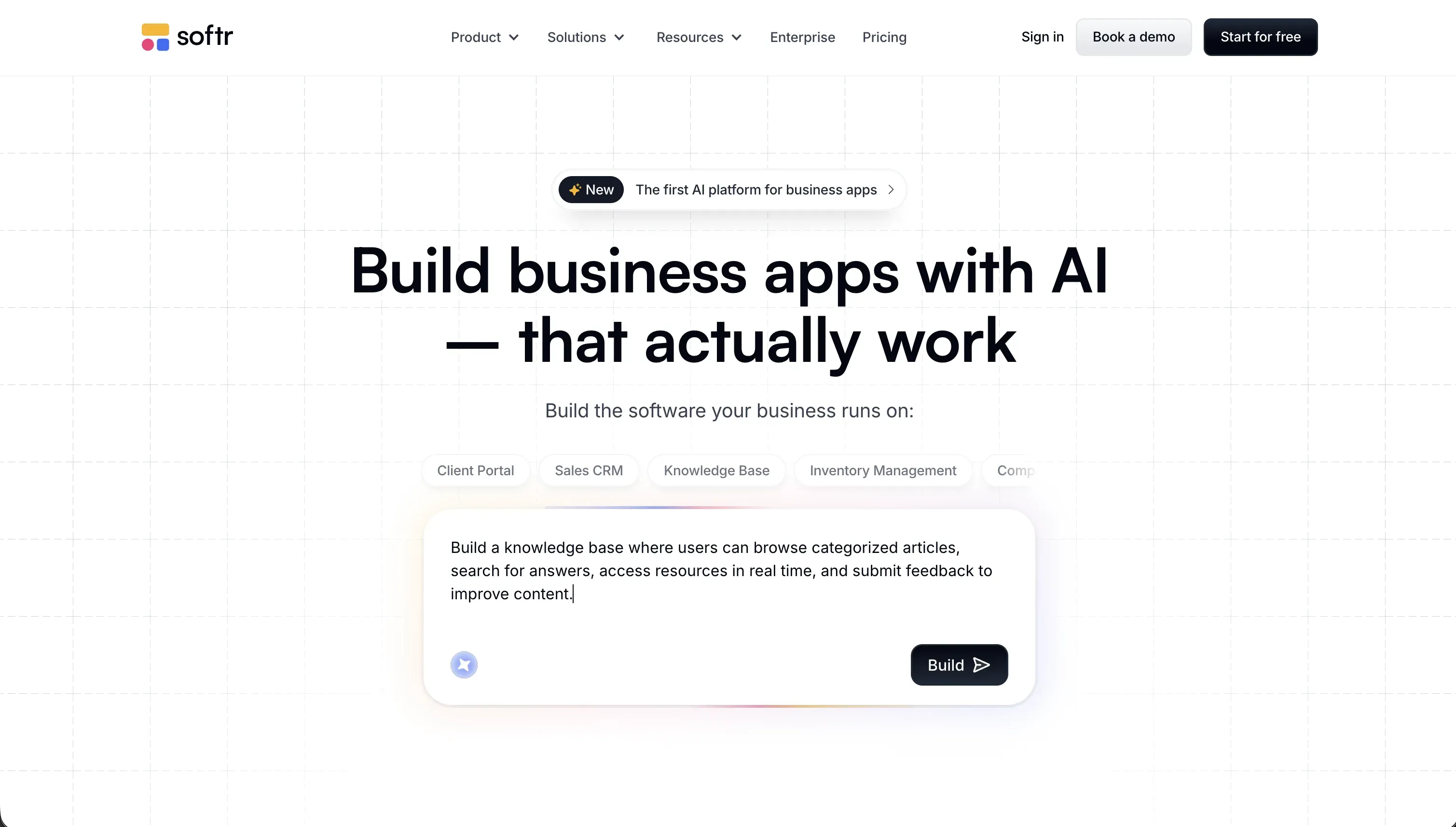 Softr homepage snapshot
Softr serves as the best fit for dashboards where non-technical operators need to build and maintain the layout. You can prompt the AI Co-Builder to generate layouts with tables, charts, calendars, and forms, but the result is not a pile of loose generated code. It is built from native visual blocks with built-in permissions, which is exactly what this use case needs.
That matters once a dashboard becomes operational, not just presentable. You can connect Softr Database or external sources like Airtable and HubSpot, control who sees what, and avoid writing your own row-security logic from scratch. Choose it if you want your dashboard to live online and survive edits from non-technical team members without any code regression fuss. Full review.
3. Replit - best when custom logic outweighs convenience
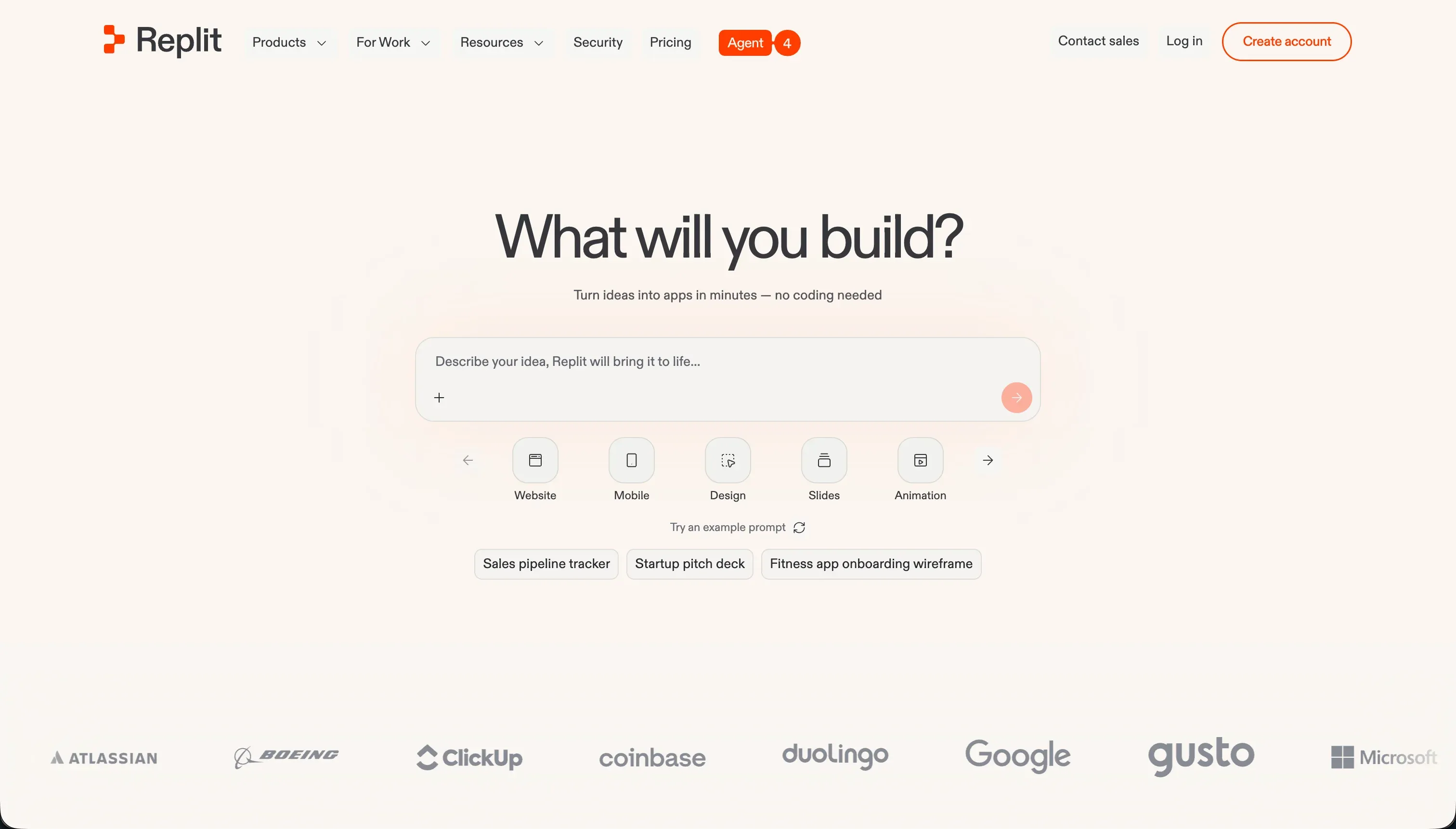 Replit homepage snapshot
Replit works well for internal dashboards that do not fit neatly into a visual builder. Its agent can scaffold backend code, database structure, and UI from prompts, which makes it useful when you need custom calculations, bespoke workflows, or logic that would be awkward to express in a block-based tool. You are getting a real coding environment, not just a generator.
That freedom comes with the usual code-first tradeoff: you inherit the maintenance burden. Dependencies age, generated code needs review, and production behavior still has to be tested and secured by people who understand the stack. For an internal dashboard, that matters more than it would for a throwaway prototype. Full review.
4. Bubble - capable, but easier to outgrow badly
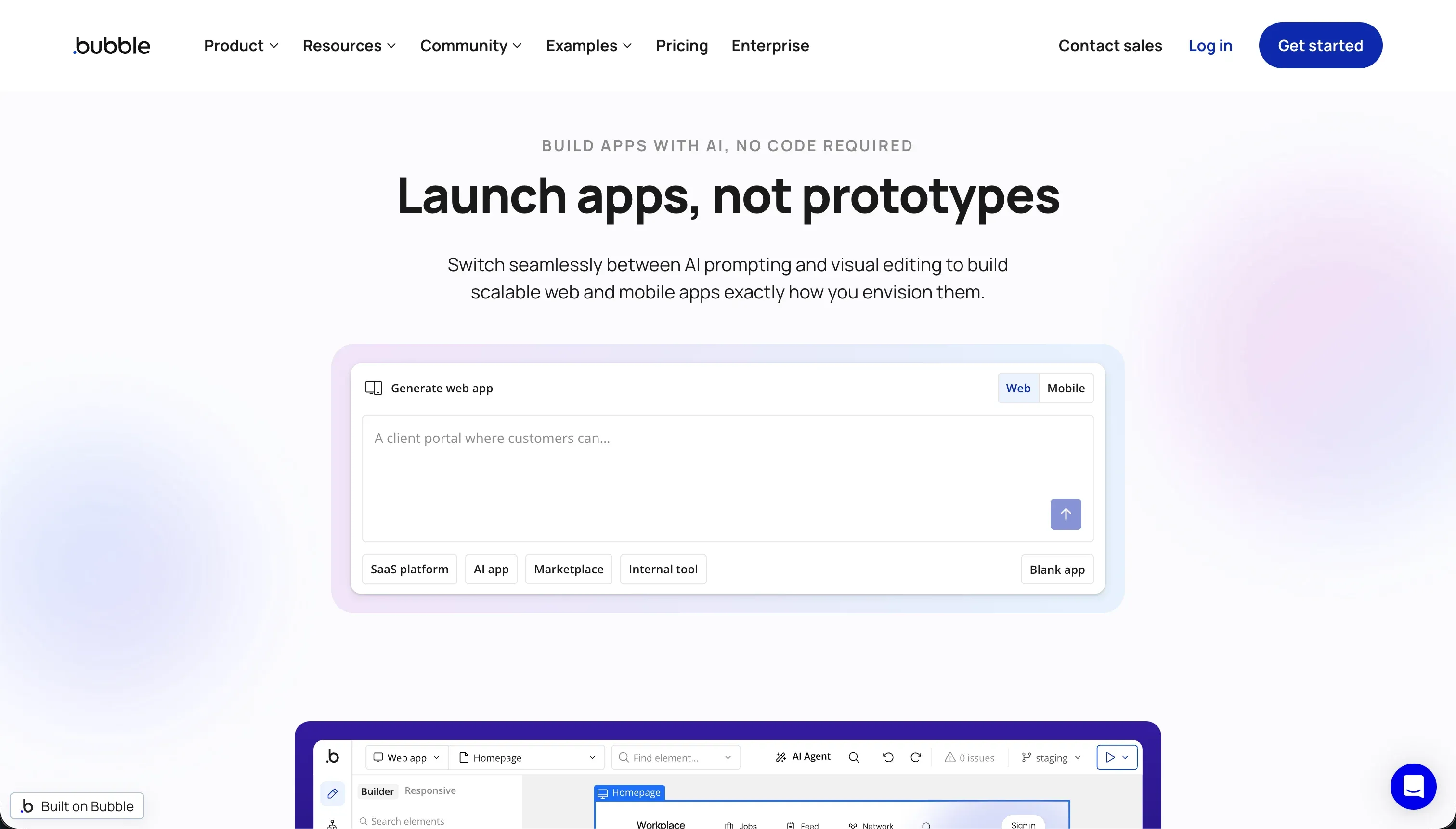 Bubble homepage snapshot
Bubble is powerful enough to run serious internal dashboards, especially when you need relational data, workflow logic, and full-stack behavior inside one visual system. It has a mature ecosystem, lots of extensions, and enough flexibility to model more than a simple admin panel. The appeal is obvious if you want visual app logic without writing raw code.
The reason it sits below the top three is not lack of capability. It is that Bubble rewards careful builders and punishes messy ones. Internal dashboards tend to accumulate queries, filters, permissions, and workflow steps quickly, and inefficient design can turn into performance issues or unpredictable workload costs. Full review.
5. v0 - great UI, missing the hard parts
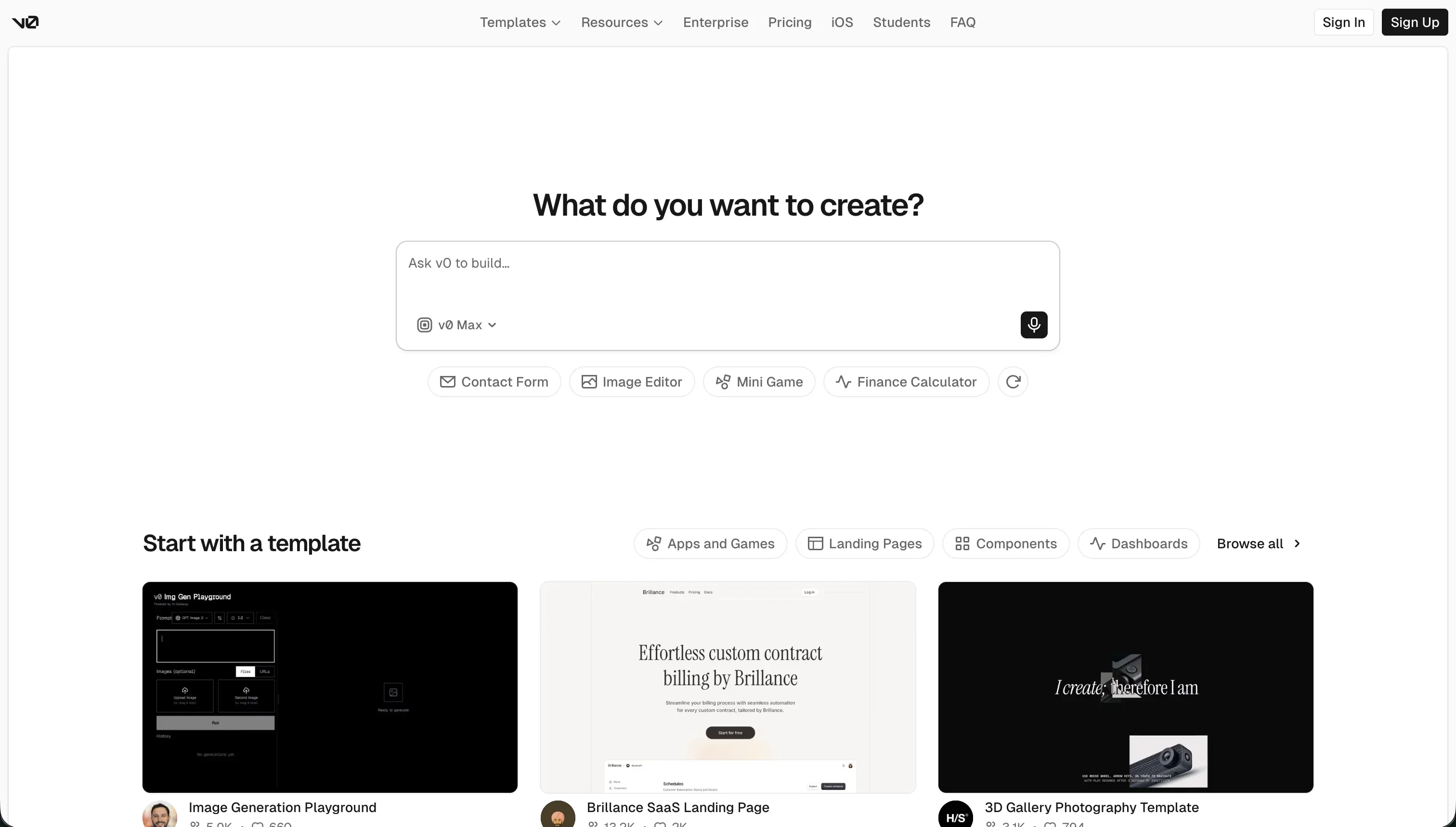 v0 homepage snapshot
v0 is impressive at the part many people notice first: the interface. Prompt it with the kind of dashboard you want and it can generate polished React layouts quickly, often with better taste than traditional admin builders. If your main goal is to get to a strong-looking frontend fast, v0 is a serious accelerator.
But internal dashboards are not won on UI alone. v0 does not give you native databases, permission systems, or operational guardrails out of the box. That means the hard parts of this use case, including authentication, data access, and safe write actions, still need to be engineered elsewhere. Full review.
6. Zite - prompt-driven builder with spreadsheet-like data
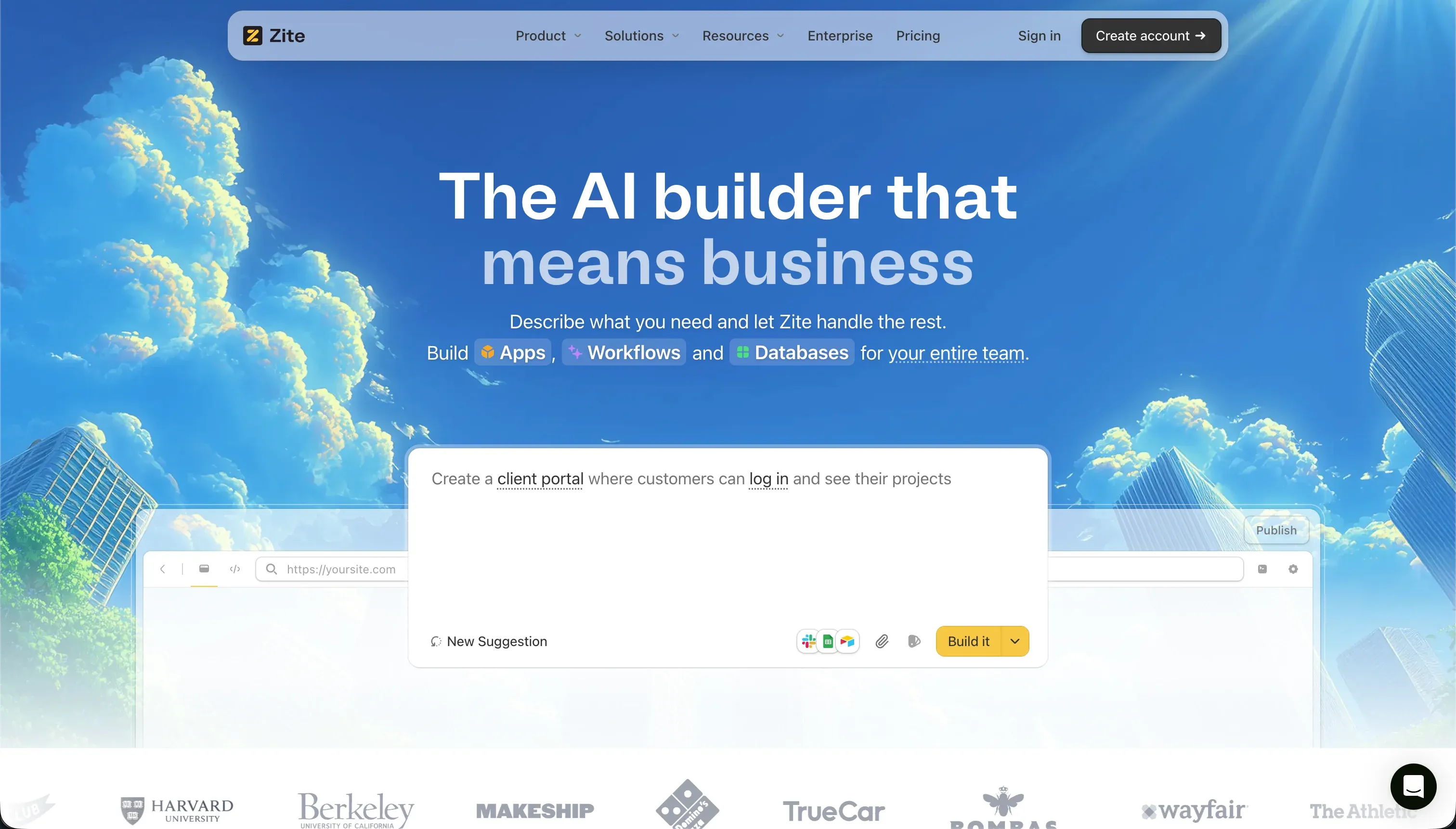 Zite homepage snapshot
Zite (formerly Fillout) enters the dashboard space as an AI-first no-code builder that aims to make visual setups fast and friction-free. You prompt the AI with the type of dashboard or workflow you need, and it generates the UI along with a spreadsheet-style SQL database. By integrating Fillout’s powerful form DNA, Zite is highly optimized for gathering, verifying, and displaying team data. Its standout benefit is supporting unlimited users on all tiers.
However, it sits at the bottom of the ranked roster due to several day-two limitations. Its design engine is highly rigid, offering little layout control if you want custom pixel positioning. Because Chat Mode iterations consume AI credits quickly, design sessions can become expensive. The unlimited-user headline also hides a second meter that bites hardest on dashboards: standard CRUD actions, including every database read when a page loads or reloads, count against the monthly workflow runs (5,000 on Pro), so a few people opening dashboards through the day can exhaust the quota in days, with no clear self-serve add-ons before a custom Enterprise plan. And because almost every action becomes a workflow, a simple build can spawn dozens and clutter the workspace. Additionally, Zite lacks code export or GitHub sync, meaning you are locked into their proprietary hosting framework. Full review.
Also tried: the tools that didn’t make the cut
We also looked at Cursor, Lovable, and Bolt. Cursor is excellent as an AI coding assistant, but for internal dashboards it is still just an editor, so security, hosting, auth, and data plumbing remain your problem. Lovable is fast for prototypes, but research and hands-on use keep pointing to the same issue: once AI is shaping your schema and access patterns, you can accumulate risky backend debt quickly if nobody audits it closely. Bolt is similarly good at getting a demo live, but it is less convincing once the job becomes long-term operations, permissions, and controlled read-write access across real teams.
How to pick your dashboard builder
Who will maintain this dashboard after the prototype works?
| Your situation | Build on |
|---|---|
| Engineers need direct SQL and API control | Retool |
| Ops or business team needs to own updates | Softr |
| Custom backend logic is the main challenge | Replit |
| Frontend polish matters more than built-in infrastructure | v0 |
| Fast prompt-driven database visualization with unlimited users | Zite |
A practical test: list the three riskiest actions users will take in the dashboard, like editing records, viewing restricted data, or triggering workflows. If you cannot explain today how each action is authenticated, authorized, and logged, do not choose the more code-heavy option. That is usually the signal to move toward Softr or Retool instead of a looser AI-generated stack.