


Most teams have a graveyard of abandoned project tools that almost fit. A custom tracker built around your actual workflow stands a better chance of sticking, but it’s still multi-user software with statuses, assignments, and updates flying around, so it needs a foundation that handles concurrent edits gracefully.
This ranking is part of the internal tools family.
Building a task manager or project tracker is a massive test of data durability. Unlike a simple text generator, a task manager requires dynamic page state, real-time collaboration, instant user permissions, and reliable relational rollups. Research shows that while LLMs compile code successfully 90% of the time, roughly 45% of that code contains OWASP Top 10 vulnerabilities. When concurrent team members are editing deadlines and shifting task statuses, code-heavy abstractions can crack under pressure.
We ranked this list based on what survives real user testing rather than initial demo speed. To keep your team out of the “graveyard,” we looked at how easily these tools handle day-two relational database schema changes, task assignment security, and complex multi-status filtering without getting stuck in infinite AI bug-correction loops.
1. Softr - the task tracker that survives team updates
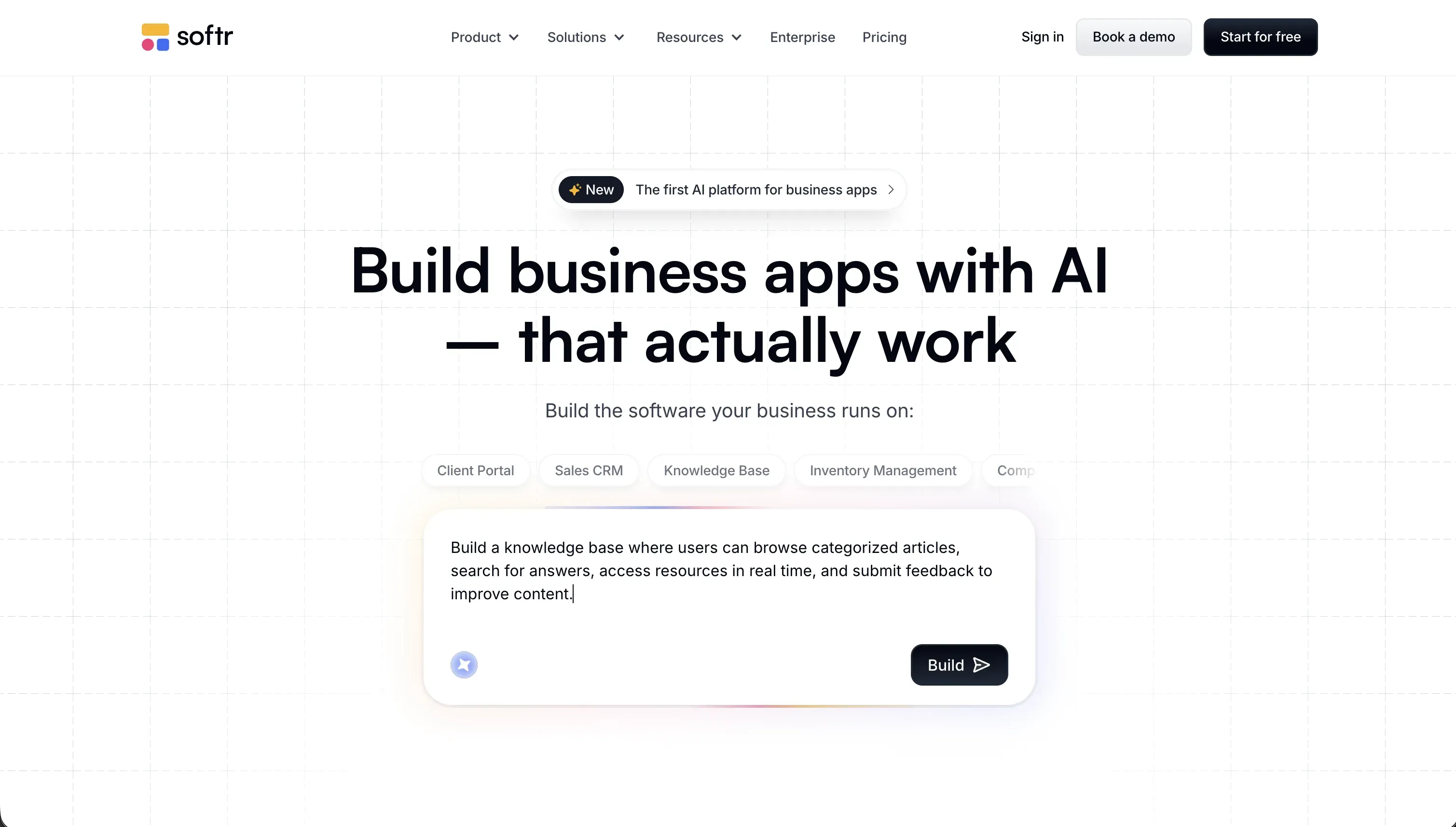 Softr homepage snapshot
Softr is the strongest platform for project trackers because it handles the critical database, UI layout, and permission architecture out of the box, allowing you to use AI for specific block-level customizations. When we built a task manager with Softr’s AI Co-Builder, we got a relational database, clean status filters, action buttons, and nested collaborator visibility in a single step. You never have to worry about clients or employees accidentally seeing each other’s tasks, because visibility rules are visually set in the platform rather than generated in code.
With its native, relational Softr Databases, you can easily link tasks to larger projects, calculate rollups, and integrate local AI helpers to write formulas. If you need a hyper-custom team roadmap or calendar layout, the Vibe Coding block lets you prompt a custom React block into existence without sacrificing the security of your app’s core data. This hybrid approach ensures you can build quickly without accumulating massive technical debt.
We ranked Softr first because it does not block your project’s scaling or force you into credit-draining debugging loops. When you need to add task dependencies or new status categories weeks after launch, you can make those tweaks visually in seconds, without any developer overhead. Full review.
2. Replit - autonomous developer environment for full-code trackers
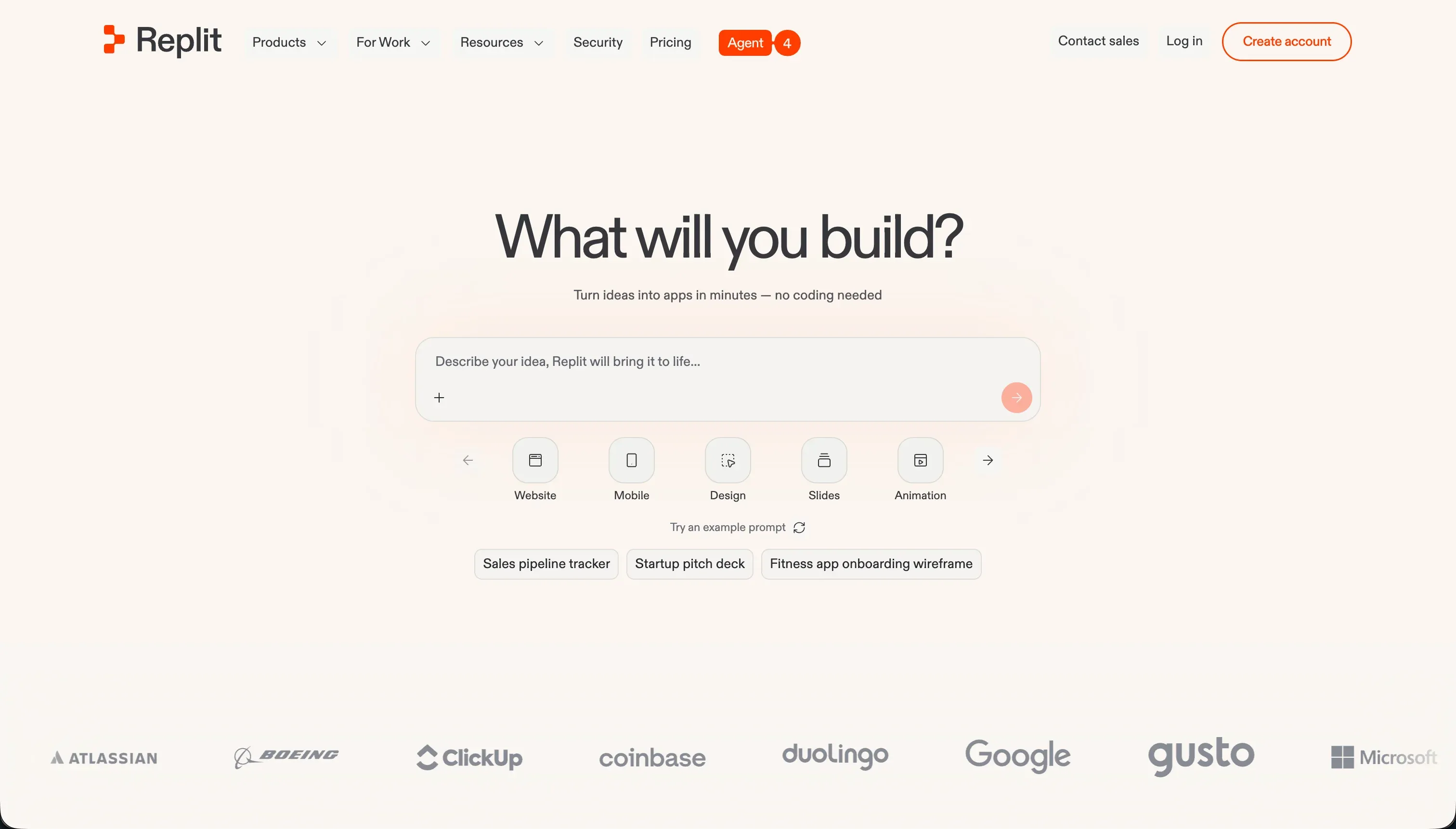 Replit homepage snapshot
Replit uses its Replit Agent to scaffold and deploy complete project trackers from raw conversational prompts. It builds the front-end, provisions a managed PostgreSQL database layer, and sets up real multiplayer collaborative features with shared cursors. Unlike abstract visual builders, Replit generates real backend code in standard frameworks (like Node.js or Python) that you truly own and can customize in the browser IDE.
However, this developer-centric control comes with steep Day Two maintenance overhead. If you’re non-technical, you are still responsible for debugging complex deployment errors, managing library updates, and handling security middleware. Users occasionally highlight the risk of ‘infinite agent loops’ where the AI consumes your monthly credit pool while trying to solve bugs created by its own edits.
We rank Replit second because it is incredibly capable if you have a developer on the team to oversee the code. It is an extraordinary playground to learn and iterate, but you are still responsible for code maintenance. Full review.
3. Retool - high-density trackers for technical operations teams
 Retool homepage snapshot
Retool is a developer’s dream for constructing internal dashboards, bug queue trackers, and administrative tables. It provides more than 100 pre-built UI elements explicitly optimized for data density, alongside a built-in PostgreSQL database and native JS/SQL query consoles. It stands up to heavy concurrent writing and reads directly from your existing APIs and developer tooling databases.
However, Retool is not a no-code tool; you must write SQL queries and JS variables to make your interface interactive. More importantly, its strictly seat-based pricing model charges per user seat. This makes Retool cost-effective for a small engineering group, primary administration, or a close-knit operations team, but highly expensive if you intend to roll out task portals to hundreds of external contractors or clients.
We ranked Retool middle-of-the-pack: it is fast and dependable for builders with SQL knowledge, but its coding barrier and rigid user licensing model restrict wider organizational adoption. Full review.
4. Bubble - limitless custom logic with a steep learning curve
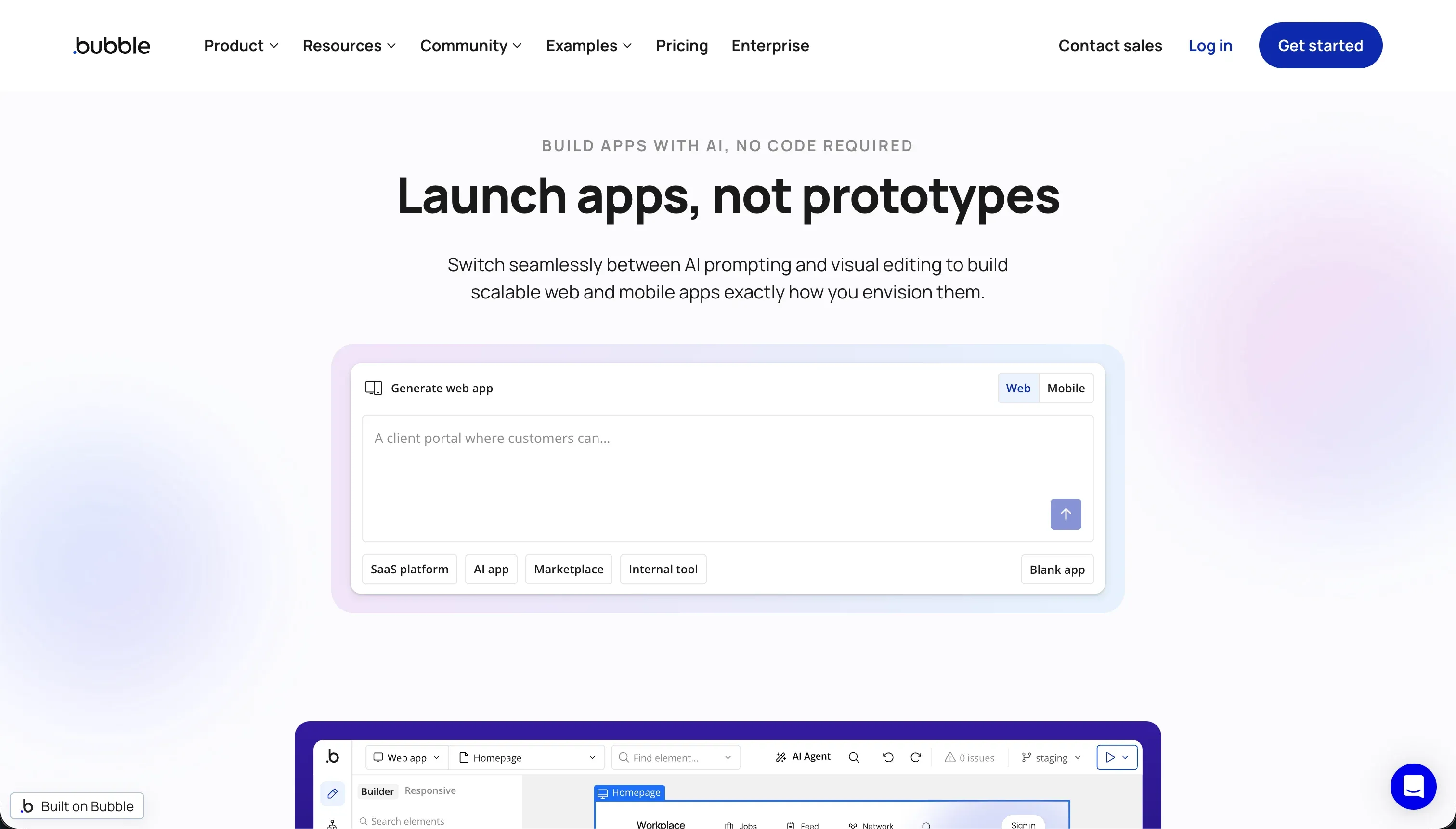 Bubble homepage snapshot
Bubble is a visual programming tool that gives you deep control over custom database relationships, conditional visual states, and database privacy rules. It supports multi-tier project tracking systems where team managers can assign permissions and trigger background schedulers visually. The massive plugin ecosystem makes it easy to integrate payments, maps, or external logging systems into your tracker.
Despite being no-code, Bubble requires developer-like conceptual knowledge to maintain. If you build poor database schemas or inefficient loops, your tracker will eat up Bubble’s complex ‘Workload Units’ (WU), which can trigger unexpected monthly bills. Users also report that long-term projects suffer from performance drops if database architecture isn’t highly optimized.
Bubble sits at rank four because it is incredibly capable for custom workflows, but its steep mastering curve and volatile pricing based on server usage make it a high-risk system for teams prioritizing simple, stress-free maintenance. Full review.
5. Cursor - AI-accelerated IDE for custom React and Next.js trackers
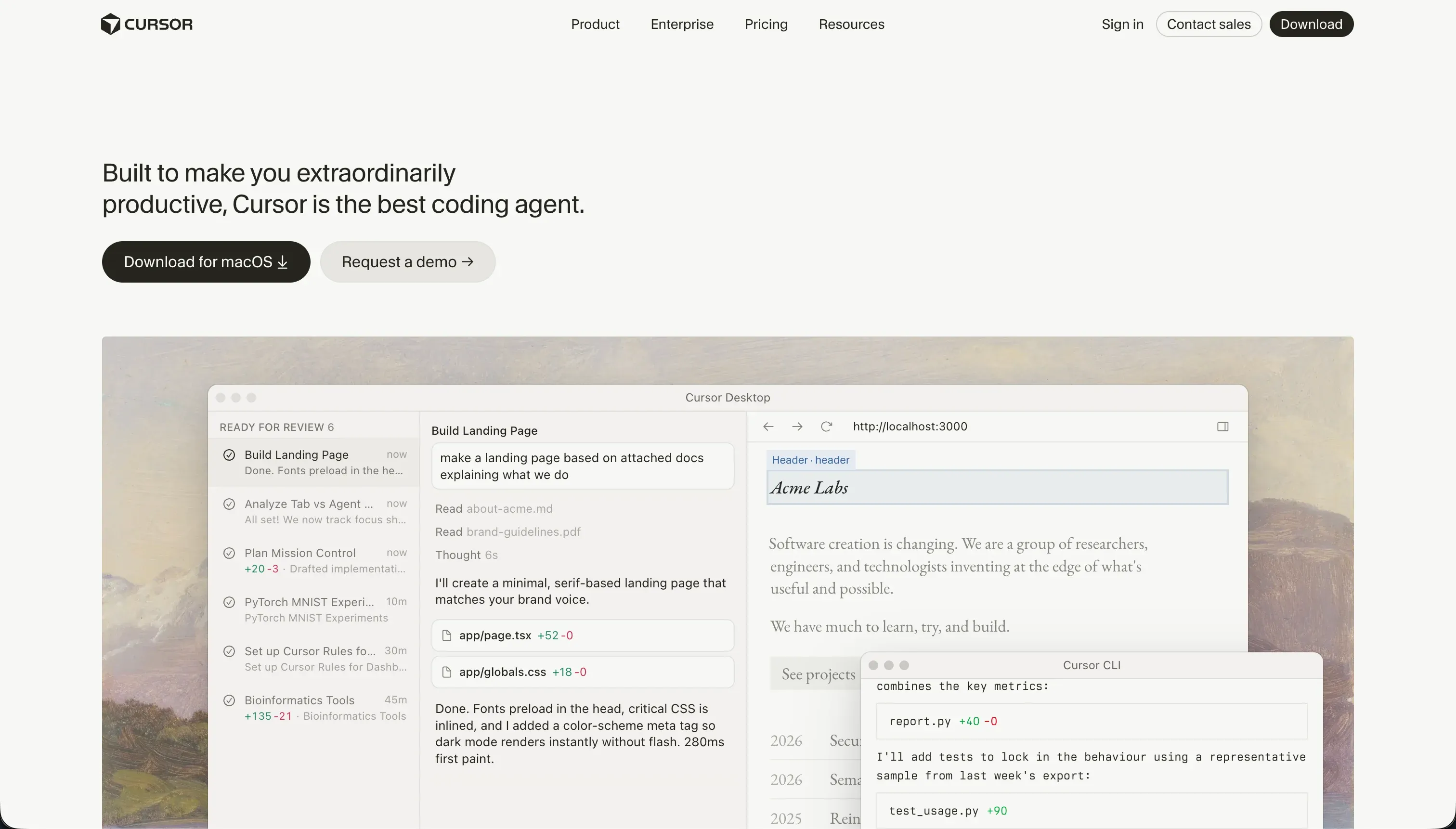 Cursor homepage snapshot
Cursor is an AI-first fork of VS Code that indexes your entire codebase to generate code with complete context. Developers can use its advanced Composer mode to delegate complex, multi-file edits, write automated tests, and refactor code libraries simultaneously. It takes most of the typing and cross-file bookkeeping out of building a unique, high-performance project tracker in Next.js or React.
However, Cursor is a professional IDE, which means it provides no visual drag-and-drop components, hosting, or database layers. You must write, deploy, and secure the code, and manage server scaling entirely on your own. If the AI makes structural mistakes, non-technical teams will struggle to roll back changes or diagnose terminal compilation errors.
We ranked Cursor fifth because it is a developer accelerator rather than a platform. If you have an engineering team building custom software, Cursor is unbeatable, but it is completely the wrong choice for a business operator looking to deploy a quick tool. Full review.
Also tried: the tools that didn’t make the cut
We also took a close look at a few other options that struggled to fit the bill for multi-user project trackers. Base44 offers a fast conversational app generator with built-in database management, but teams report that its credits are consumed rapidly by AI bug-regression loops and its hosting architecture struggles with complex multi-user workspace access. Lovable produces gorgeous frontend dashboard designs and links directly to Supabase, but builders warn of major code-maintenance issues when trying to modify relational DB schemas on live client apps, presenting a risk of silent database regression loops.
How to pick your project tracker builder
Which team member will be responsible for resolving bugs and updating tracking criteria six months from now?
| Your situation | Build on |
|---|---|
| Non-technical operations teams | Softr (visual updates, no database management overhead) |
| Small engineering teams with SQL data | Retool (instant connection to SQL, rigid but fast admin tables) |
| Technical builders who want complete code ownership | Replit or Cursor (flexible stacks but require infrastructure maintenance) |
Test any vibe-coded tracker with a concurrent write test. Create three dummy tasks, invite two coworkers to update their statuses simultaneously, and check if status updates overlap or fail. In Softr, data connections and operations run securely on the server side to protect data integrity, ensuring your project queues survive heavy workday use.