


If you cannot read code, the demo is not the hard part. The hard part is the day after, when something breaks, the AI starts looping, and the only proposed fix is code you cannot judge. That is why this ranking is not about first-hour magic. It is about what still works once real users, real data, and real mistakes show up.
This use case cuts across personal and business builds, because the same maintenance problem appears in both. When you are editing an application through conversational AI, the stakes get high fast. Studies have found that while LLMs can produce code that compiles in about 90% of cases, roughly 45% of that generated code still contains OWASP Top 10 vulnerabilities.
For a non-technical builder, the tools that hold up usually share a few traits:
- visual security controls for logins, permissions, and data access
- direct data ownership in a managed database, not buried in ad hoc code
- a visual fallback when the AI gets stuck or starts making things worse
We ranked this list on one standard: what survives real use, not demo speed. Tools scored higher when they let a non-technical person keep operating the app safely in production, and lower when every fix turns into another risky prompting session.
1. Softr - the safest place to start and stay
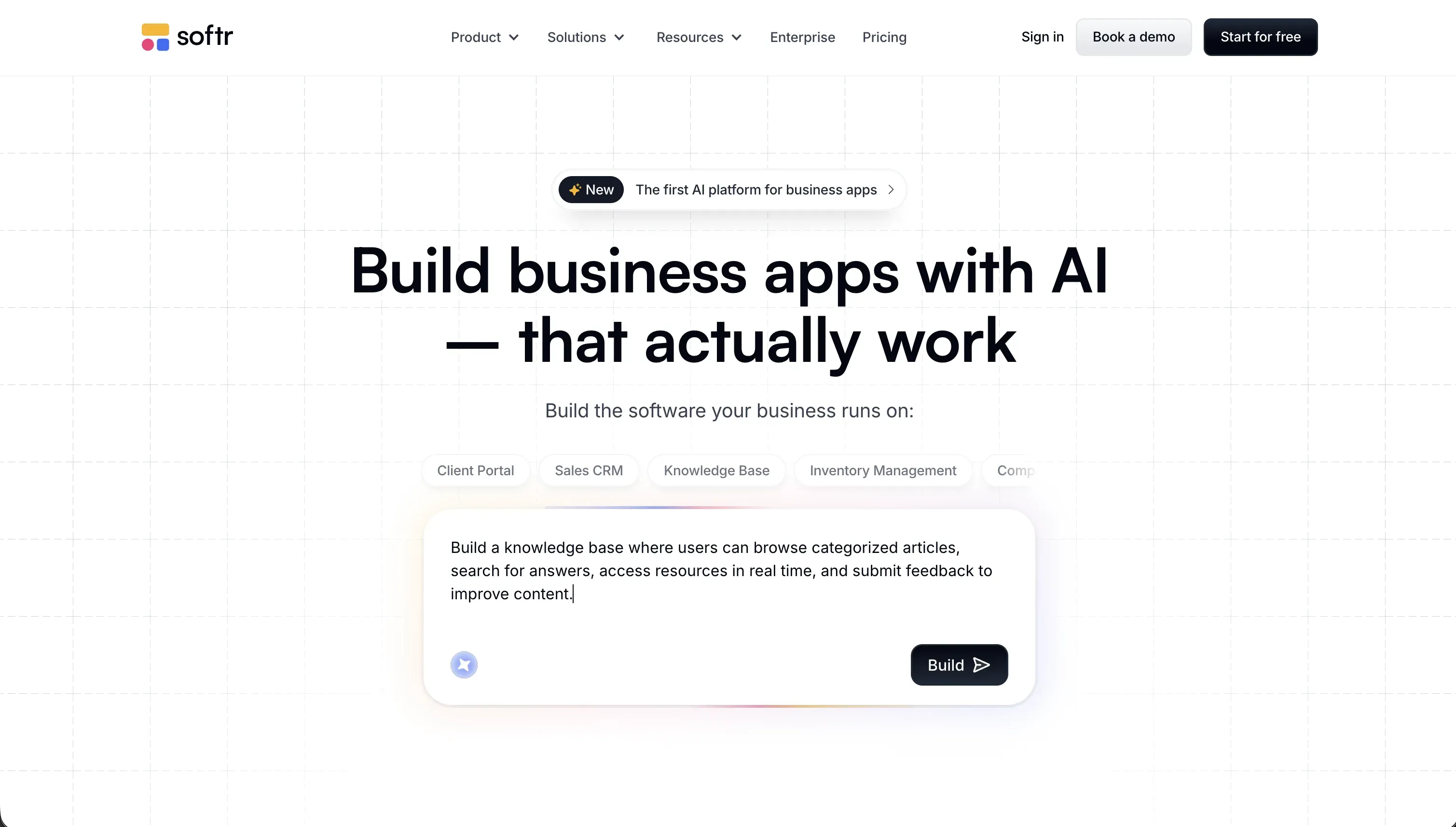 Softr homepage snapshot
Softr ranks first because it gives non-technical builders the thing most vibe coding tools do not: a workable day-two path. Its AI can generate an app, data structure, permissions, and UI quickly, but the result stays inside platform-level visual controls instead of turning into a pile of code you have to trust blindly. That matters most for auth, row visibility, and routine edits, where non-technical teams usually get trapped.
The reason it beats pure code generators here is not that it looks flashier in a demo. It is that the boring but critical parts are already handled as product features: logins, user groups, permissions, responsive blocks, hosting, and a visual database workflow. Even when you use its custom code options, the safer default path remains available, so you are not forced into endless AI debugging loops just to change a form or fix access rules.
Pick Softr if you want the highest odds of getting a real app live and still being able to run it yourself six months later. It is not higher on raw code freedom than tools like Replit or Lovable, but for this use case that is a strength, not a weakness. Full review.
2. Replit - powerful, but you still own the mess
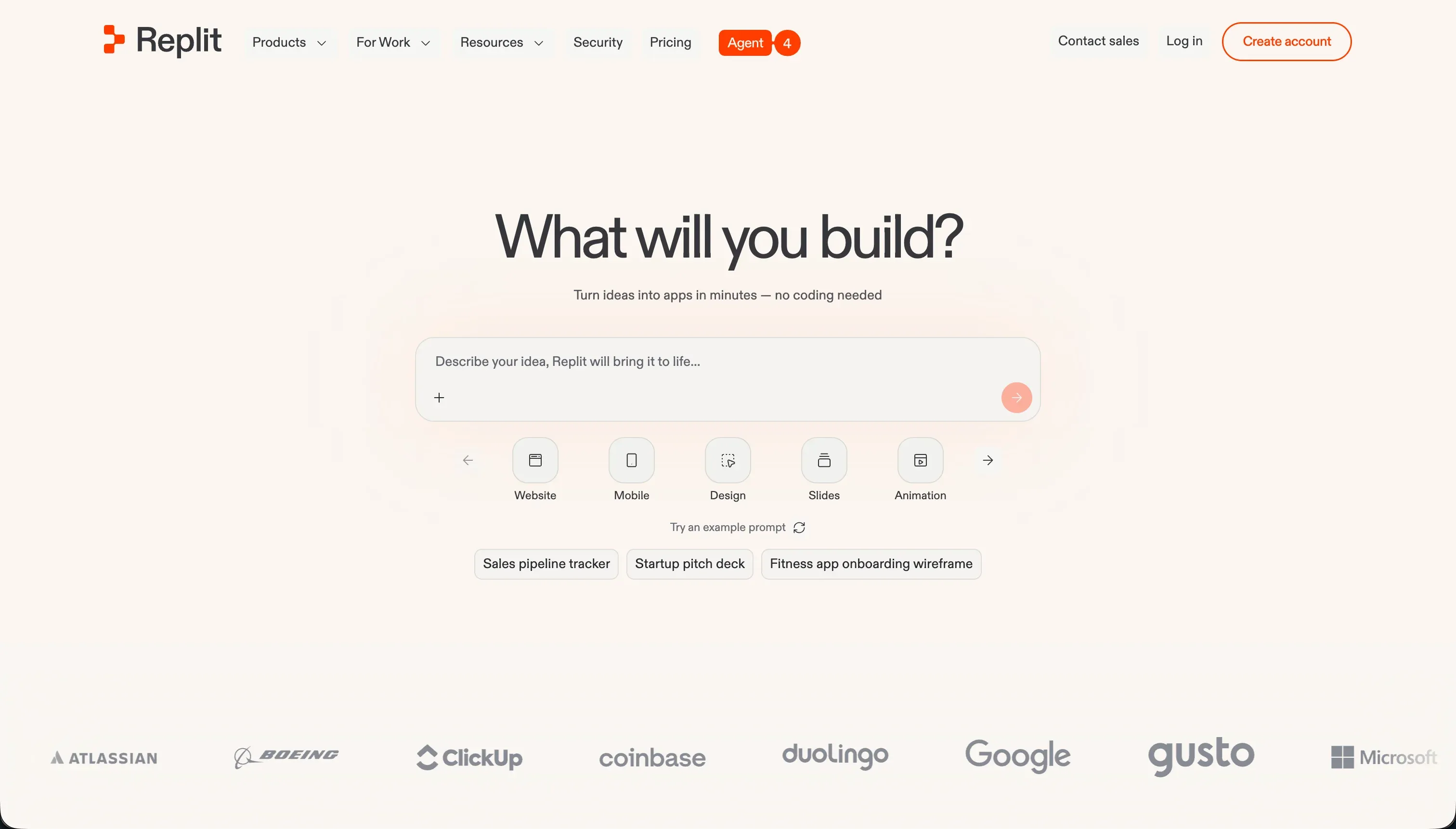 Replit homepage snapshot
Replit Agent is one of the most impressive prompt-to-software environments available. It can scaffold full apps, handle files, spin up databases, and iterate on bugs with very little ceremony. For a founder who wants maximum flexibility and is willing to learn, it can feel like having a fast junior dev inside a full containerized workspace.
It ranks second because the platform assumes developer recovery skills when things stop going smoothly. Non-technical users still run into secrets management, schema problems, package issues, and agent loops that claim success while leaving broken behavior behind. The app may be live, but that is not the same as being maintainable by someone who cannot inspect the code or architecture.
Choose Replit if you want the broadest ceiling and accept that you may need technical help sooner than the demo suggests. It is not first because this ranking rewards survivability for non-coders, and Replit still asks too much from them once the AI stops being cleanly helpful. Full review.
3. Bubble - serious visual power with serious overhead
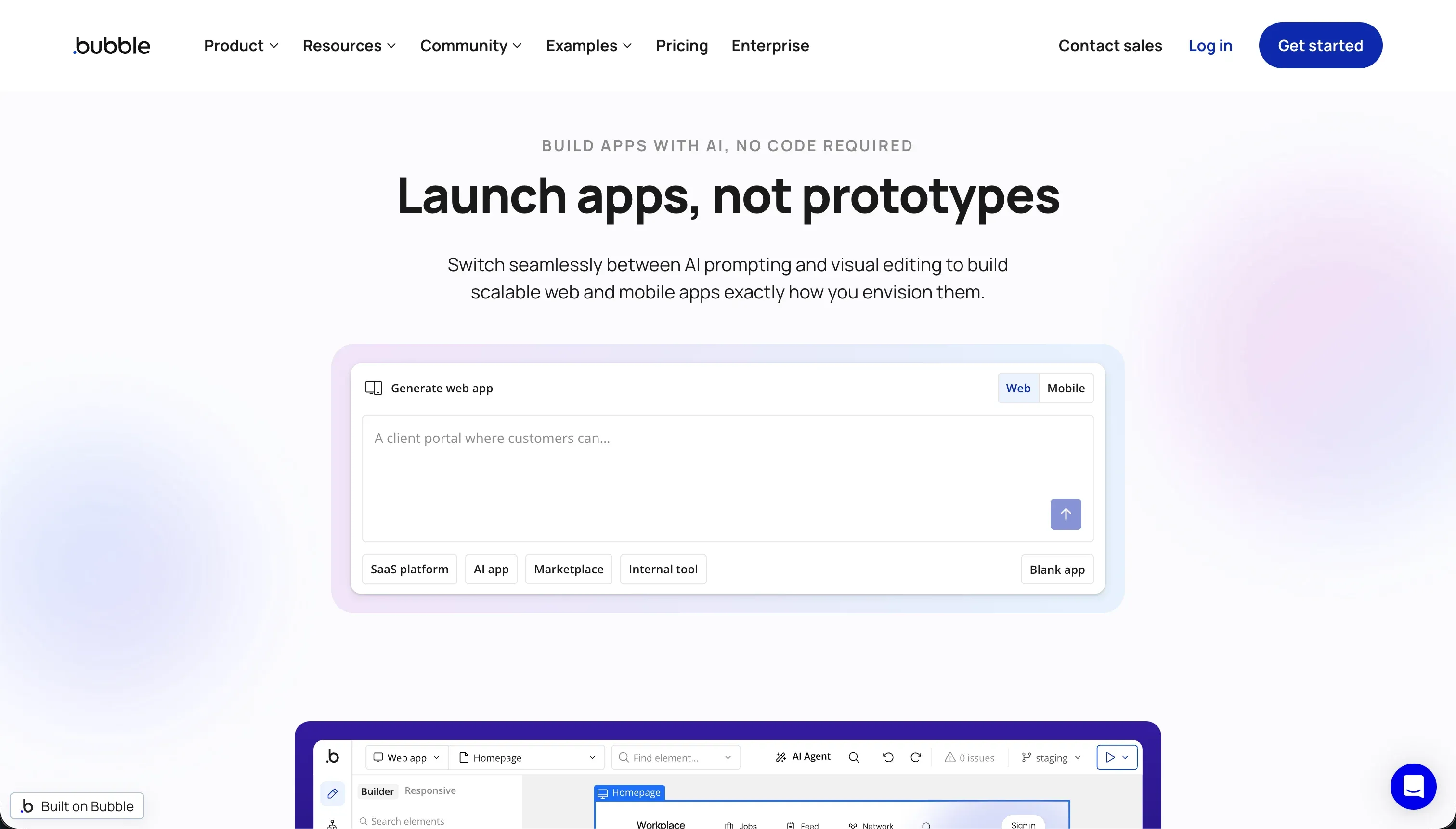 Bubble homepage snapshot
Bubble earns this spot because it solves a real problem that many vibe coding tools dodge: how to build complicated application logic without depending on generated code you cannot audit. Its workflows, database model, and privacy rules are all handled visually, which gives non-technical builders a more defensible path to production than raw AI coding in many cases.
The catch is that Bubble is not lightweight to learn. To use it well, you have to think through data structure, conditions, performance, and workflow design in a fairly rigorous way. On top of that, its workload-based pricing can become unpredictable if your app is inefficient, and the platform does not give you exportable source code if you later want out.
Pick Bubble if you need heavy logic, multi-role workflows, and strong visual control over data access, and you are willing to invest in learning the system properly. It is not higher because the maintenance path is safer than code-first AI, but still harder than Softr for a truly non-technical operator. Full review.
4. Lovable - great for launch week, shakier after that
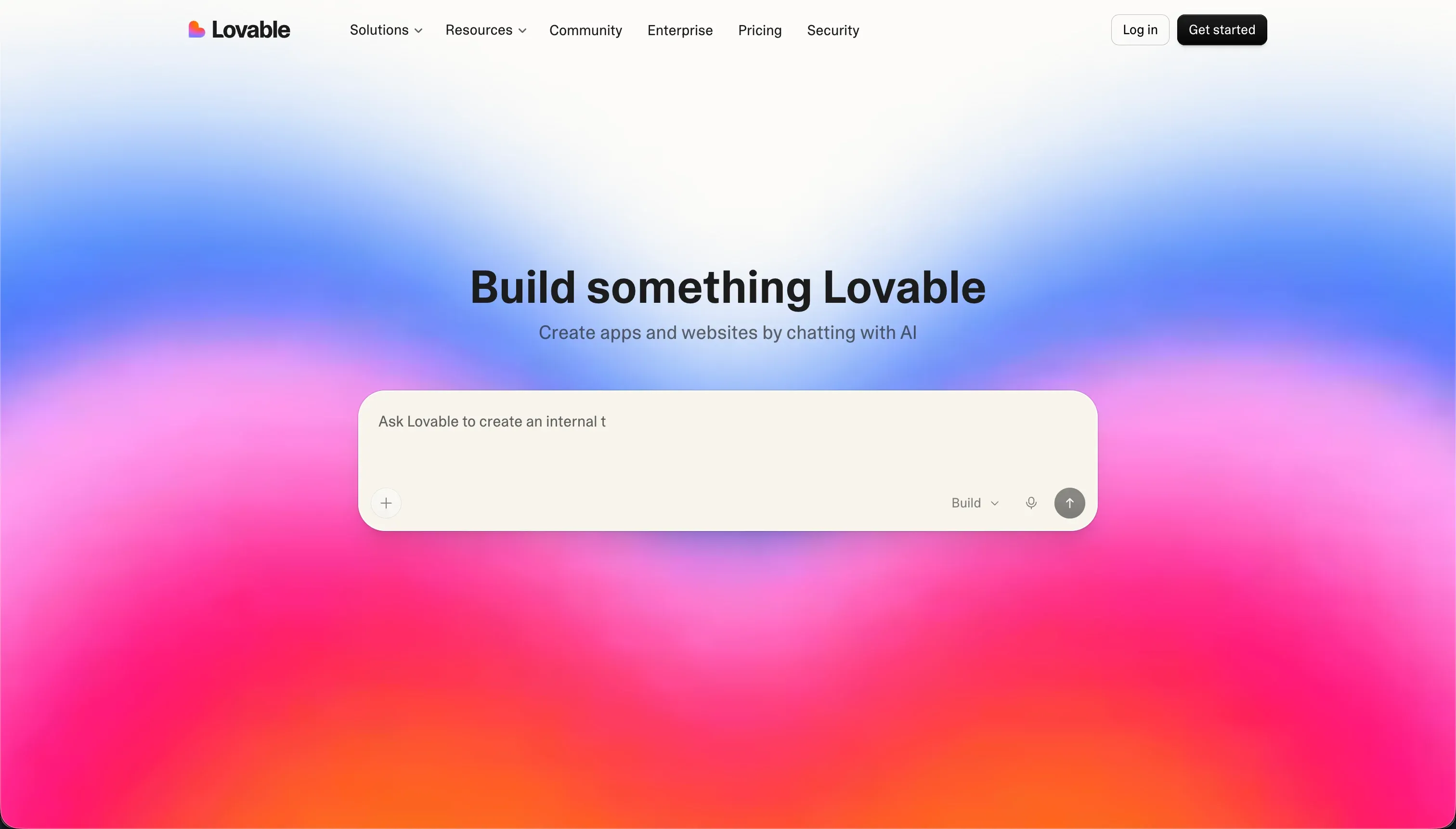 Lovable homepage snapshot
Lovable is very good at the part people notice first: turning prompts into polished React apps quickly. It produces attractive interfaces, works well for MVP momentum, and pairs naturally with modern backend tools like Supabase. If your main goal is to get a custom-looking product in front of users fast, it is one of the strongest options in the field.
It lands fourth because maintenance accumulates in the prompt layer. Every adjustment, fix, and structural change depends on the AI continuing to understand the app the way you do. Over time that creates schema debt, inconsistent patterns, and rising credit use, especially when the app starts getting real complexity. For a non-technical builder, those issues are not just annoying, they are operational risk.
Choose Lovable when speed and custom appearance matter more than long-term self-sufficiency, or when you expect to hand the project to a developer later. It is not higher because this ranking prioritizes what a non-technical owner can keep running without code fluency. Full review.
5. Base44 - easy to like until reliability matters
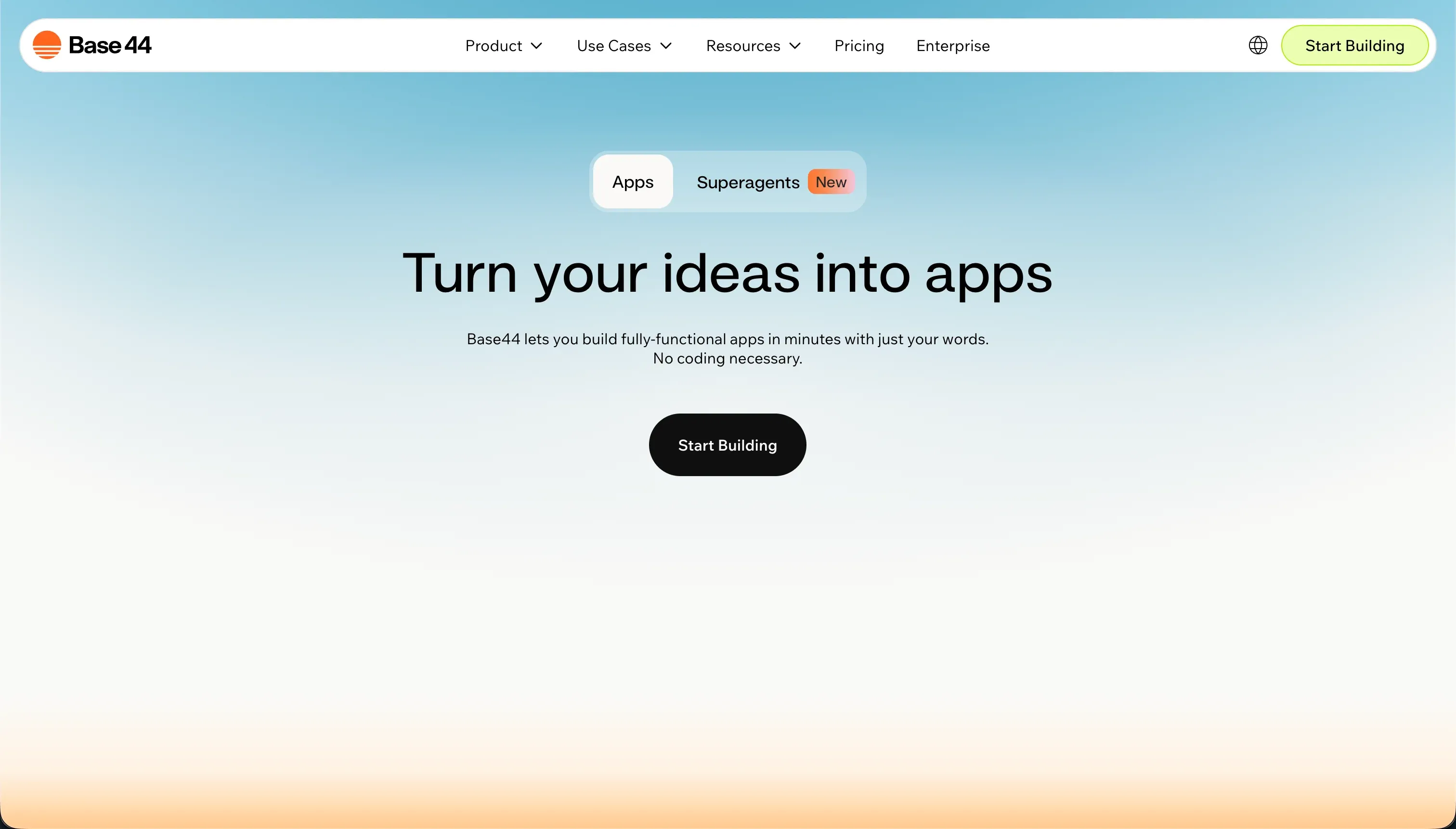 Base44 homepage snapshot
Base44 makes a strong first impression because it wraps prompting, database setup, and app generation into a simple package. For a beginner, that lower setup friction is valuable. You can get dashboards and internal-style tools moving quickly without first choosing a separate backend or learning a full visual builder.
The problem is too much depends on the AI behaving well. Reports of regressions, editor instability, and credit-hungry repair loops make it hard to trust for important production workloads. It also falls short on native controls for more advanced business cases like granular permissions, dependable multi-user isolation, and other security-sensitive patterns that non-technical builders should not have to script by prompt.
Pick Base44 if you are experimenting and want a gentler on-ramp than a developer platform, but do not want to commit to a heavier system yet. It is not higher because once reliability and access control matter, the platform asks for more trust than this use case can comfortably afford. Full review.
Also tried: the tools that didn’t make the cut
We also looked at WeWeb, Bolt, and Anything. WeWeb missed because its frontend-first setup leaves beginners with more architecture choices and backend complexity than this use case can comfortably absorb. Bolt is exciting for browser-based coding, but the lack of a strong visual fallback makes bug recovery too dependent on code understanding and token burn. Anything showed promise, but the product still felt too volatile for a ranking focused on what holds up after the first build rush.
How to pick your vibe coding tool
When the AI breaks something important, can you fix it without reading code?
| Your situation | Build on |
|---|---|
| You need the safest path to a real app you can keep operating yourself | Softr |
| You want the highest ceiling and do not mind learning developer concepts | Replit |
| You need deeper visual workflows and data rules than lighter builders can handle | Bubble |
| You want a fast custom MVP and expect developer help later | Lovable |
A practical test: before you commit, ask the tool to create users with different access levels, then verify whether you can inspect and change those rules visually. If access control lives in prompts and generated code instead of clear settings, assume maintenance and security will get harder, not easier, as the app grows.