


Personal projects are the happy path of vibe coding. The stakes are low, nobody’s data is on the line, and if the thing breaks in month three you shrug and rebuild it in an evening. That changes what matters in a tool. For business apps we obsess over security and the Day Two problem. For a weekend build, we care about three things: how cheap it is to start, how fast we get to a first working version, and whether the process is actually fun.
That last one is real criteria, not filler. A side project you don’t enjoy building doesn’t get finished. So this ranking weighs the first 30 minutes heavily, treats credit burn as an annoyance rather than a dealbreaker, and ignores lock-in almost entirely, because the honest truth about most personal projects is that they live gloriously and die quietly, and that’s fine.
1. Replit - the most complete place to ship a toy
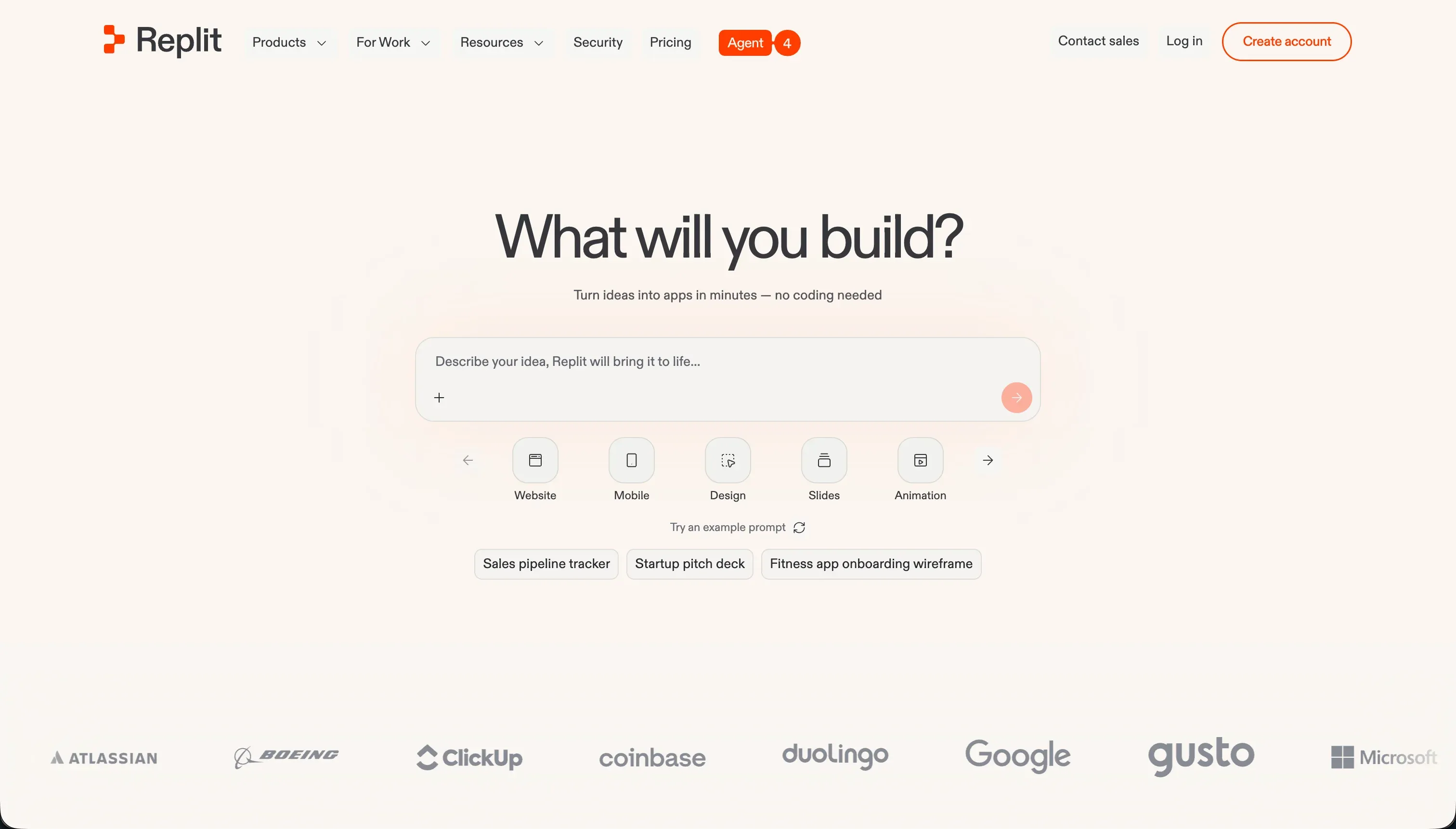 Replit homepage snapshot
Replit wins because of the moment everyone underrates: the moment you share the link. The Agent plans the app, writes the code, spins up a database, and deploys it, all in one browser tab. Our habit tracker went from “We should build that” to a URL our friends could open in one evening, and the dopamine of that loop is what keeps a side-project habit alive.
The free Starter plan gives you daily Agent credits and one public project, which is genuinely enough to learn on. The thing to watch is the meter once you upgrade: credits are effort-priced, and the community has loud stories about debugging sessions that spiral while the agent re-fixes its own bugs. For hobby builds our rule is to treat long agent sessions like a taxi with the meter running and check the dashboard often.
Pick Replit if you want the whole journey in one place and you like the idea of occasionally peeking at real code. It’s also quietly one of the best ways to learn programming, since everything the agent writes is right there to read. Full review.
2. Lovable - fastest from idea to something that works
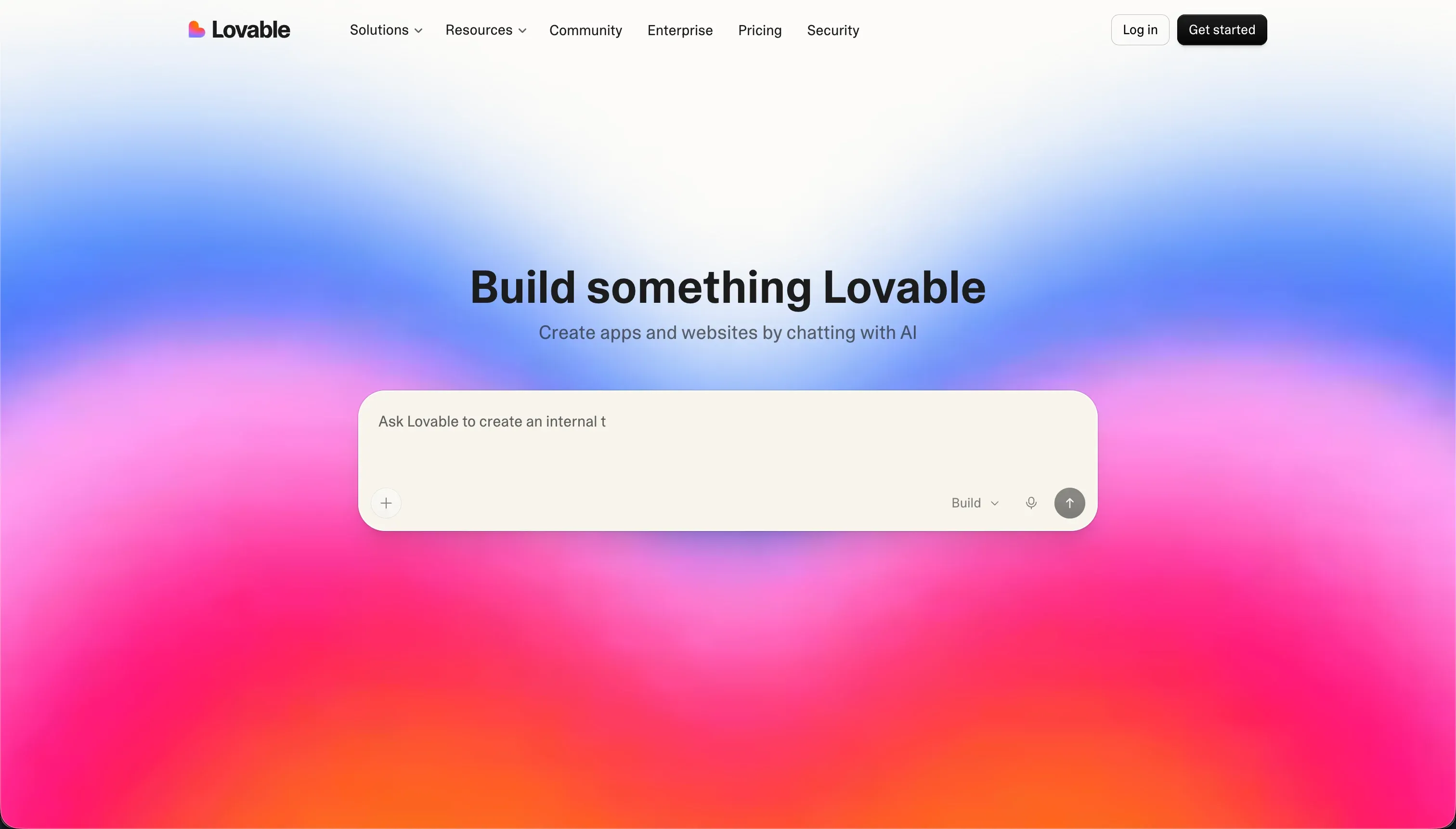 Lovable homepage snapshot
Nothing on this list beats Lovable’s first 30 minutes. You describe the app, and a working React frontend with a Supabase backend appears, looking better than anything we’d design ourselves. Our waitlist page took one evening and it’s still live months later. That’s Lovable’s sweet spot: build it once, leave it alone.
The caveats that keep it off the top spot are the long-game ones. Credits go fast in debugging loops (reviewers describe paying repeatedly while the agent introduces new errors fixing old ones), and long-term builders report platform updates breaking existing apps. For a personal project you’ll finish in a weekend, neither matters much. For one you’ll keep tinkering with for a year, they do.
Pick Lovable when the project is small, visual, and finishable. It’s the tool we recommend to friends trying vibe coding for the first time, because the early wins come so quickly. Full review.
- Build it once, leave it alone
- Credit burn in debugging loops barely matters
- A working waitlist page in one evening
- Stays live months later
- Credits go fast in debugging loops
- Paying repeatedly while new errors fix old ones
- Platform updates can break existing apps
- Long-game costs stack up
3. Bolt - the free tier that teaches you the most
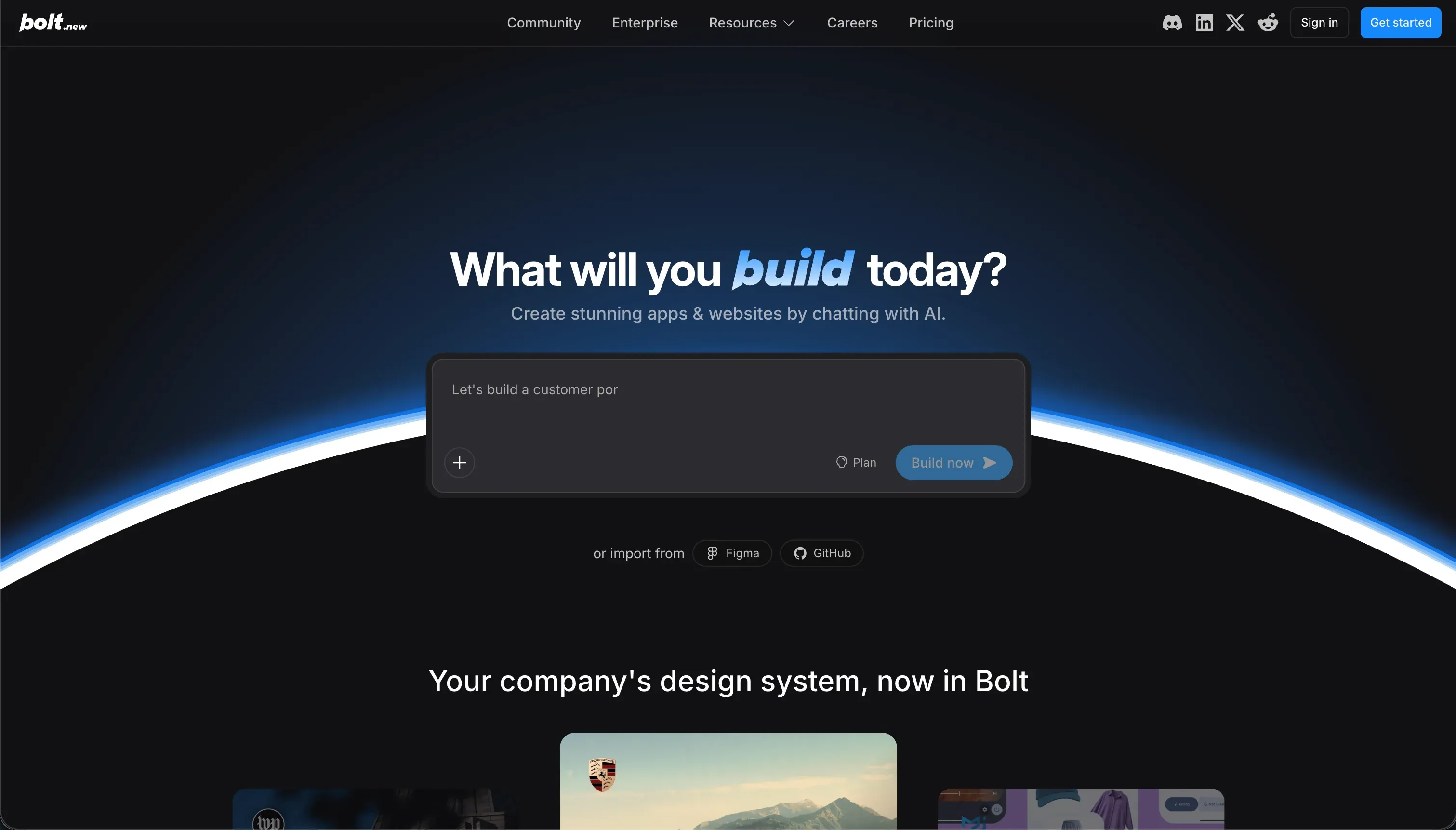 Bolt homepage snapshot
Bolt’s free plan gives you 1M monthly tokens, the most generous learning budget here, and what you’re learning is closer to real development. It generates the app fast, then drops you into a genuine browser-based Node environment with a terminal, so you can poke at what the AI built instead of just prompting from outside.
We used Bolt for a small browser game and enjoyed how much steering it allows: install a package, edit a file by hand, push to GitHub, no lock-in. The flip side is that the heavy lifting beyond the frontend is yours. There’s no native auth or database layer, so anything with logins means wiring up Supabase yourself, and token burn during edit loops is a recurring community complaint.
Pick Bolt if you’re the type who wants AI to do the scaffolding while you keep your hands on the wheel, or if you suspect this hobby might turn into actual coding. Full review.
4. Cursor - the highest ceiling, with homework
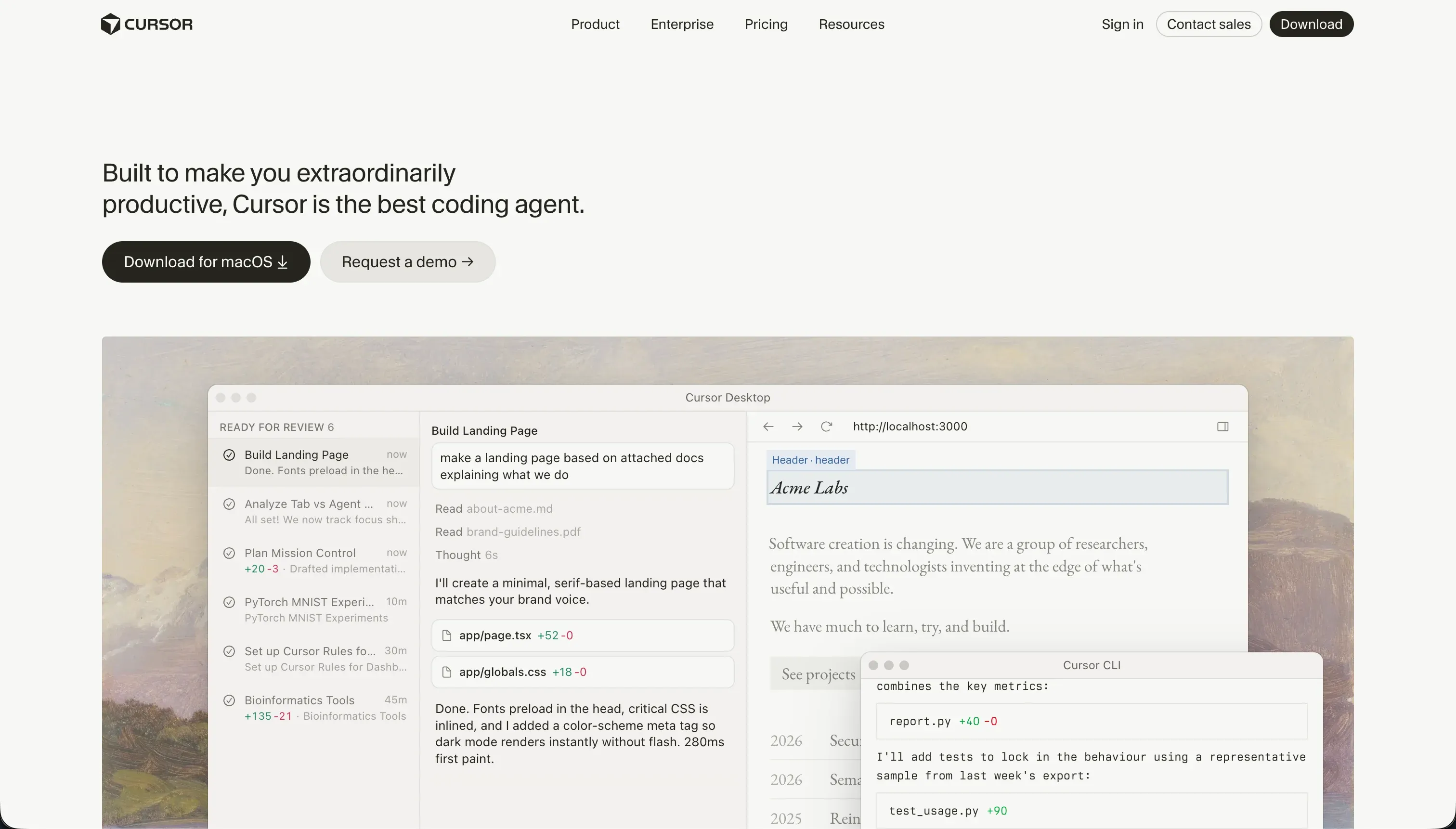 Cursor homepage snapshot
Cursor is the only entry here that’s an actual code editor, and that cuts both ways. With codebase-wide context and an agent that edits across files, it’ll build things the prompt-to-app tools choke on. Our most ambitious side project lives in Cursor, and at $20/month for 500 fast queries, the pricing is friendlier to long tinkering sessions than effort-priced agents.
The homework: you need to read code, at least a little. Cursor gives you no hosting, no database, no deploy button, and no safety net when the agent confidently breaks three config files at once (a documented community complaint). Deploying your weekend build is a separate adventure.
Pick Cursor if you can code a bit or want to learn properly, and your side projects keep outgrowing the app builders. Skip it if “open the terminal” already sounds like a chore. Full review.
5. v0 - for projects that are really just an interface
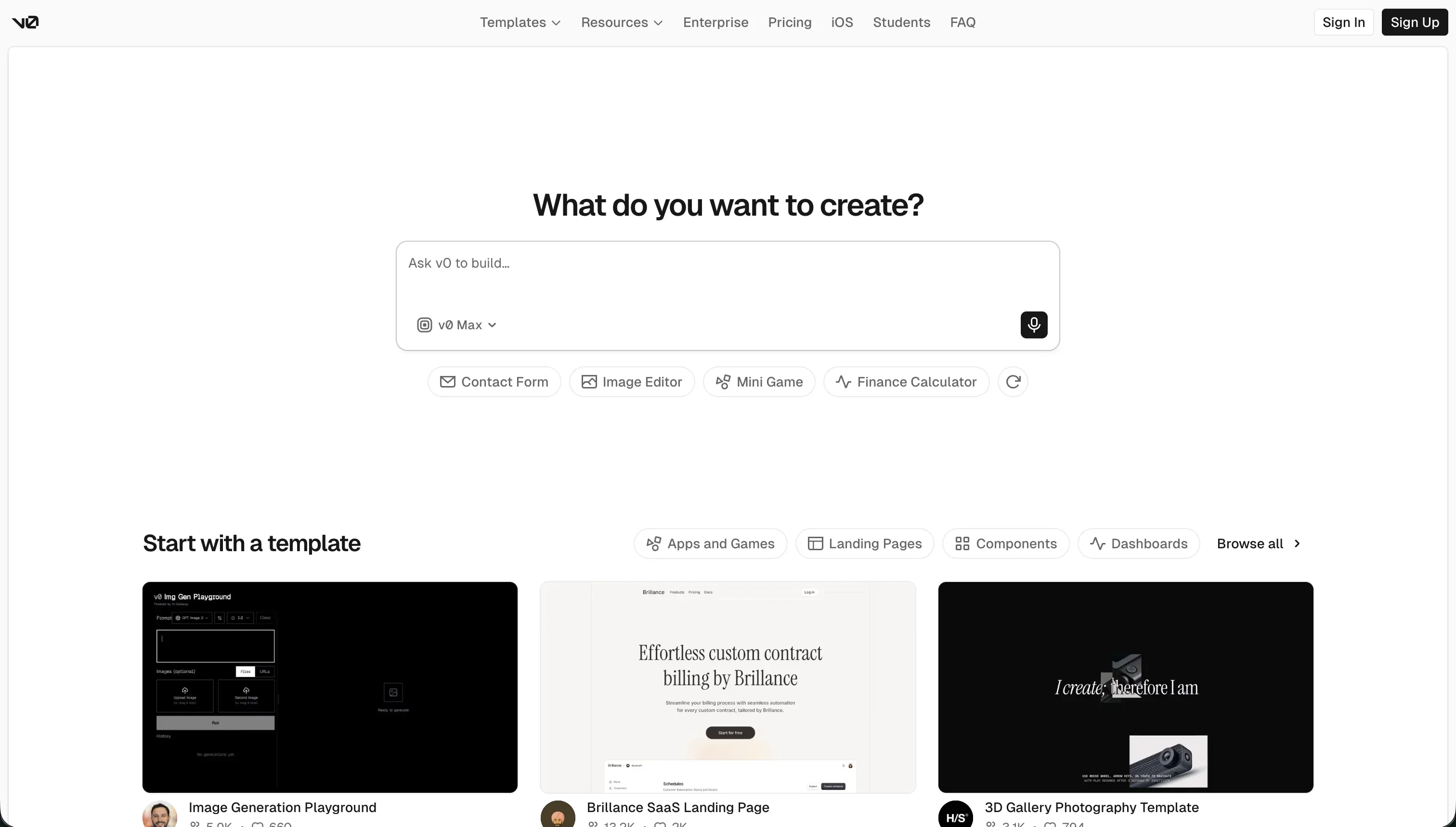 v0 homepage snapshot
Some personal projects are 90% interface: a dashboard for your reading list, a calculator, a fancy landing page for a joke. For those, v0 is the shortcut. It generates polished React components from a prompt or a sketch faster than anything else, and the free tier’s $5 of monthly credits covers a lot of small experiments.
The honest limit is that v0 builds frontends, full stop. No database, no auth, no backend logic. The workflow that works is designing in v0 and pairing the output with infrastructure from elsewhere on this list, or simply shipping static things that don’t need a backend at all. Full review.
6. Claude Code - vibe coding for terminal people
 Claude Code homepage snapshot
Claude Code is an agent that lives in your terminal, edits local files, runs tests, and makes git commits. For developers it’s a genuinely different kind of fun: you describe the feature, watch it work through your actual project, and review the diff like a pull request.
It ranks sixth for personal projects because of who it asks you to be. There’s no visual interface, billing is pay-as-you-go per token (one community report describes $20 burned in 15 minutes of debugging), and you’re managing your own environment and deployment. If that paragraph sounded appealing rather than alarming, move it up three spots for yourself. Full review.
Also tried
Two tools didn’t make the cut. Base44 bundles database, auth, and hosting in one prompt, which is a pleasant start, but community reports of outages, platform updates breaking apps, and credit-draining bug loops make it frustrating even at hobby stakes - the full story is in our Base44 review. Mocha we can’t recommend at all right now for the simplest reason: the team announced it’s shutting down on August 1, 2026, so anything you build there needs a moving plan from day one.
Building for your business instead?
A quick gut check before you pick: is this “personal project” actually a business tool wearing a hoodie? If real clients or teammates will log into it - a portal, an internal tracker, a small CRM - the rules change, and Softr becomes the better path, because auth, permissions, and data access are tested platform features instead of generated code you’ll be debugging in month three. Plenty of people build personal projects on Softr too, mostly for the reliability, but business apps are where it genuinely earns the spot at the top of our client portals ranking.
How to pick
Start with the free tiers, seriously. Pick Replit if you want the full idea-to-shareable-link loop in one place. Pick Lovable if you want the fastest pretty result and the project is small enough to finish. Pick Bolt if you want to learn what’s under the hood without leaving the browser, Cursor if you can read code and want the ceiling, v0 if your project is really an interface, and Claude Code if you already live in a terminal. Whatever you choose, optimize for the tool that makes you want to come back next weekend. For personal projects, momentum beats everything.