


A client portal is the least forgiving project in vibe coding. It’s not a demo for Twitter - it’s a thing your clients log into, with their names on the data inside. Four things make or break it:
- Logins that work every time, including password reset and recovery
- Watertight permissions so client A never glimpses client B’s files
- A clean connection to the business data you already have
- Boring resilience - it doesn’t break the week you’re on holiday
That checklist is exactly where prompt-generated apps are weakest. The research is uncomfortable: AI-generated code compiles fine while roughly 45% of it carries OWASP Top 10 vulnerabilities, AI builders routinely set database permissions too broadly so the demo works, and they’re famous for shipping a login screen while forgetting the password-reset flow.
None of that shows up in the first hour. All of it shows up when a real client does. So this ranking weighs survival, not demo speed.
1. Softr - the portal that still works in six months
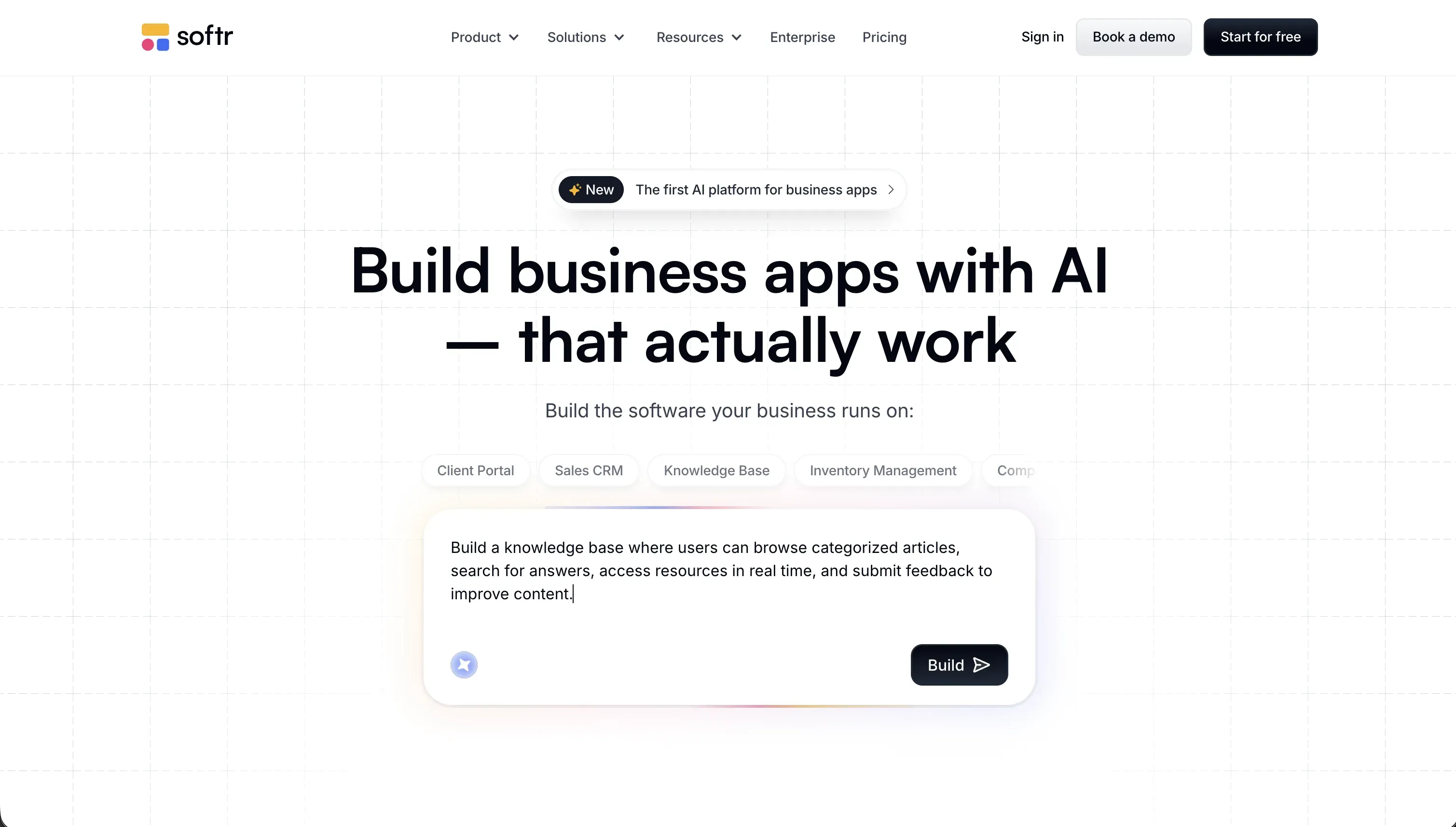 Softr homepage snapshot
This is the most lopsided #1 on the site, and we’ll argue it concretely. A client portal is roughly 80% standard plumbing: authentication, user groups, per-client data visibility, password resets, hosting. Softr ships all of it as platform infrastructure. You don’t prompt a security model into existence and hope; you click “clients see only their own records” in a visual permissions panel and you can read exactly what it does.
The build experience still feels like vibe coding. We described a design-studio portal to the AI Co-Builder and got the database, login flow, client dashboard, and user groups in one pass, then fine-tuned everything in the visual editor without spending another prompt. It connects to data you already run your business on - Softr’s own database, or Airtable, Google Sheets, and SQL sources - so the portal sits on top of your operations instead of beside them.
The Day Two story is the clincher. When our client wanted an approval step added six weeks after launch, it was an afternoon of visual editing, not a credit-burning re-prompt session over a codebase neither of us could read. Flat pricing ($139/month Professional covers 100 app users) means costs don’t spike when you iterate. Honest scope note: if your “portal” is actually a custom consumer product with bespoke UI, this isn’t the tool. For an actual client portal, nothing here is close. Full review.
2. Replit - the code-first route, for teams that can own it
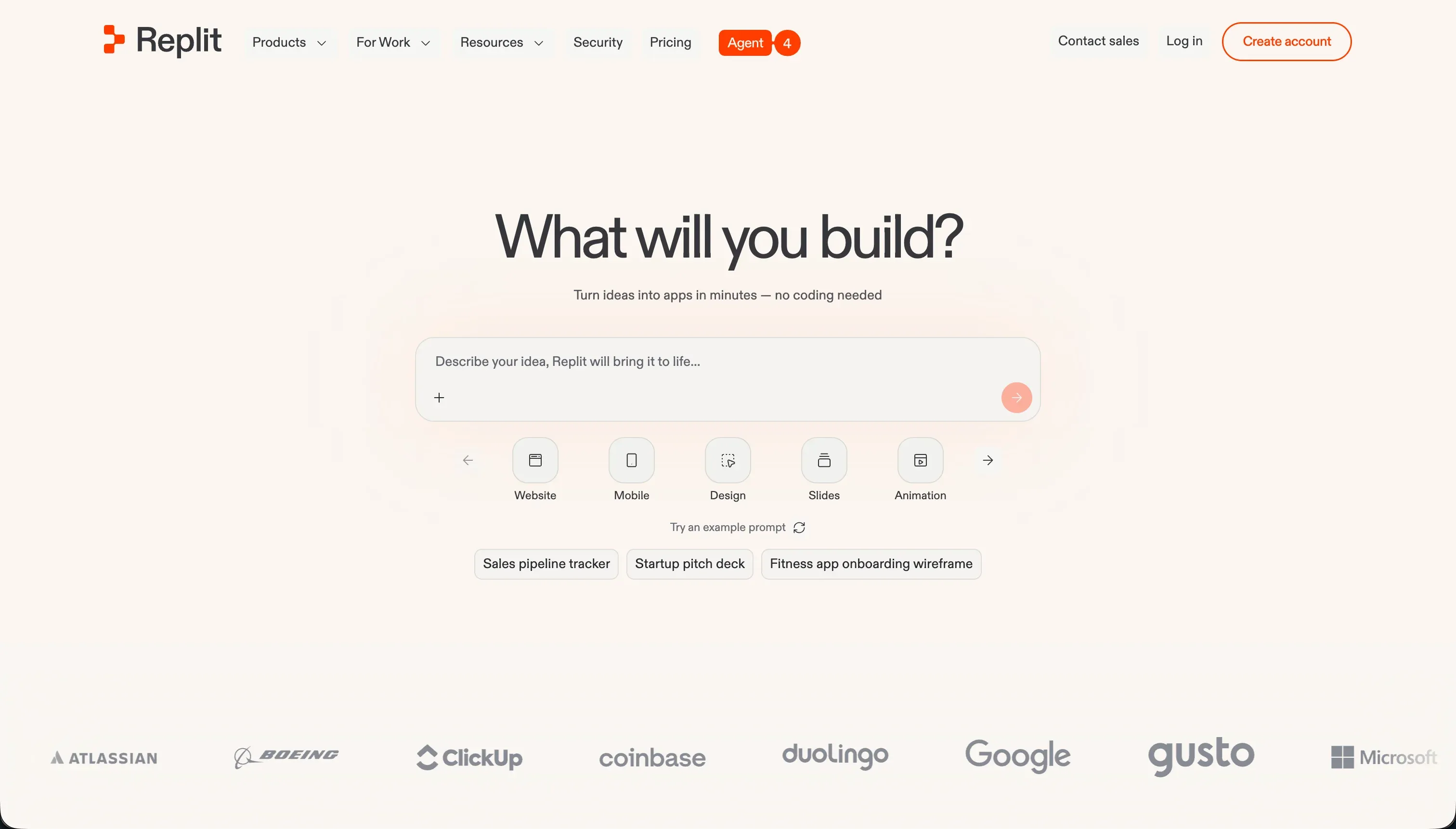 Replit homepage snapshot
If you want a portal built from real code - because you have development skills in-house, or requirements too custom for any platform - Replit is the strongest code-first option. The Agent builds the app, the platform provides genuine infrastructure (SQL database, hosting, custom domains, autoscaling), and unlike pure generators, you have a full IDE and terminal for the inevitable surgery.
We rank it second because it can honestly get you to a production portal, but read the trade plainly: you’re now running software. Auth and row-level security are implemented in code, by prompts or by hand, and they’re only as safe as your review of them. Maintenance is yours. And the effort-priced billing that’s fine for hobby builds gets less fun when a client emergency means a long agent session - the community’s overage stories are worth reading first.
Right for agencies and teams with technical depth who want code ownership. Wrong as a shortcut for non-technical builders, who’ll hit the same Day Two wall as with any generated codebase. Full review.
3. Bubble - real portal infrastructure, real homework
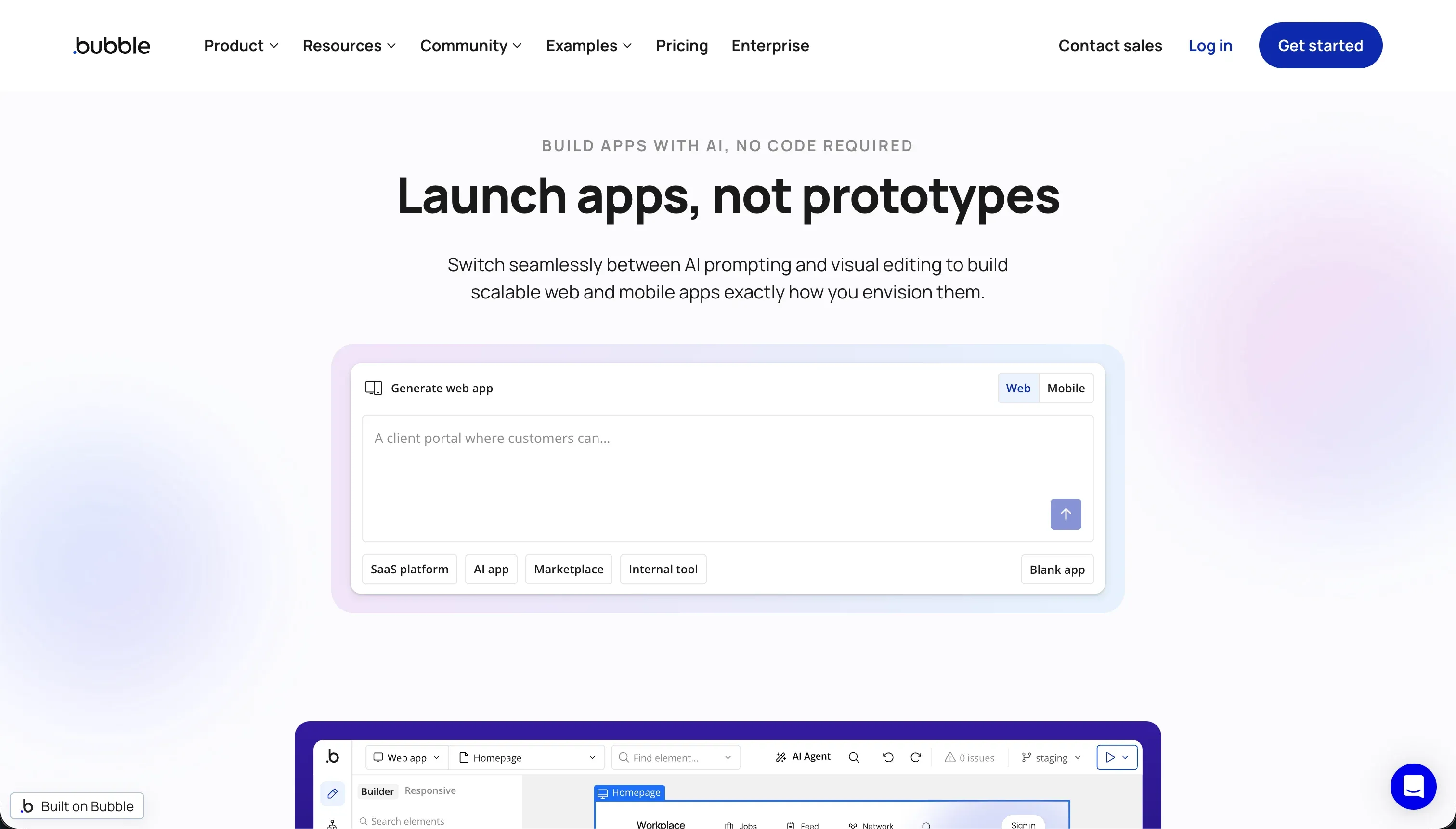 Bubble homepage snapshot
Bubble is the other platform on this list where a portal’s hard parts are actual platform features. Server-side privacy rules govern which user roles can search, view, or modify specific fields and records, the relational database is built in, and a marketplace of 8,000+ plugins covers payments, messaging, and most things a client portal grows into. It’s been hosting production business apps for years, which counts for something when clients are logging in.
Two things keep it out of the top two. First, the learning curve is the steepest of any no-code tool we use: mastering database design, workflow conditionals, and especially the privacy rules takes a real time investment, and a portal misconfigured there fails exactly where it matters most. Second, the workload-unit pricing. Plans start at $69/month for 175k WUs, but inefficient workflows can spike consumption unpredictably - long-time community members put it plainly: great for MVPs, but in some configurations “it simply gets too expensive for production.”
Pick Bubble when the portal has genuinely complex logic that outgrows simpler platforms, and you (or your freelancer) are willing to learn it properly. Full review.
4. Cursor - the fully custom route, for teams that write code
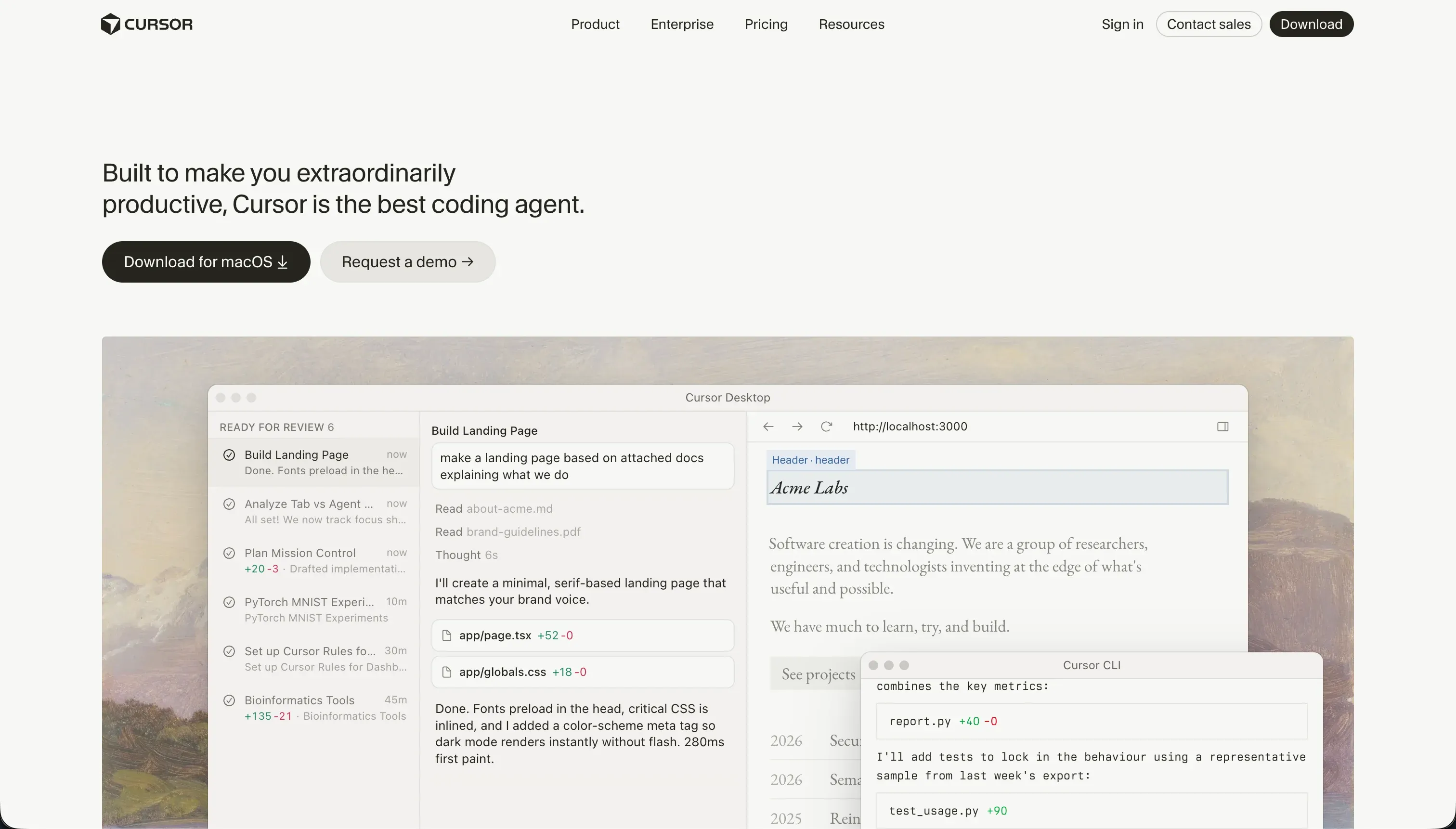 Cursor homepage snapshot
If the portal needs to be truly custom software - your design system, your data model, your infrastructure - the honest answer is that you’re doing software development, and Cursor is the best way we know to do it faster. It’s an AI-first code editor with full-codebase awareness and an agent mode, and for an engineer it genuinely compresses the work of building auth, data models, and dashboards.
The reason it sits mid-list rather than higher: it’s a tool for developers, full stop. There’s no hosting, no managed database, no permission panel - you bring the entire stack and own every security decision in code. For a dev team or technical freelancer building portals as a service, Cursor (often fed by a v0 design or a Bolt scaffold) is a power move at a flat $20/month Pro plan, with none of the credit-spike drama. For everyone else, it’s the wrong aisle. Full review.
5. Bolt - scaffolding for developers, homework for everyone else
 Bolt homepage snapshot
Bolt generates the portal frontend fast and gives you a real browser-based development environment to refine it in, with clean code export. For a developer who plans to wire up Supabase auth, configure security rules by hand, and deploy to their own infrastructure, it’s respectable scaffolding for a custom portal.
For a non-technical builder, the gaps are exactly portal-shaped. There’s no native database or auth layer - the heart of a portal is the part Bolt leaves as an exercise. Security rules are prompted rather than visually configured, which is how broad permissions slip through. Token burn during edit loops is a recurring community complaint, which stings when client revisions are the workflow. Capable tool, wrong default for this job. Full review.
6. Lovable - gorgeous prototype, deferred bill
 Lovable homepage snapshot
Lovable will produce the best-looking portal demo of anything on this list, fast. For pitching the portal - showing a client what their dashboard could look like - it’s genuinely the right tool, and we use it that way.
It ranks this low because shipping that demo to real clients is where we pump the brakes. The auth and row-level security live in Supabase configuration that the AI sets up and you must audit; getting RLS right requires manual work the prompt flow glosses over. Long-term builders report two patterns that matter enormously for client work: platform updates breaking live client apps (some builders now charge monthly maintenance fees just to handle regressions), and AI-designed schemas accumulating “schema debt” that turns small changes into rebuilds within months. Iterating on client feedback burns credits, especially in debugging loops.
Use Lovable to win the work and shape the design. Then build the portal clients actually log into on something with permissions you can see. Full review.
7. v0 - the beautiful frontend of a portal that doesn’t exist yet
 v0 homepage snapshot
v0 earns its place here for one honest use: designing the portal’s interface. It generates polished React dashboards from a prompt or sketch faster than any design tool, and agencies can put a stunning mockup in front of a client within the hour.
But ranking it as a portal builder would be lying to you. There’s no database, no authentication, no backend - every feature that makes a portal a portal is absent by design. The workflow that works: design in v0, export the components, and pair them with real infrastructure built elsewhere on this list. Full review.
Also tried: the tools that didn’t make the cut
A few roster tools got a real look and didn’t make the list. Base44 bundles database, auth, and hosting in one prompt, which fits the brief on paper - but community reports of outages, platform updates breaking production apps, non-brandable login pages, and an architecture users say isn’t built for proper multi-tenant isolation are each survivable in a hobby app and disqualifying with clients watching. Claude Code lives entirely in the terminal, which is great for code-comfortable builders and a non-starter when the deliverable is a branded portal a client logs into. And Zite pitches itself at business apps and portals, but we haven’t put a paying client on it yet, so it stays off the ranked list until we have - watch this space.
How to pick your portal builder
One question does most of the work: who maintains this portal in month six?
| Your situation | Build on |
|---|---|
| Nobody technical maintains it | Softr - the portal foundation is the product, changes stay visual |
| You have developers who’ll own the code | Replit, or Bolt feeding Cursor |
| You’re pitching the idea, not shipping it yet | Lovable to design, then rebuild on the above |
And whatever you pick, steal this test before inviting a single client: create two client accounts, put different data behind each, and try hard to see the other one’s. On Softr that guarantee is a visual rule you configured. On generated portals, that five-minute test has saved builders from shipping a breach with their logo on it.