


Plenty of what people vibe code isn’t an app at all, it’s a website: a landing page for a waitlist, a marketing site, a portfolio, a small business’s storefront. The job is different from app-building. There’s no real database or login to worry about, so what matters is how good it looks, how fast it ships, and whether you can keep editing it later without re-prompting the whole thing.
This sits in both directories because a website is just as often a side project as it is a company’s front door. If your project is really an app with logins and data, start with internal tools or personal projects instead.
We ranked these website vibe coding options based on visual resilience, layout control, and of course, editing sustainability (whether you can update a line of copy in six months without the AI rebuilding and breaking your CSS). Studies show roughly 45% of AI-generated code contains OWASP Top 10 vulnerabilities even when it compiles cleanly, meaning raw code isn’t always the default win for a simple front door.
1. Replit - creative control with full hosting infrastructure
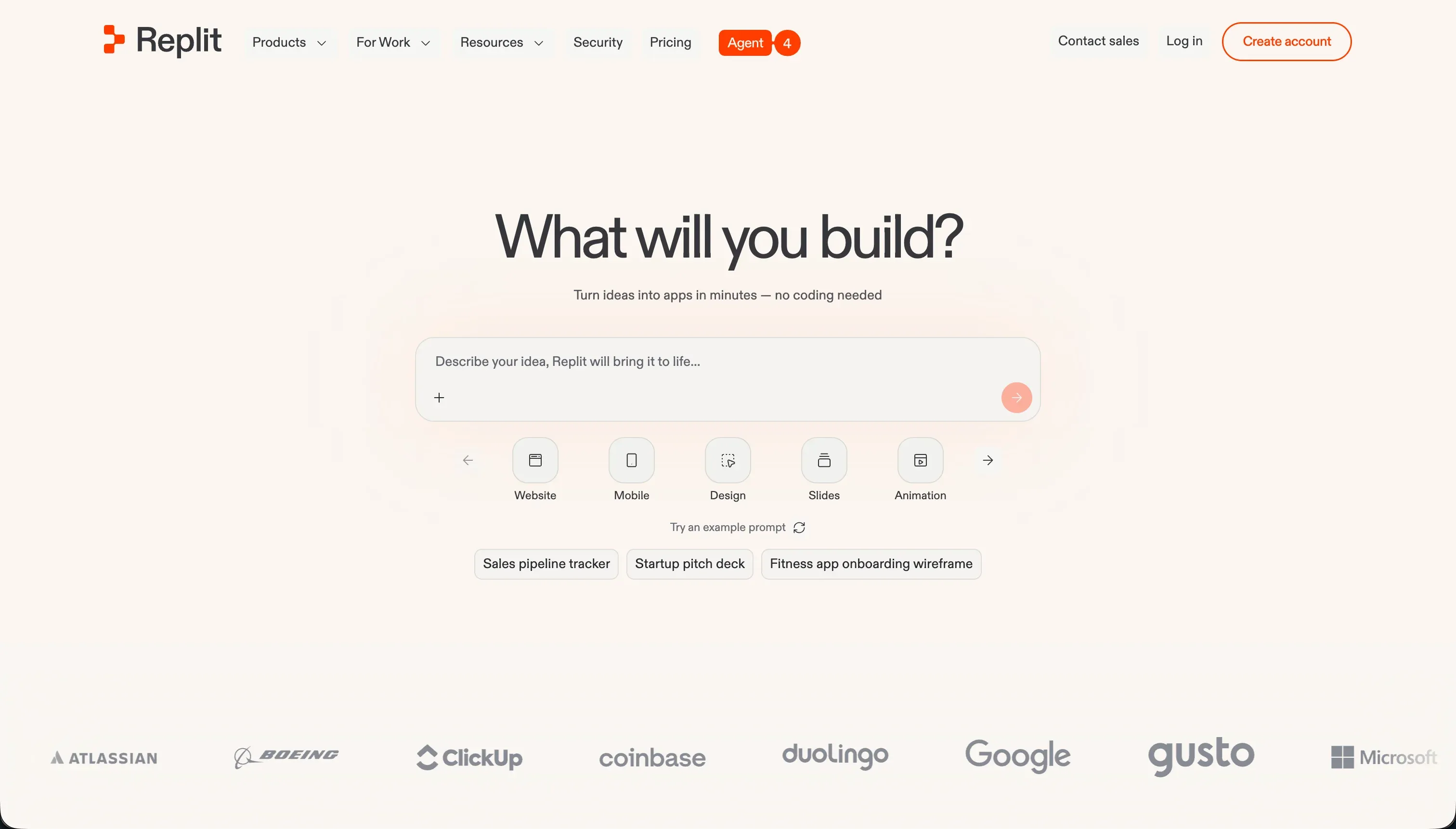 Replit homepage snapshot
Replit remains the gold standard for builders who want a fully customized web presence with zero visual abstraction. By using the Replit Agent, you can describe exactly what framework you want (from Astro to static HTML/JS), let the AI scaffold the files, and edit elements directly in the visual preview context. It handles package managers, instant deployment setups, and custom domains with a single click, allowing technical teams to bypass standard visual boundary lines.
However, it carries the developer overhead of long-term server environment maintenance and package updates. We rank Replit first because it offers total coding sovereignty and instant cloud-native deployment, making it an exceptional home for production-grade landing pages and portfolios. It is best suited for teams who want to build a truly custom presentation and can navigate basic package issues when they arise. Full review.
2. v0 - unmatched styling output from sketches or prompts
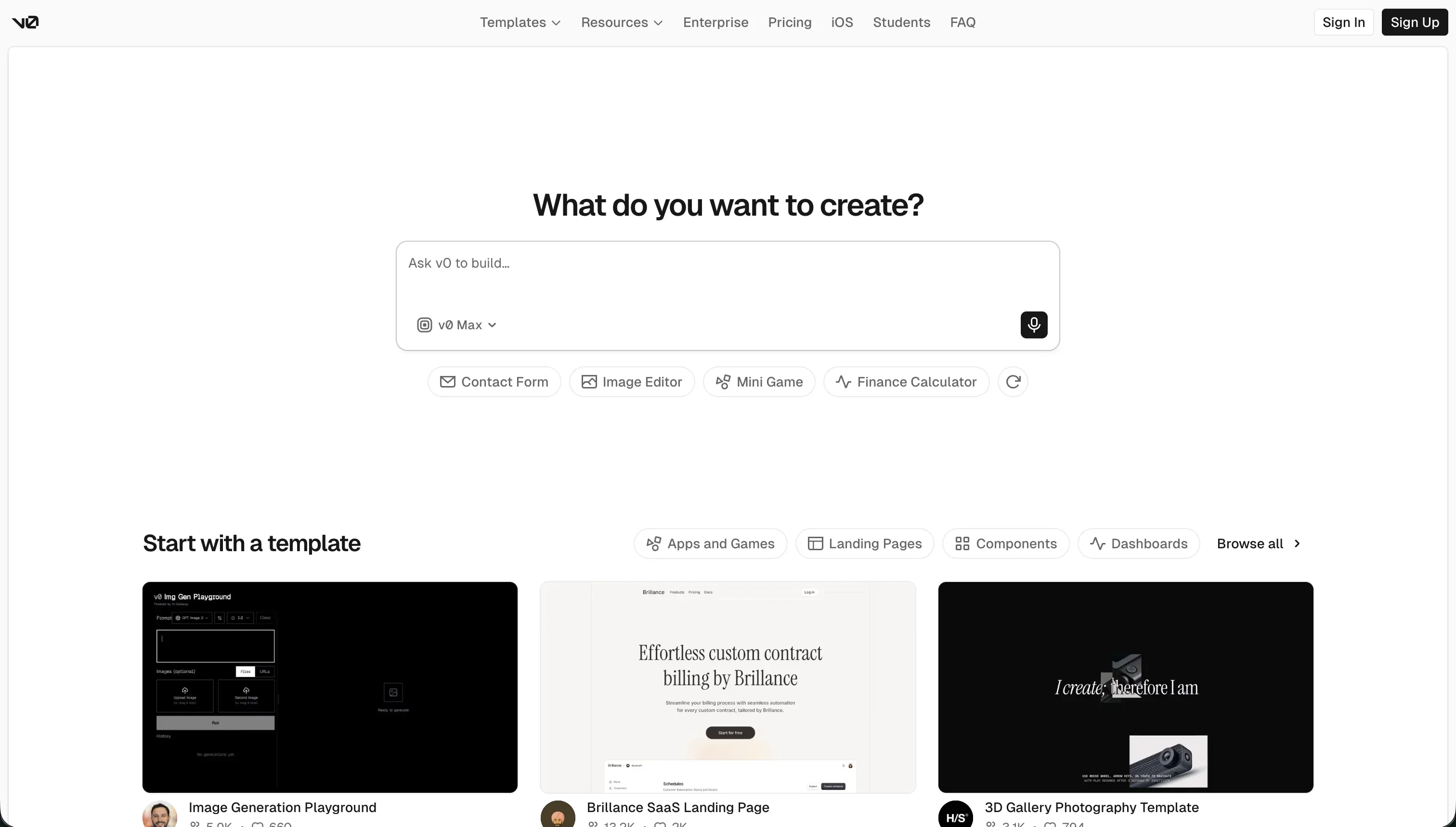 v0 homepage snapshot
v0 by Vercel is highly polished for styling and raw visual frontends. You can feed it design tokens, upload website wireframes, or prompt it to compile shadcn/ui components, and it generates beautiful Tailwind CSS templates. If your website’s main objective is high design prestige and interactive elegance, v0 represents the absolute peak of prompt-to-design performance.
Its limitation is that it is strictly a frontend scratchpad. There are no built-in database schemas or simple static editors for minor edits, meaning developing with v0 requires you to hand-configure dependency updates and write your logic. For designers who want gorgeous mockups or developers willing to host React code on Vercel, it is unmatched, but it requires standard code knowledge to migrate from v0 to a production domain. Full review.
3. Softr - visual block resilience for data-connected business pages
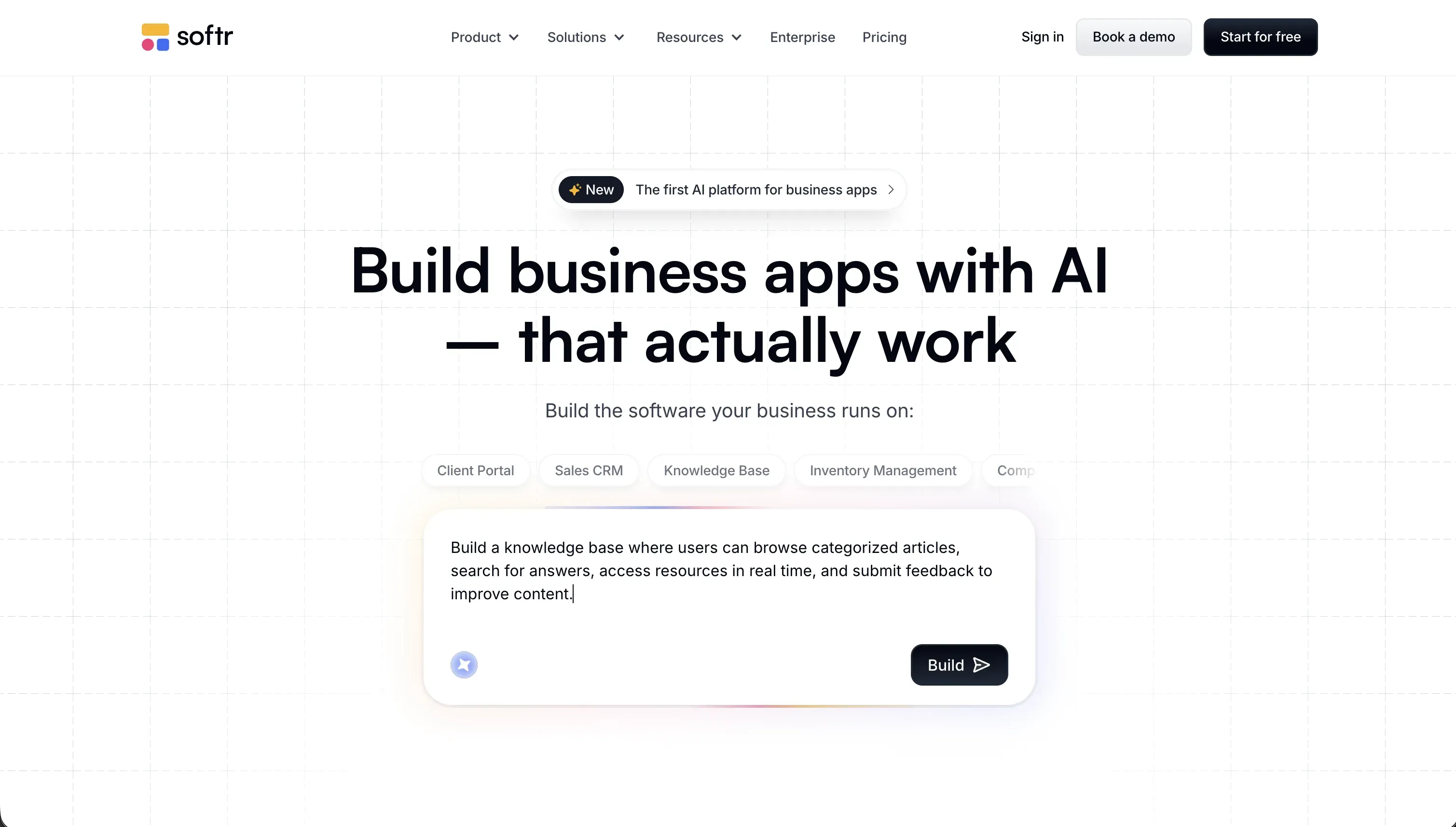 Softr homepage snapshot
Softr represents a different paradigm: rather than focusing on pixel-perfect static layouts, it specializes in dynamic, database-driven landing pages and public portals. If you need a website that displays a searchable resource directory, handles client form submissions, or registers event attendees, building code from scratch is overkill. Softr connects visually to Airtable, Google Sheets, or Softr Databases, letting you map dynamic lists and forms to real data tables in minutes.
The trade-off is visual customization. You build using pre-structured, responsive blocks, which means you cannot freely customize spacing or create bespoke consumer interface layouts. However, because you are editing content manually in a visual panel rather than running code prompts, your website is extremely stable and will not break from LLM updates. We rank Softr third because it is the most reliable tool for B2B front doors, waitlists, and directories, offering stable, zero-maintenance publishing. Full review.
4. Bolt - rapid frontend staging with clean exports
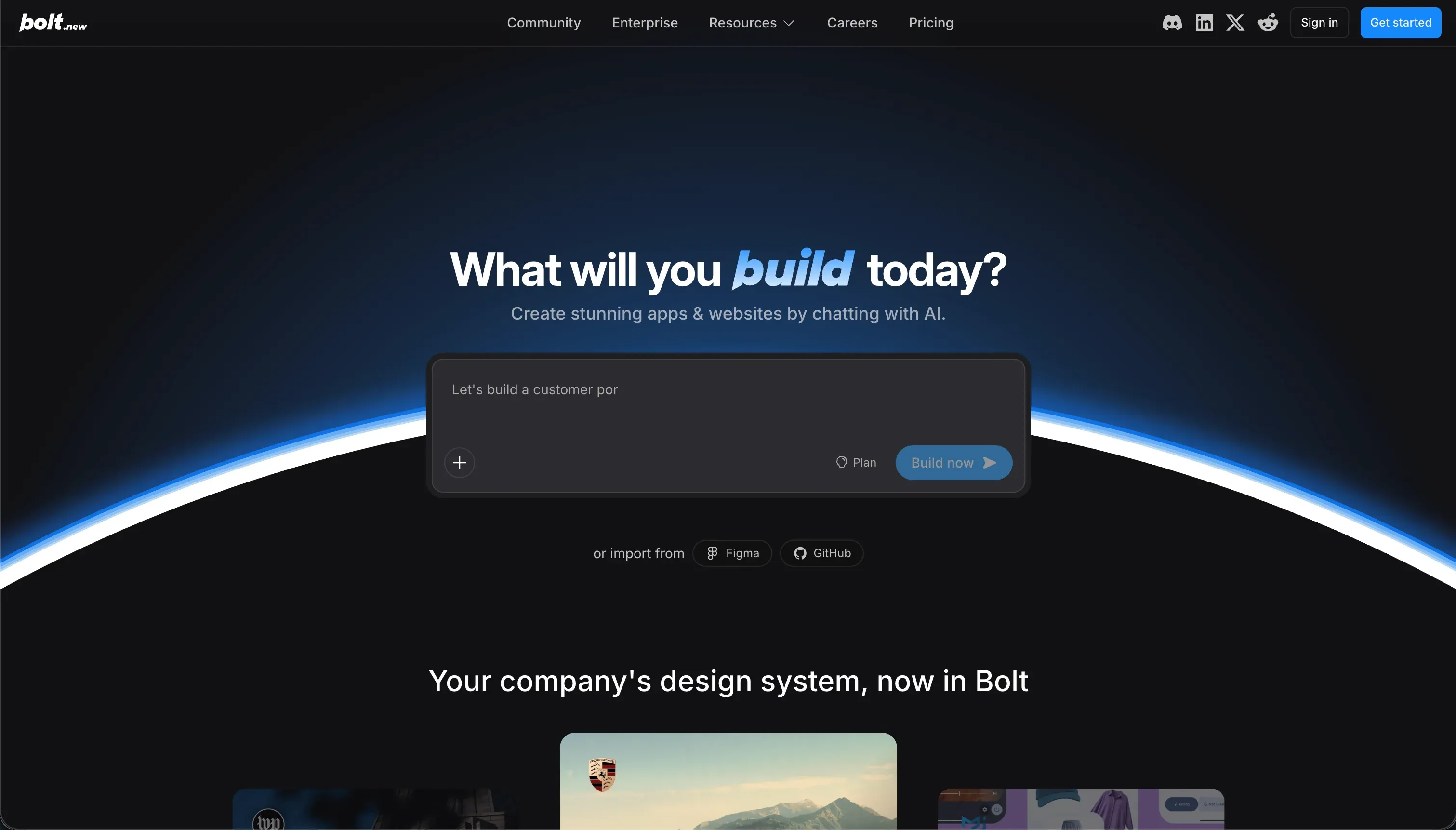 Bolt homepage snapshot
Bolt provides an incredible full-developer Node.js stack running directly inside your browser using WebContainers. It allows you to prompt full-stack layouts, preview progress instantly, and deploy straight to Netlify or custom staging environments. It is a brilliant way to rapidly iterate on marketing layouts, draft waitlist components, and see them updated on-screen in real-time.
As with other pure code generators, the limits emerge during edit iterations. Users frequently report token burning and infinite AI loop errors while attempting to execute minor layout revisions. We rank Bolt fourth as it serves as an excellent accelerator and design scaffold, but lacks visual safeguards for non-developers, which can lead to project scale limits if the app grows too complex. Full review.
5. Lovable - gorgeous prototypes with rapid iteration loops
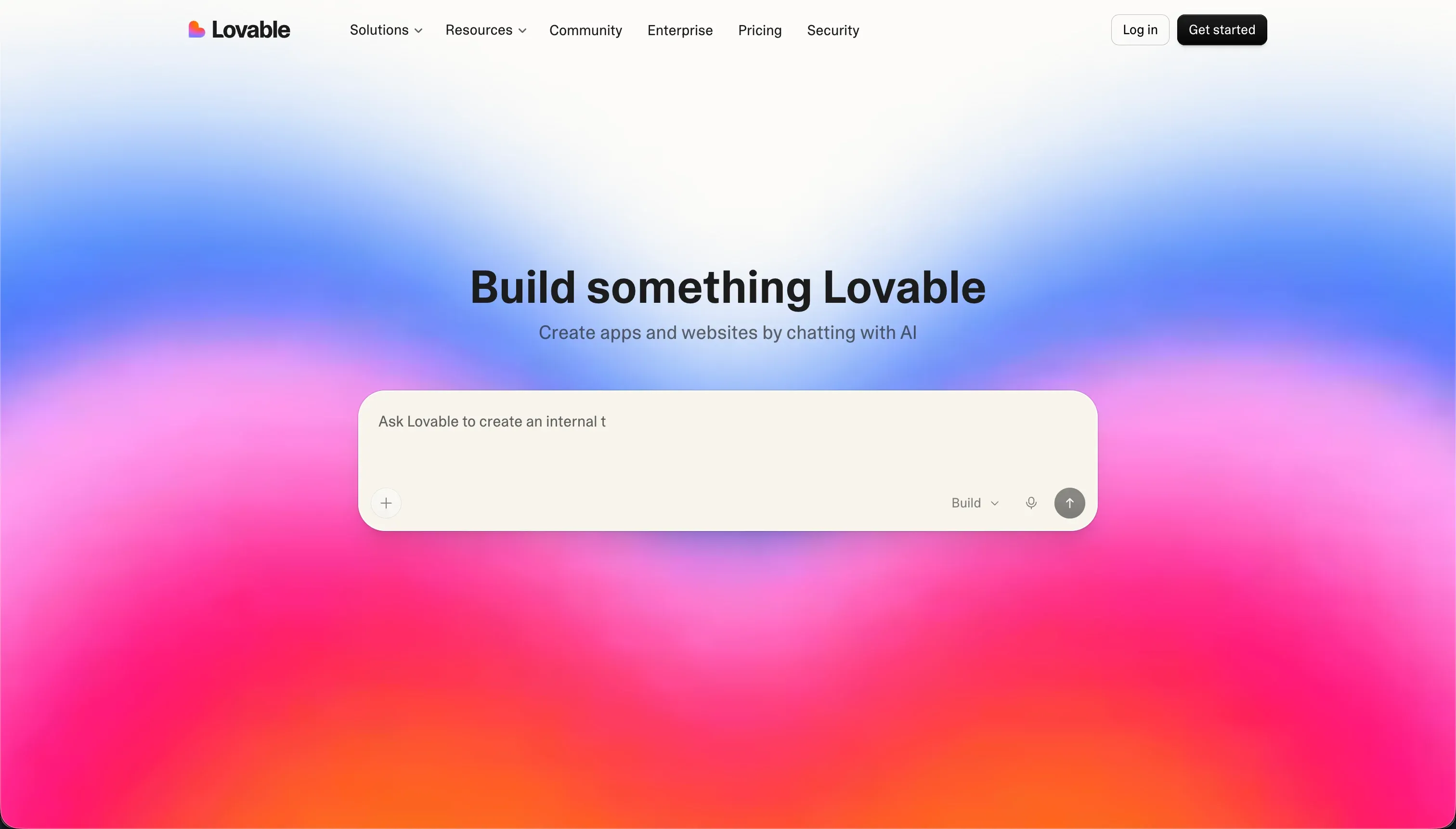 Lovable homepage snapshot
Lovable is widely loved for its speed in translating human prompts into functional full-stack interfaces, generating standard React code that can sync automatically with GitHub. Its design aesthetics are stellar, which means you can create a waitlist page or SaaS display that looks like it took weeks of custom agency design inside of an afternoon.
For simple visual landing pages, it is highly capable, but to keep your site updated, you must constantly re-prompt, which consumes credits rapidly during bug-fixing runs. We rank Lovable fifth because although its frontend rendering is world-class, it is built as an app builder rather than a light content management tool. If you use it for static sites, you face a higher scale ceiling and database setups (via Supabase) that are often overkill for simple presentation pages. Full review.
Also tried: the tools that didn’t make the cut
We also took a close look at alternative platforms to see how they manage marketing layouts. WeWeb is an impressive visual React builder, but its heavy focus on external API bindings and decoupled architectures makes it far too complex for a standard landing page. Bubble excels for complex SaaS tools, but its steep learning curve and heavy workload pricing are overkill for presentation sites. Base44 offers rapid code generation, but builder instability and credit consumption during iteration make it hard to recommend for public production websites.
How to pick your website builder
Who is going to keep this website updated?
| Your situation | Build on |
|---|---|
| You want a highly customized presentation and can manage packages | Replit |
| Non-technical editors need to alter content without ruining layouts | Softr |
| You want a clean developer-ready layout template based on design files | v0 |
| You want to spin up rapid, responsive frontend prototypes safely | Bolt |
A great rule of thumb: do not pick a build path that requires an AI prompt just to change a paragraph. If you want a site that lasts, select a platform that separates layout structures from copy changes so you don’t burn credits on simple typos.