
What is Softr?
Softr describes itself as an AI app builder for creating business software without code, and after using it for client work, that’s a fair label. You describe the app, and the AI Co-Builder generates the database, pages, user roles, and navigation in one pass. The difference from prompt-to-code tools is what’s underneath: authentication, permissions, data, and hosting are platform features, already tested, not code the AI wrote for you last Tuesday.
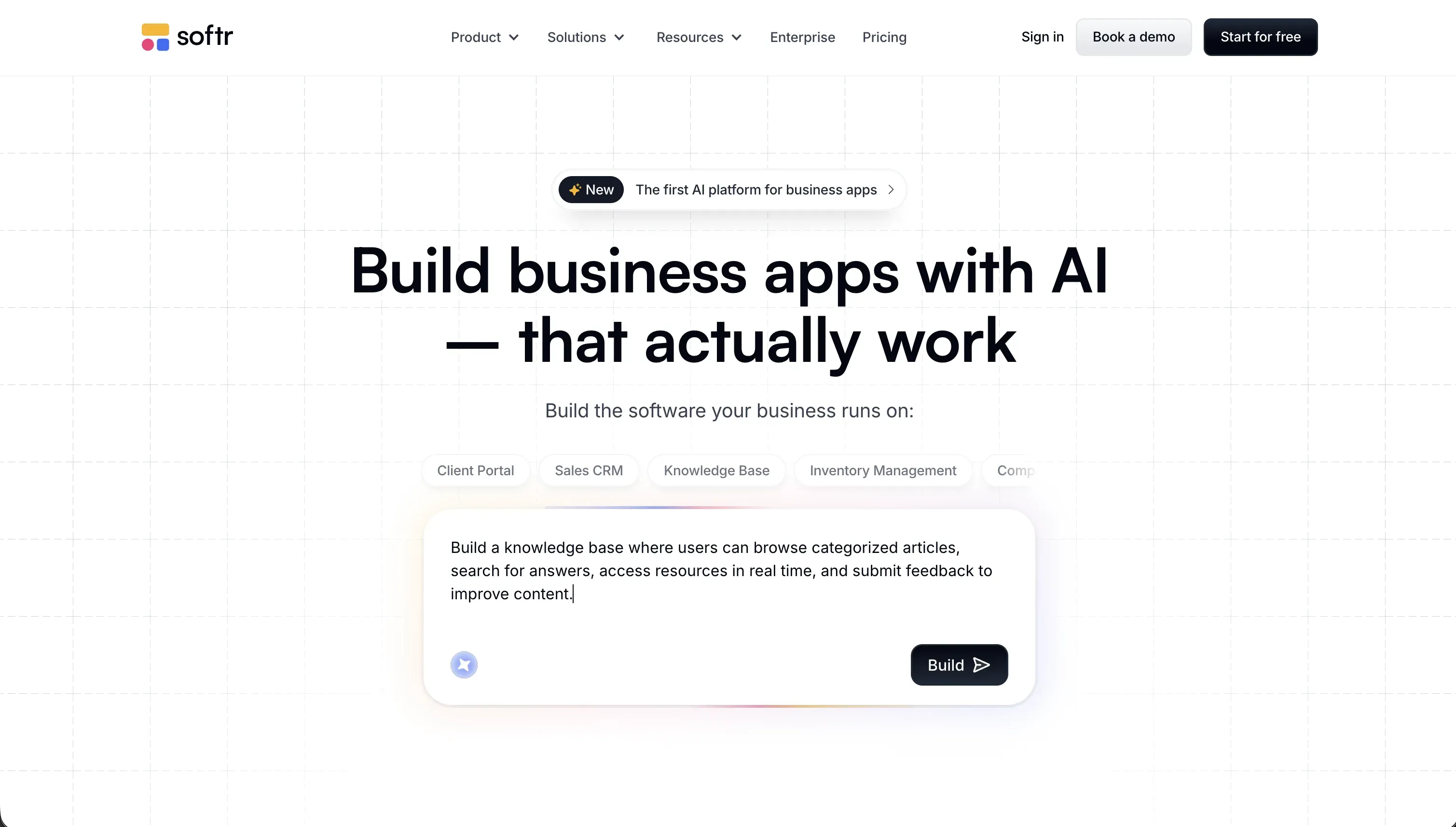 Softr homepage snapshot
Over a million people build on it, spanning from SMB founders running core business operations to large Enterprises. It is mostly used for the unglamorous-but-vital stuff: client portals, CRMs, internal trackers, and intranets. In larger organizations, IT departments actively deploy Softr to empower business teams to safely build and maintain their own custom tools in a governed environment - replacing spreadsheets and automating work without shadow IT risks. We’re giving it an S tier scoped deliberately: it’s the best tool we’ve used for business apps with real users. It is not trying to be the best tool for everything, and we’ll be plain about where it isn’t.
The first 30 minutes
We started the way we start every tool on this site: one prompt, real project. Ours was a client portal for a freelance design business - clients log in, see their projects, approve deliverables, leave comments.
The AI Co-Builder generated the whole thing: database tables for clients and projects, a login flow, a client-facing dashboard, and user groups separating clients from admins. The part that surprised us wasn’t the generation speed (every tool generates fast now). It was what we did next. Instead of prompting our way through tweaks, we opened the visual editor and just changed things: renamed a field, adjusted which group sees which page, swapped a list block for a kanban. No credits burned, no “hope this prompt doesn’t break something else.”
That loop, AI for the big strokes and direct editing for precision, is the actual product. By minute 30 we had a portal we could have sent a real client, with password reset and sign-up screens we never had to think about.
What we actually shipped with it
The design-studio portal went live with paying clients behind it. Each client sees only their own projects, thanks to user groups and row-level permissions we configured by clicking, not prompting. Six weeks in, the client asked for a file-approval step. We added a status field and a button action in an afternoon. No re-prompting, no regression roulette.
The second build was an internal one: a job tracker for a three-person trades business that lived in a shared spreadsheet held together with prayer. Softr Databases replaced the sheet, a workflow sends a notification when a job changes status, and the owner edits records from his phone. It’s the least flashy thing we’ve shipped all year and probably the most used.
For the one custom thing the client wanted (a timeline view that didn’t match any standard block), the Vibe Coding block generated it from a prompt, and it inherited the app’s theme and permissions automatically. Generated code where it’s useful, scoped so it can’t take the app down.
What it costs (and where the limits are)
Pricing is flat and boring, which after reviewing credit-metered tools feels like a feature. Free gets you 10 app users and 5,000 records, enough to genuinely test a small internal tool. Basic is $49/month (billed annually) for 20 users. Professional at $139/month is the realistic tier for client portals: 100 app users, 500,000 records, custom user groups. Business at $269/month adds SQL and REST API integrations and 500 users.
There are AI credits (5 on Free up to 100 on Business) consumed by the Co-Builder and AI features. The honest framing: we’ve run out of credits mid-month and it didn’t matter, because everything the AI configures can also be done by hand in the editor. Compare that with a pure prompt tool, where running out of credits means your app is frozen.
The real limits to know: app-user counts are the lever that pushes you up tiers, so a portal for 300 clients means the Business plan. And there’s no code export, because there’s no codebase. That’s the whole trade.
What are Softr’s common alternatives?
Choosing the correct alternative depends on whether you care most about custom coding, native mobile layouts, or decoupled frontend design.
| If you want… | Look at | Why |
|---|---|---|
| Custom consumer web apps | Lovable, Bolt | Generates full-stack code for flexible designs, though you manage hosting and updates |
| High-performance mobile apps | VibeCode, FlutterFlow | Native mobile layouts and database bindings for iOS and Android deployment |
| Decomplexed frontend control | WeWeb | Decoupled frontend designs on top of custom databases like Supabase or Xano |
| Custom developer backends | Replit | Browser terminal sandboxes with custom database hosting and code files |
| AI-assisted manual coding | Cursor | Full control of your local project files with whole-repo context |
When you want to move beyond the structured templates of Softr, several powerful alternatives offer distinct advantages depending on your technical goals. For custom consumer web applications, platforms like Lovable and Bolt generate full-stack code that gives you ultimate flexibility over user experiences, though they require you to manage your own hosting and continuous updates. If your focus leans heavily toward native mobile performance on iOS and Android devices, VibeCode and FlutterFlow provide dedicated mobile layouts paired with native database bindings. These platforms ensure your mobile applications run smoothly with true device-level integration, which is a significant step up from standard web views.
For creators who desire deep, pixel-perfect frontend control without being locked into a specific ecosystem, WeWeb operates as an exceptional decoupled frontend builder. It allows you to build highly customized user interfaces on top of robust external databases like Supabase or Xano, granting you complete architectural freedom. If your project demands custom developer backends and raw code manipulation, Replit offers browser-based terminal sandboxes where you can host custom databases and manage files directly in the cloud. Meanwhile, developers who prefer local environments can use Cursor to gain AI-assisted manual coding capabilities with entire-workspace context, keeping complete control over local project files.
Ultimately, selecting the right alternative depends on whether you prefer a visual decoupled frontend, a generative AI workspace, or a fully integrated mobile development environment to power your next digital products.
Who Softr is for (and who it isn’t)
Let us be direct about the “isn’t” first. If you want a custom consumer app, a game, a designer-grade marketing site, or you’re a developer who wants to own and extend a React codebase, Softr is the wrong tool, and no amount of Softr-is-great copy should talk you into it. Use Lovable or Bolt for the prototype, or Cursor if you write code.
Softr is for the builder whose app is secretly a business tool: a client portal, a vendor dashboard, a CRM, an inventory tracker, an intranet. The pattern we keep seeing (and lived through with our invoice-tool misadventure on Lovable) is that these apps are 80% identical plumbing: logins, roles, data permissions, password resets. Vibe coding tools regenerate that plumbing as fresh code every time, and it’s exactly where generated apps crack on Day Two. Softr ships it as infrastructure, so the 20% you build is the part unique to your business.
If that’s your project, this is the strongest recommendation on the site, and it’s why Softr tops our client portals ranking. Real users will log into the thing you make this weekend, and it’ll still work in six months.