


A knowledge base or team wiki sounds like content, but the hard parts are structure and access: who can read which docs, who can edit, and how anyone finds the right page six months later. That makes it a permissions-and-data problem more than a writing problem.
This ranking is part of the internal tools family. We evaluated these platforms based on what survives real daily use by real employees, not just the speed of the initial demo. Research tells us that while AI code generators can assemble a flashy interface in minutes, approximately 45% of that code holds standard security vulnerabilities, and AI agents often gloss over row-level data security - a catastrophe when your wiki contains sensitive HR policy or corporate credentials.
To build a team wiki that actually works, your platform needs to handle:
- Granular, secure access controls so temporary staff don’t see management documents
- Structured, relational database entries that turn scattered articles into a searchable catalog
- Frictionless editing workflows so your team can write without writing code
- Stable, hosted resilience that won’t randomly break during minor framework upgrades
1. Softr - the wiki database that stays organized and secure
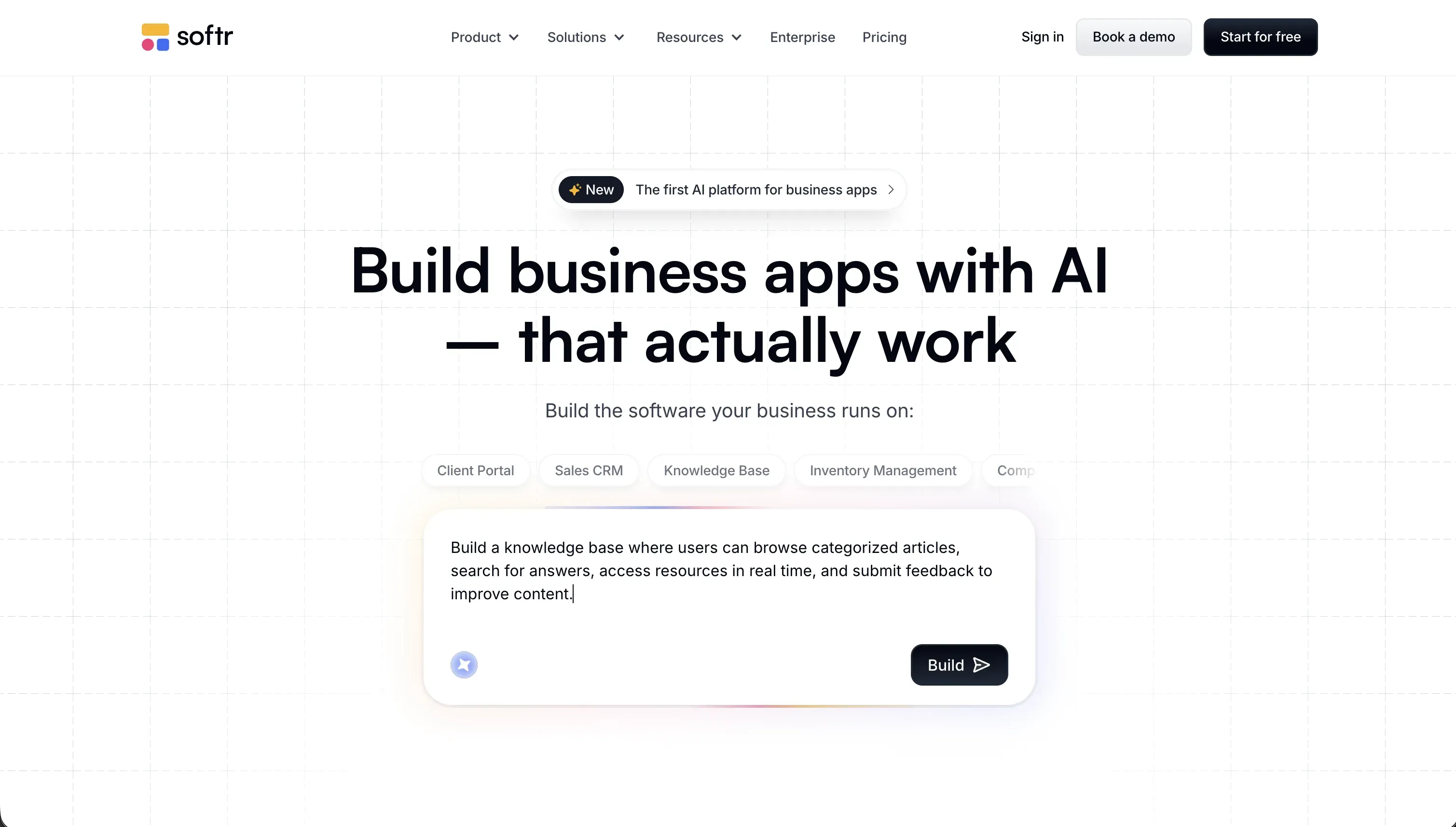 Softr homepage snapshot
Building a company knowledge base or directory on Softr is highly distinct because your structure matches your actual operations from day one. You describe what you need to the AI Co-Builder, and it instantly builds your database, pages, and dynamic lists. Rather than forcing you to prompt an authentication or search model into existence, Softr treats these as tested, visual platform controls. You can create a static ‘Manager Group’ or dynamic rules, and simply select which team members can modify or view specific wiki articles.
Because the wiki is built on a relational database foundation - either Softr’s native database or external systems like Airtable - your documents are structured data objects rather than a folder of fragile files. For advanced interactions, the Vibe Coding block lets you prompt custom interactive UI elements, like an automated handbook generator, which safely syncs with your database without risk of breaking global permissions. Collaborators who build the app are unlimited on every plan, and app-user pricing scales by tier rather than per seat, which keeps rolling the wiki out to your entire staff affordable. Full review.
2. Replit - the sandbox if your team is comfortable with real code
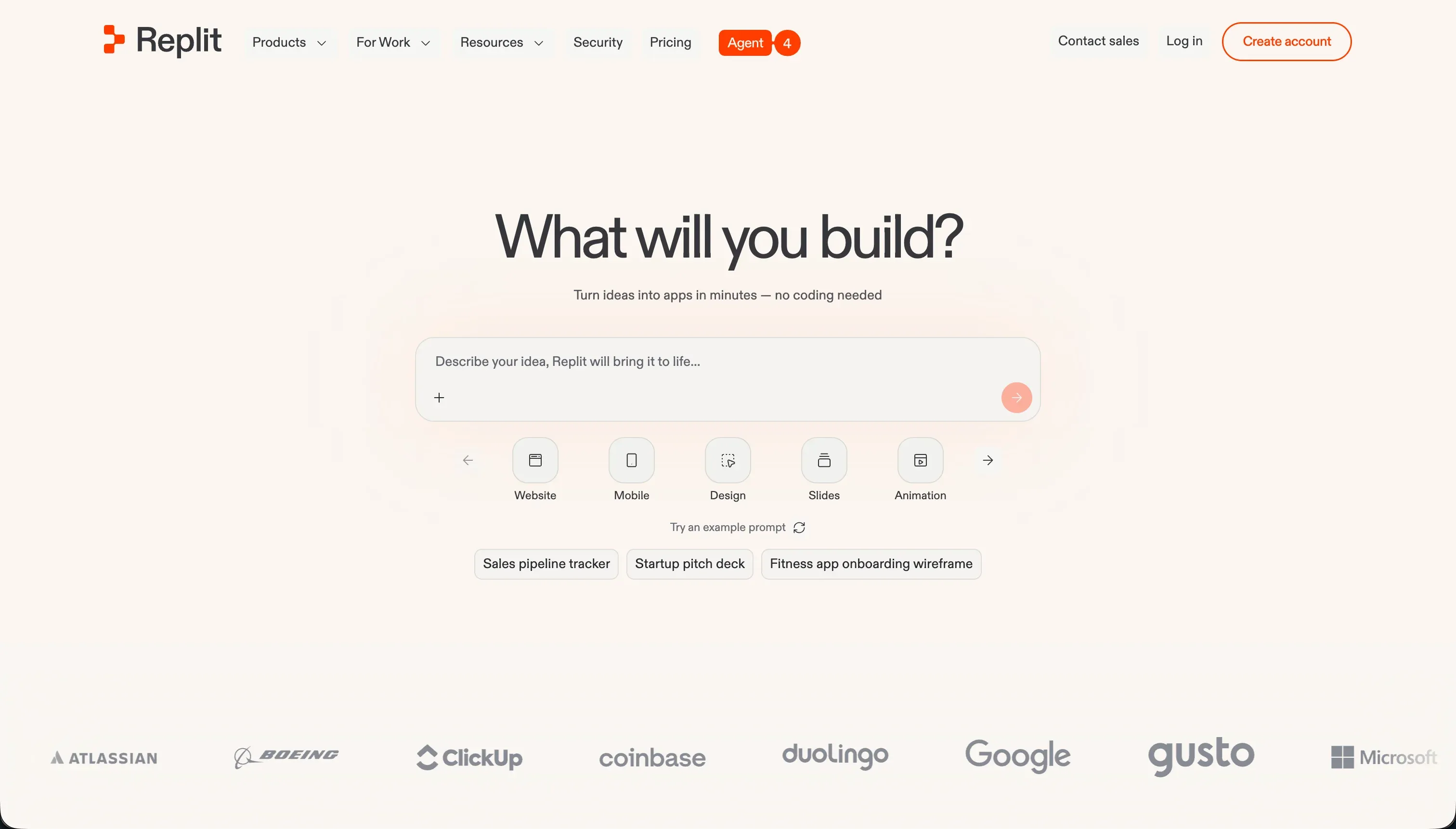 Replit homepage snapshot
If your team has standard coding literacy and demands full customization of the codebase, Replit is highly capable. Replit Agent generates complete applications in dozens of languages through simple conversational chat, while the integrated IDE allows your technical staff to audit and customize the actual code directly in the browser.
However, a wiki runs on real code here. Auth must be written, server resources must be managed, and you carry the full weight of infrastructure maintenance. G2 reviews point to a credit-based pricing model that can drain credit limits during complex debugging iterations when the agent gets trapped in buggy, circular logic. Choose this if you want absolute, raw code ownership and have developers available to review the output; skip it if you are looking for a hands-off, no-code internal wiki. Full review.
3. Bubble - deep dynamic databases with a steep learning curve
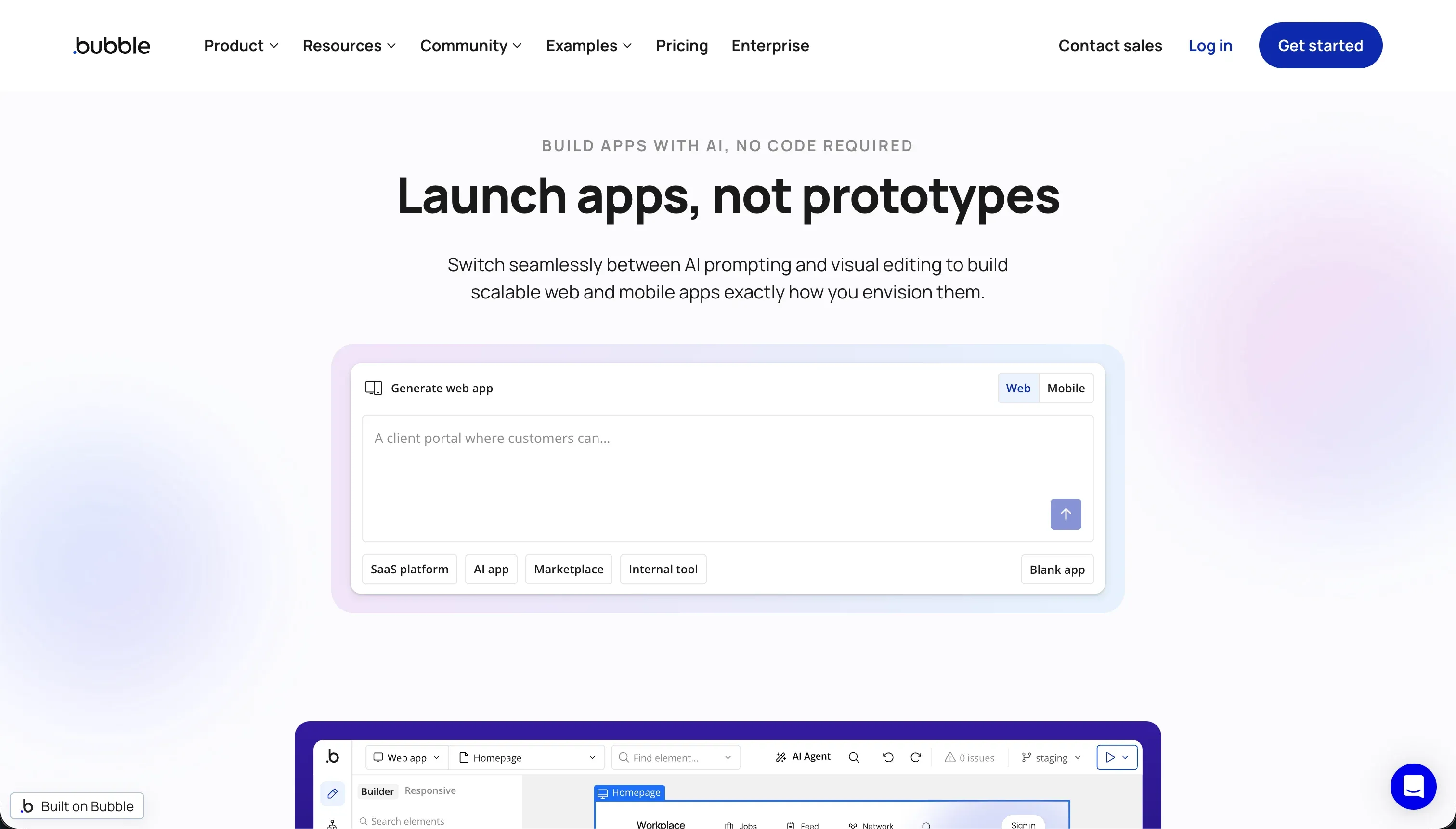 Bubble homepage snapshot
Bubble is a powerhouse for custom application logic, letting you design a highly relational internal knowledge base with precise workflows and advanced roles. It is highly secure, offering server-side privacy rules to guarantee your internal teams can only read documents mapped to their specific roles.
We don’t rank it higher because mastering the database architecture and workflow conditional logic takes weeks, which is a high onboarding barrier for a simple team wiki. Additionally, Bubble does not support code export, meaning severe vendor lock-in. Unoptimized search queries or resource-intensive uploads can run up Workload Unit (WU) bills unexpectedly, causing pricing volatility that stings operations teams. Full review.
4. WeWeb - gorgeous frontend design connected to your choice of database
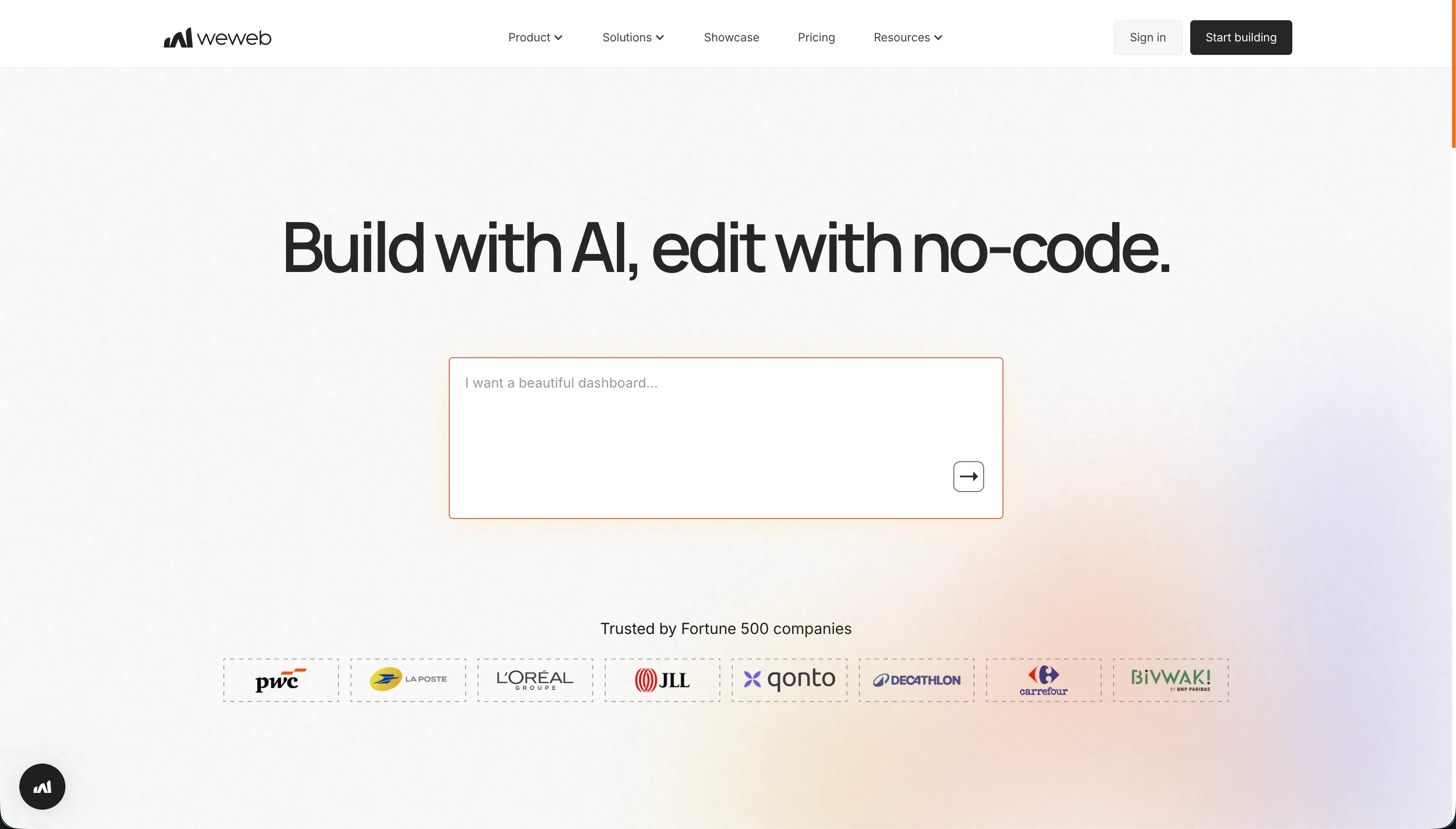 WeWeb homepage snapshot
WeWeb provides an exceptional, decoupled layout engine that is compatible with grid positions, absolute layouts, and modern CSS guidelines. If you already have your wiki database stored in Supabase, Xano, or Airtable, WeWeb is an excellent interface builder of highly styled frontends. It also lets you download the resulting visual app code as Vue.js on Scale and Enterprise plans.
However, the decoupled visual state management introduces setup complexity that is often overkill for an internal wiki. There is no built-in database, so operators must setup and configure an external backend and auth engine independently. Reviews frequently call out WeWeb’s steep learning curve and lack of responsive support, which can slow down early-stage business teams. Full review.
5. Cursor - the ultimate power tool for engineers constructing a custom wiki
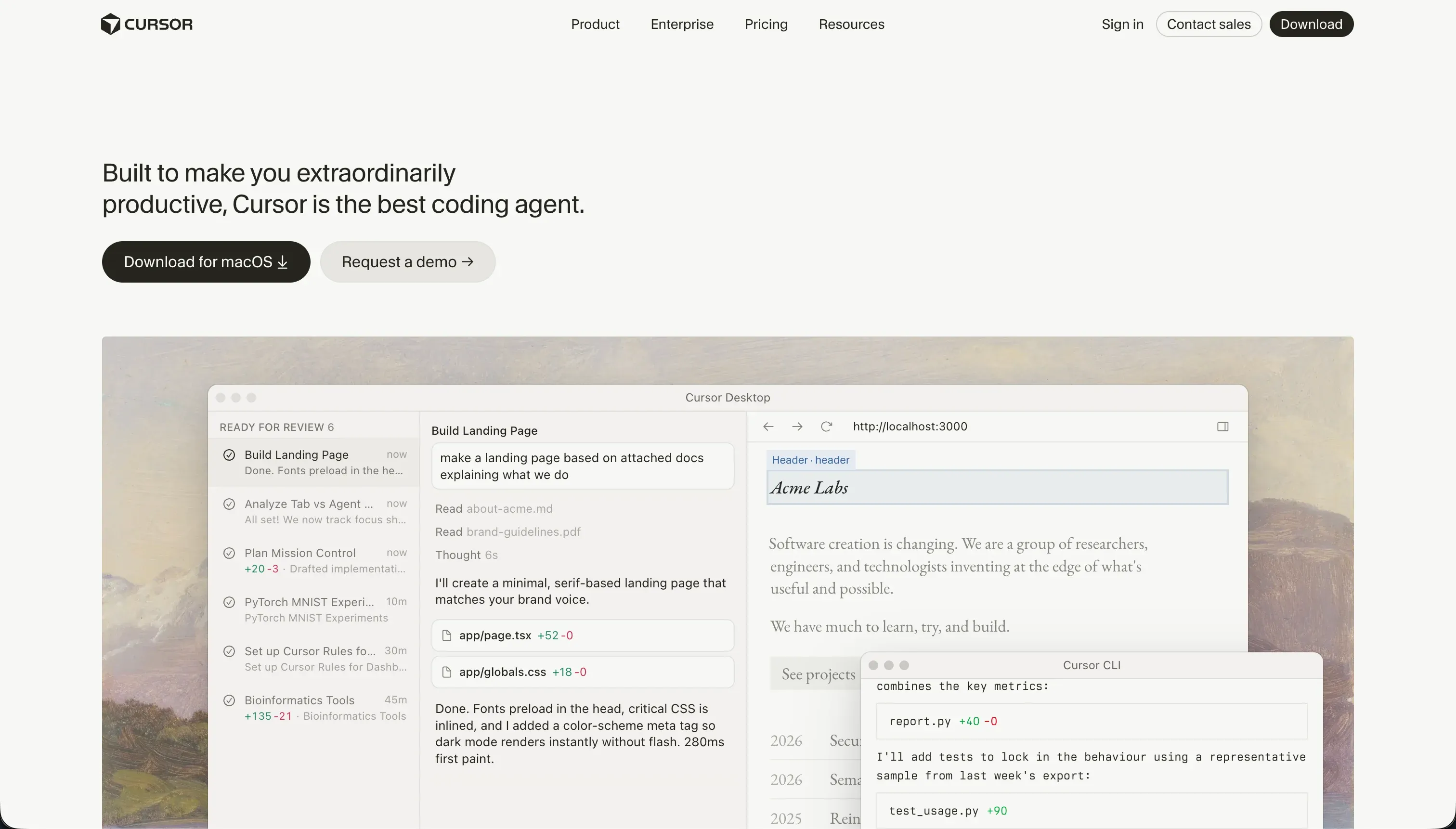 Cursor homepage snapshot
Cursor is a developer’s dream. Built on a fork of VS Code, it indexes your entire workspace to let you write codebase-level features through inline prompts. Its Composer agent mode is exceptional at writing, testing, and editing multiple files simultaneously to help an engineer wire up custom wiki auth or database models.
We rank it fifth because it is a developer IDE, not a visual builder. If nobody on your team knows how to configure a NextJS repo, set up database tables, or manage production servers, Cursor will leave you with raw code you cannot deploy or run. It is a fantastic accelerator for modern software developers, but entirely unsuitable for non-technical operations teams. Full review.
6. Codex - the Git-native agent for local files and Notion integration
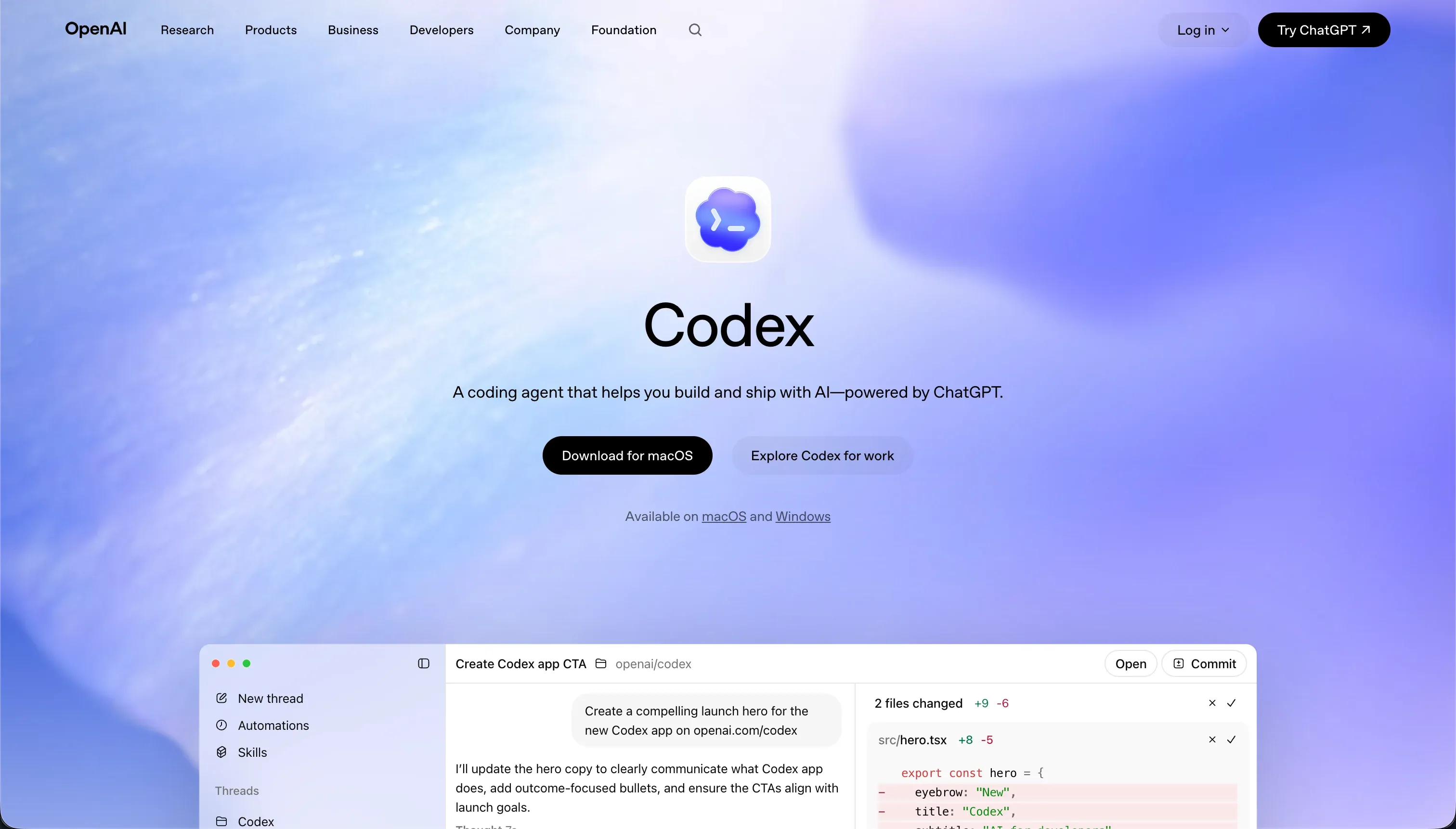 Codex homepage snapshot
Codex operates under a different paradigm, serving as a terminal-based command-line agent rather than a visual app editor. For developers who want to manage a knowledge base locally using Markdown files, Codex is an exceptional automation assistant. It can read directories, organize document templates, and run Git workflows to manage revision histories. More importantly, Codex can connect to Notion and other external wikis via the Model Context Protocol (MCP), letting you manage documents and sync data using AI actions while keeping full control of the underlying data files.
It sits at the bottom of the ranked roster because it lacks any visual front-end publishing interface. If your goal is to build a wiki that non-technical employees can easily log into and edit in their browsers, Codex is the wrong tool. However, if your team is comfortable with Markdown repositories and command line tools, it provides a highly efficient way to automate internal wikis. Full review.
Also tried: the tools that didn’t make the cut
We also thoroughly evaluated Retool for this use case, but its seat-based pricing structure means pricing scales rapidly when you open your knowledge base to the whole company, and it requires a strong background in writing custom JavaScript queries to configure document permissions. Lovable was also tested; while it quickly generates beautiful UI prototypes, its reliance on conversational prompting to configure database Row-Level Security (RLS) introduces hidden compliance risks, and operators frequently report AI credit inflation and regression bugs that can take down a live production app.
How to pick your wiki builder
The right choice for your company wiki depends on one core question: Who is going to maintain this library and its access rules in six months?
| Your team profile | Primary build platform |
|---|---|
| Non-technical operators & administrators | Softr |
| Visual developers who manage custom web stacks | WeWeb |
| Software engineers who require raw code ownership | Cursor or Replit |
| Developers managing local Markdown files or Notion via MCP | Codex |
Here is a simple rule of thumb before you start building: attempt to create two distinct test users in your wiki database, assign different security rules to each, and ensure that a user from Group A cannot access pages belonging to Group B. On Softr, verifying this takes three seconds in a visual panel; on pure generator tools, you will need to manually audit raw database code to ensure compliance.