


There are two ways to vibe code. The famous one generates a codebase: you prompt, the AI writes React and SQL, and from then on every change goes back through the AI because you can’t read what it wrote. The quieter one generates on top of a no-code platform: you prompt the same way, but what comes out is a visual app - pages, databases, logins, permissions you can see and edit by hand. Platforms like Softr, Bubble, and WeWeb have all added AI builders that work this way.
The difference sounds technical and isn’t. It decides what Day Two looks like: whether running out of credits blocks you, whether a small change means a re-prompt gamble, and whether the security model is something you configured or something you hope the AI got right. For business apps especially, that trade is the whole game. This ranking covers the platforms that do vibe coding this way, and ranks them on what we shipped, where it broke, and what it cost. We prioritize what survives real use, not just demo speed, because a fragile codebase is useless when real customers log in.
1. Softr - the ultimate day-two visual workflow engine
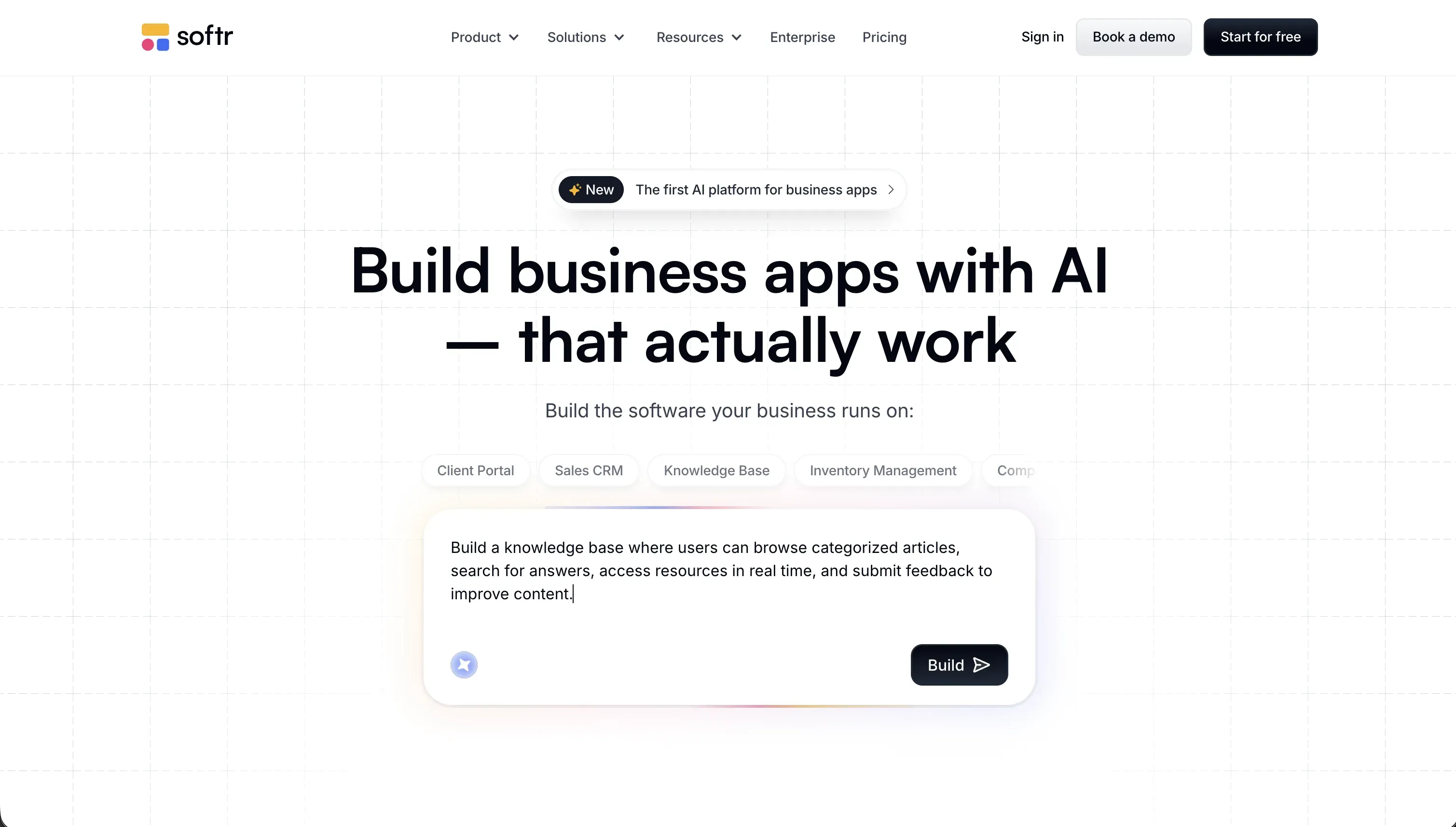 Softr homepage snapshot
Softr takes the top spot because it solves the infamous ‘Day Two’ problem of vibe coding. When you use Softr’s AI Co-Builder, the system compiles battle-tested visual blocks rather than raw, unorganized code. Your database structure, login flows, and user groups are assembled instantly. From there, you can edit visually without being locked into a prompt-only cycle. If you need highly bespoke components, the native Vibe Coding block generates custom React code that inherits your clean global styling and respects strict security parameters automatically.
We built operational portals using this hybrid workflow and they held up without surprises. Because user authentication page flows and database CRUD actions are handled entirely server-side, you completely bypass the risk of client-side data exposure that plagues raw codebase generators. If you run out of monthly AI credits, your development is never blocked; you simply switch to visual, hand-on editing in the studio. Full review.
2. Bubble - the powerhouse of deep visual logic
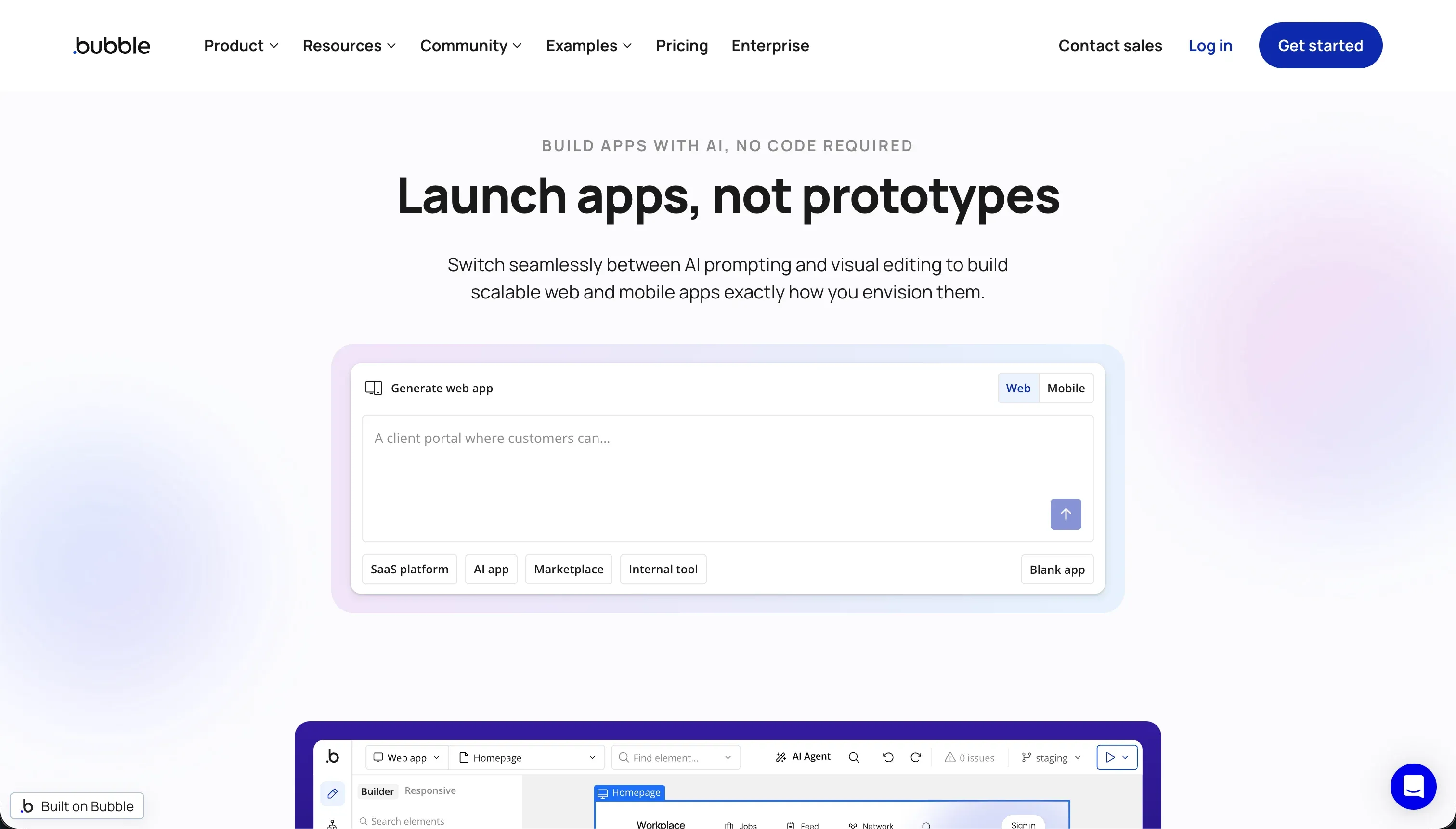 Bubble homepage snapshot
Bubble is the heaviest visual programming engine on the market, offering pixel-level layout controls and deep backend privacy rules. Its AI features can scaffold full-stack architectures in minutes, generating relational databases and logic workflows that would take standard developers weeks to configure. For complex multi-tenant applications, Bubble’s native server-side privacy rules provide an incredibly reliable framework that ensures data separation is watertight.
However, our testing highlighted two major pain points. The learning curve remains incredibly steep for non-technical teams, meaning diagnosing compiled logic issues will eventually require developer-level logic skills. More critically, Bubble’s Workload Unit (WU) pricing can spike your bills into the thousands if your database queries or workflows are left unoptimized by the AI builder. Full review.
3. WeWeb - decoupled frontend velocity for visual developers
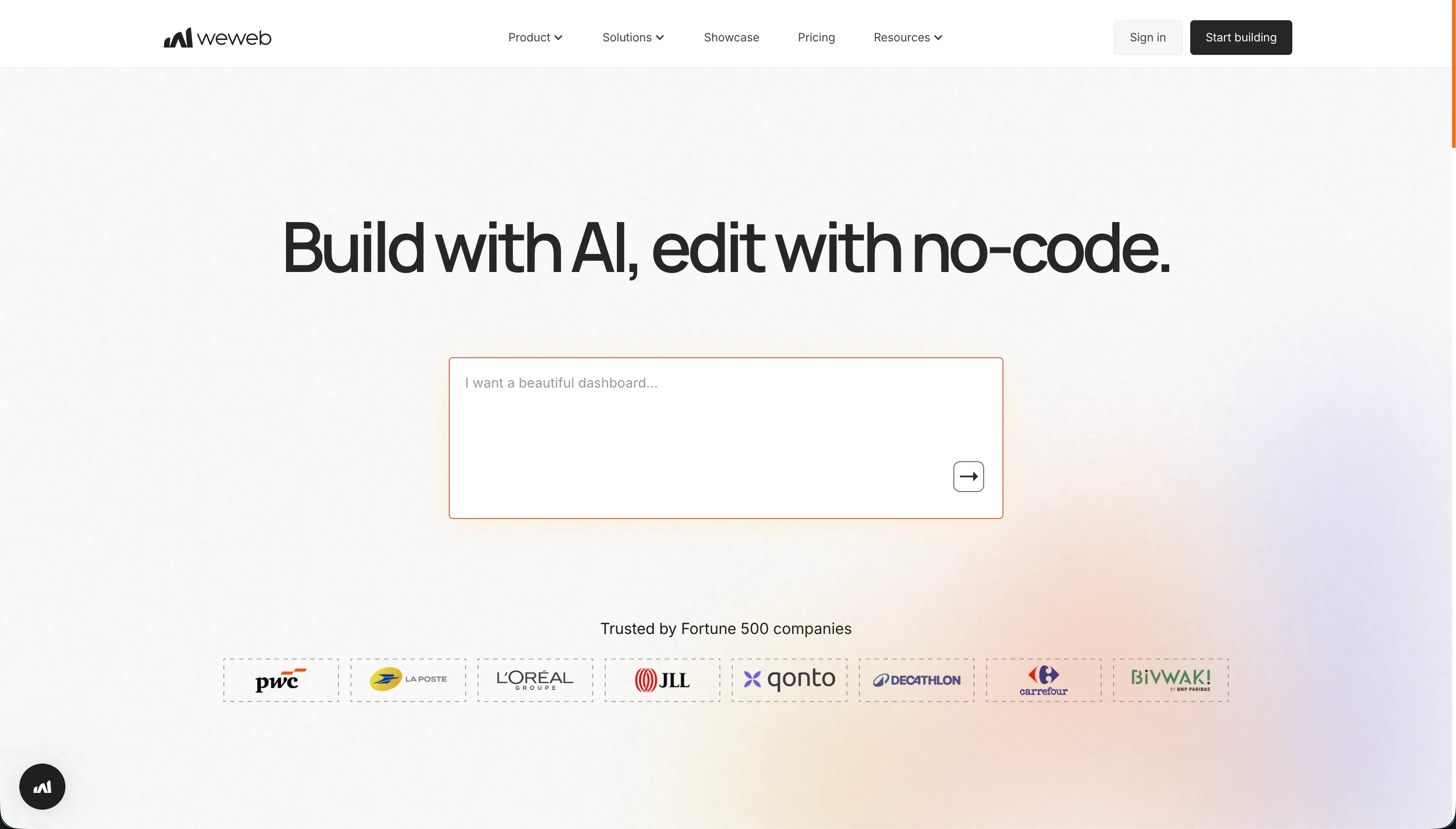 WeWeb homepage snapshot
WeWeb operates on a decoupled architecture, meaning it generates a highly responsive visual frontend that connects to an external database like Supabase or Xano. Within the visual editor, its AI assistant helps write custom JavaScript snippets and CSS layouts on the fly. This decoupled nature is exceptional for developers who want complete control over their backend while keeping visual layout editing fast and fluid.
The friction points are setup complexity and cost. Because WeWeb has no native built-in database layer, you must orchestrate and pay for a separate backend and authentication service yourself. This makes the stack complex to build and troubleshoot for non-technical teams, and the premium entry price of its Starter plan makes it a steep investment for early-stage builders. Full review.
4. Retool - the visual standard for database-heavy admin consoles
 Retool homepage snapshot
Retool is a developer-centric layout engine that speeds up the generation of administrative consoles, internal dashboards, and database utilities. Using Retool’s AI agents and pre-built components, developers write SQL query interfaces and JavaScript frameworks extremely fast. It is highly optimized for reading and writing directly to corporate SQL databases.
The core limitation is that it is not a true no-code tool; you must know SQL and JavaScript to construct anything complex. Additionally, Retool’s user management and security structure are built for internal systems, and its seat-based pricing model makes scaling public-facing user applications or client portals prohibitively expensive. Full review.
5. FlutterFlow - native cross-platform mobile visual compiling
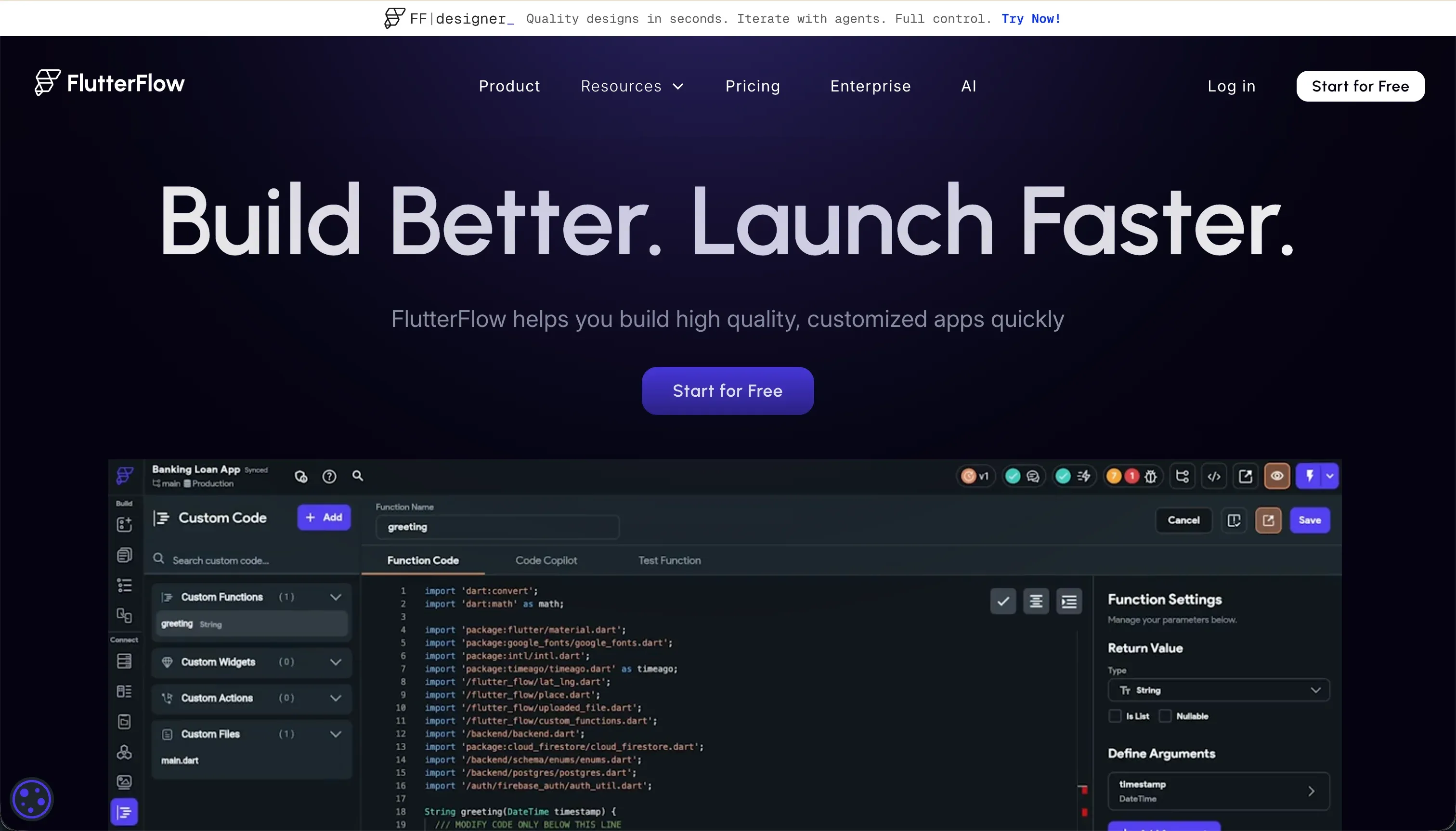 FlutterFlow homepage snapshot
FlutterFlow compiles visually built widget trees directly into clean, native Dart code for deployment to the Apple and Google Play stores. Its AI features help scaffold mobile screens, generate custom Dart functions, and setup relational database variables with Firebase. This visual IDE is ideal for mobile app visual prototyping and allows for full source code downloads.
However, it represents mobile development complexity. FlutterFlow requires an understanding of mobile layout logic, state management, and custom database rules. Because it was designed for native mobile platforms, web applications built on it compile in heavy CanvasKit formats, making them slower to load on mobile browsers and far from ideal for public search engine indexing. Full review.
Also tried: the tools that didn’t make the cut
We also put several codebase-first generators through their paces. Base44 offers a fully conversational vibe-coding experience that bundles managed databases and host parameters, but long-term user reports highlight server instability, regression loops that waste building credits, and destructive generation changes. We also evaluated Bolt, which provides a brilliant, browser-native development environment for developers but leaves authentication security, server-side permissions, and databases as developer homework, which often results in unstable deploy configs for non-technical creators.
How to pick your vibe coding no-code platform
The choice comes down to one question: who will maintain and secure this application once real users log in?
| Your situation | Build on |
|---|---|
| Non-technical operating team, needs fast and secure client portals or CRMs | Softr |
| Need complex, pixel-perfect logic and willing to master visual layout systems | Bubble |
| Frontend team with pre-configured external databases like Supabase | WeWeb |
| Technical backend team building admin panels and internal tables | Retool |
As a rule of thumb, always test the platform’s security boundaries before you import real customer data. Create two testing profiles with different access levels and verify that user A cannot see user B’s metrics; if that security guarantee depends on manual prompt hacks rather than visual, clickable platform rules, you are building on a fragile foundation.