
What is WeWeb?
WeWeb is a visual frontend builder dedicated to creating responsive web applications that link to external databases, business tools, and backend engines. Unlike visual website builders that offer simple static sites, WeWeb focuses on dynamic, data-driven software layouts that run as Single Page Applications. The interface provides deep style panels giving visual control over CSS layout engines, variables, and visual state management.
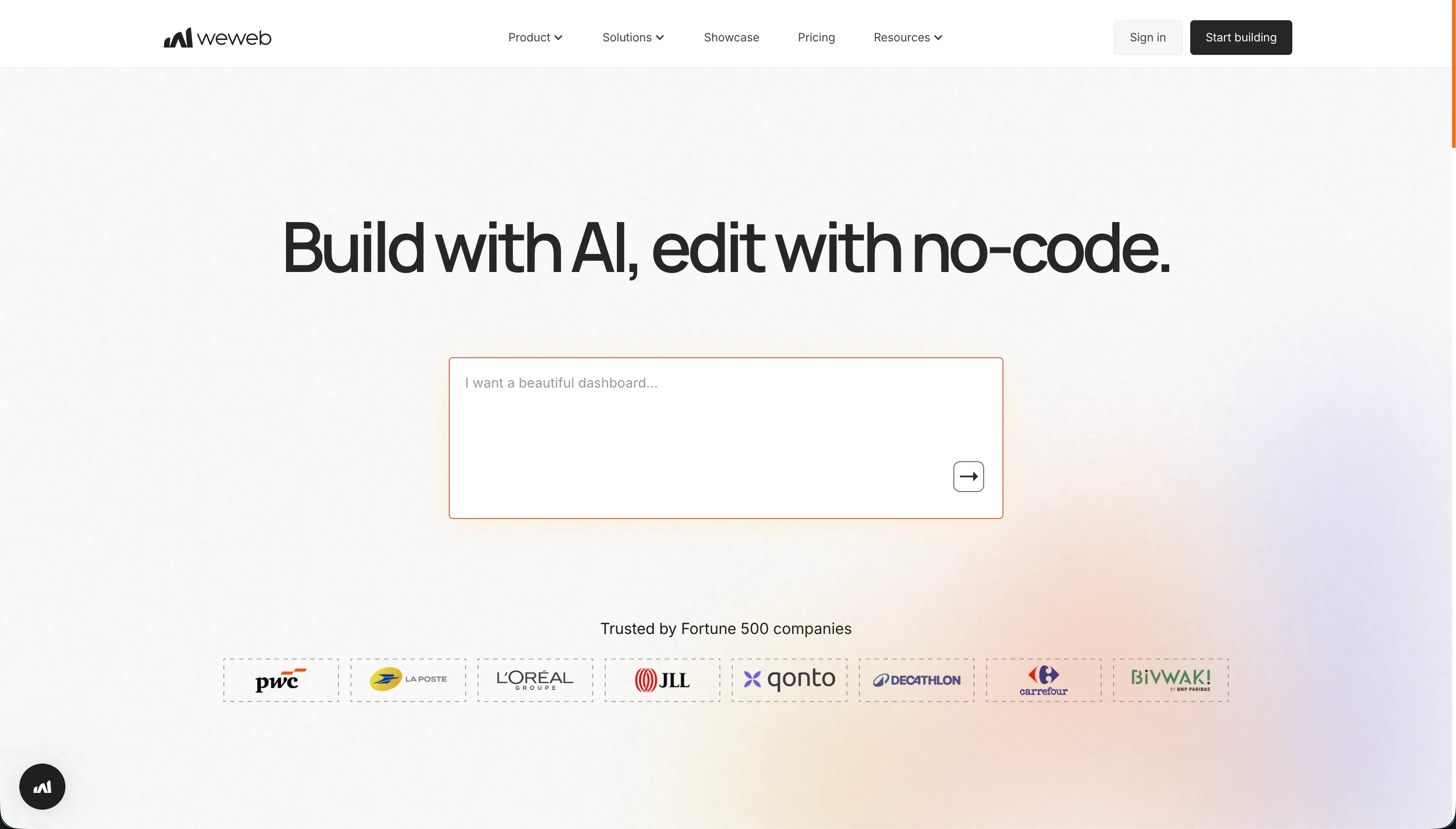 WeWeb homepage snapshot
At its core, WeWeb makes a bet on the decoupled stack philosophy. By intentionally refusing to build a database or backend inside their editor, they let you pair their visual designer with specialized backend systems like Xano, Supabase, or Airtable. This separation of concerns means your app can scale, but it places the responsibility of backend assembly, token authentication, and schema logic squarely on the builder.
What can you build with WeWeb?
The honest sweet spot is complex, design-heavy dashboards and SaaS frontends linked to modern relational databases. The most common builds include:
- Client portals with personalized dynamic views powered by Supabase APIs
- Custom SaaS dashboards with visually complex multi-chart reports
- SEO-friendly web applications requiring precise indexability and rapid load times
- Internal operational panels mapped to legacy database backends
What makes these builds work is the precision of the layout editor, which handles advanced CSS properties and complex variables visually. However, the build stops when it comes to quick, simple business tools or applications. If you do not have an existing external database or are not prepared to architect API schema mappings, session tokens, and route parameters by hand, trying to build even a simple directory app feels like pulling teeth.
What users are saying
The community feedback displays a sharp divide over WeWeb’s steep learning curve and support. Users consistently highlight several features:
- Outstanding layout control with professional CSS spacing and absolute positioning models
- Flexible REST API integrations that connect to nearly any database structure
- True framework-free design that compiles clean, indexable SPA outputs
However, customer complaints center heavily on support and documentation. Builders report that documentation frequently falls behind the frequent editor updates, leaving them to guess dynamic solutions. Worse, Product Hunt and G2 reviews are peppered with users warning of difficult-to-reach customer support, tickets that go unanswered, and at least one reviewer reporting continued billing more than a year after cancelling.
Our read: WeWeb provides some of the best frontend designer controls in the visual space, but its learning curve and poor support ecosystem mean you are largely on your own when APIs break.
What it costs in practice
WeWeb’s pricing shifts based on your subscription interval and whether you need developer-grade exports.
| Plan | Price (Annual) | Price (Monthly) | Top Limits |
|---|---|---|---|
| Free | $0 | $0 | Editor-only, 150 records maximum |
| Starter | $39/mo | $59/mo | 1 app, 50k views, custom domain |
| Scale | $199/mo | $249/mo | 3 apps, 250k views, Vue/Nuxt export |
Because WeWeb owns no database, your actual cost is much higher than these figures. You must always budget for your external backend tiers, such as Xano or Supabase, alongside an external identity manager if your visual backend lacks authentication routing. The scale plan’s major benefit is Vue.js code export, making it a design-to-code translator and raising the monthly floor for scalable application teams to $249.
- Budget a separate line for your production database and authentication hosting; WeWeb’s price is only the frontend half of the bill.
- Use the free tier to map your visual states and API endpoints before paying for a custom-domain plan.
What are WeWeb’s common alternatives?
The right alternative depends on how much setup and decoupled assembly you are prepared to manage.
| If you want… | Look at | Why |
|---|---|---|
| An all-in-one business portal in one day | Softr | Includes database, authentication, and layout logic in a single flat-rate workspace without integration breaks |
| Professional mobile-first UI with native store deploys | FlutterFlow | Focuses directly on native iOS and Android packages rather than just PWA structures |
| Full IDE-powered agent building from plain prompts | Replit | Best for software engineers who want absolute control over editable raw backend code files |
| Fast dashboarding for internal agency tools | Retool | Highly optimized with pre-built SQL connectors for rapid internal operator portals |
Selecting the right visual application builder depends heavily on your deployment goals and your existing data stack. WeWeb stands out when you want a flexible frontend that can connect to multiple external backends, giving teams more freedom in design and architecture. Softr, by contrast, is often better for fast business portals and client-facing tools because it reduces setup time with a more bundled experience around data, authentication, and page structure. If your focus shifts from browser-based products to mobile-first delivery, FlutterFlow becomes especially compelling, since it is built around creating native-style iOS and Android applications rather than primarily web-oriented interfaces.
The choice also changes when project complexity and team workflow become the main concern. Replit is appealing for builders who want more direct control over code and backend behavior while still benefiting from AI-assisted development inside a browser-based environment. Retool serves a different audience, excelling at internal dashboards and operational tools where fast database connectivity, admin workflows, and prebuilt components matter more than polished consumer-facing design. In practice, the strongest option is usually the one that matches both your technical comfort level and the type of product you need to ship, so the best comparison is not about which platform is universally better, but which one fits your workflow most naturally.
Who WeWeb is for (and who it isn’t)
WeWeb is best for agencies and frontend builders who need precise layout control over design styling and prefer to utilize Supabase or Xano backends. Because organizing a multi-platform architecture demands strong concepts of API states, responsive design, and variable management, it is a great choice for builders in our best no-code platforms for vibe coding and best vibe coding tools for agencies spaces who want to construct custom frontends.
However, skip it if you want to assemble a business application without managing multiple tool subscriptions, debugging database APIs, or configuring custom user groups by hand. In these situations, Softr offers a safer all-in-one platform where the database, authentication, and design are native and secure from day one, allowing non-technical builders to ship client platforms in hours without any decoupled stack headache.