
What is FlutterFlow?
FlutterFlow is a visual development platform constructed on Google’s Flutter framework for building cross-platform native iOS, Android, and web applications. Instead of forcing you to hand-write Dart code from scratch, it offers a drag-and-drop editor that replicates Flutter’s underlying widget tree logic. You arrange visual building containers, dynamic stacks, and rows, while the platform matches those elements to clean, production-ready code.
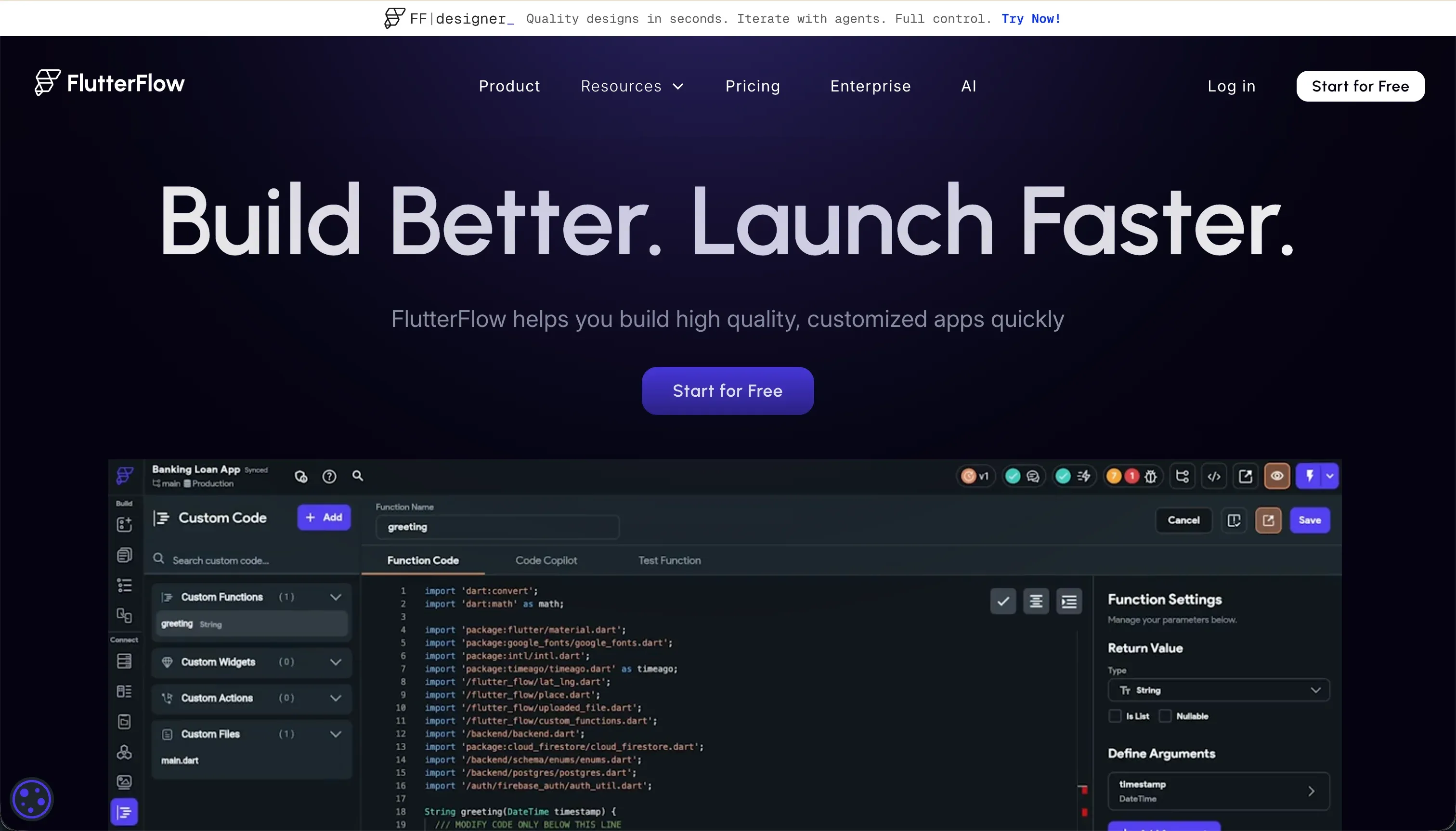 FlutterFlow homepage snapshot
The core bet behind FlutterFlow is that native mobile interface building should be visual, but software engineering principles cannot be bypassed. Unlike simple web-builders that mask all database architectural decisions, FlutterFlow exposes the raw mechanics of state variables, relational DB connections, and execution pathways. By maintaining this layout-to-code alignment, the platform guarantees you can download complete, un-obfuscated Dart code for your app at any given moment, ensuring you are never truly locked into their ecosystem.
What can you build with FlutterFlow?
The sweet spot for FlutterFlow is building performant, native transactional mobile applications that rely heavily on interactive device features.
- Native mobile MVPs with custom local caching, device push notifications, and geolocation
- Cross-platform client portals that need to act and feel like native mobile downloads
- Service booking and delivery apps reading directly from real-time database sources
- Workflow trackers built visually and wired to Supabase or Firebase tables
These apps thrive here because they compile straight to true native iOS and Android architectures, with direct access to native screen structures and hardware APIs. However, where FlutterFlow hits a hard limit is public, content-heavy web destinations and SEO-dependent landing pages. Because compilation for web relies on Flutter Web (rendering via CanvasKit by default), these apps run into heavy initial download overhead and slow browser loads, making them a poor fit for public search engines.
What users are saying
The developer community presents a clear split between praise for the platform’s feature depth and criticism of its troubleshooting process.
- A visual widget tree editor that genuinely matches production code structure
- Direct-to-store build deployment that handles the store formatting hoops for you
- Complex mobile interfaces built in days rather than months
- Clean translation tools and painless multi-language configurations
Most community complaints target the deep layout complexities and the opaque testing debug loop which leaves builders guessing which variable broke the chain.
“I have a hate-love kind of relationship with Flutterflow. On the one hand, there is no serious competition… Other times, it makes me think I’m losing so much time debugging things without a single error message to work with, one of the most unhelpful customer support out there.”
Our read: it has the deepest mobile feature set in the visual builder space, but its designer/developer target audience means it expects you to solve logic issues with an engineer’s systematic mindset.
What it costs in practice
FlutterFlow’s pricing structure scale is built around the value of code freedom and deployment mechanisms.
| Plan | Price (Annual) | What you get | Best for |
|---|---|---|---|
| Free | $0 | Pure visual building & database maps | Kicking tires & layout practice |
| Standard | $22/mo | APK downloads & Dart code exports | Building portfolios with local run |
| Pro | $50/mo | App Store deployment & Git sync | Production apps & professional makers |
| Teams | $50/seat/mo | Share libraries & collaborative team billing | Small agencies and design squads |
Because compilation and database infrastructure are decoupled, you do not face escalating usage-based hosting costs inside FlutterFlow itself. Instead, your runtime bills will scale on the external hosting platform you choose (such as Firebase or Supabase). However, watch out for development billing: the Free plan won’t let you export your Dart code. Code export starts on the Standard tier at $22/month billed annually, and codeless App Store deployment plus Git integration require the $50/month Pro tier, which is the practical floor for shipping to the stores.
To manage development cycles safely, maintain these three habits:
- Keep a clean local database mock instance during layout tests to avoid generating useless Firebase reads.
- Utilize local run capabilities on the Standard tier to view changes without waiting for draft cloud compilations.
- Keep third-party custom code components clean to prevent breaking the overall visual layout compiler.
What are FlutterFlow’s common alternatives?
Locating the proper tool depends on your deployment target and technical patience.
| If you want… | Look at | Why |
|---|---|---|
| Standard business tools without mobile store deploys | Softr | Visual interface construction from Airtable or native DBs in hours, with zero code or store approval loops |
| Web-first visually code-free apps | Bubble | Excellent database and workflow logic built natively, though compiling to stores requires custom packages |
| Complete custom coding in-browser with hosting | Replit | Powerful cloud hosting and direct code-editor control, though with code-first CLI tools rather than layout widgets |
| Drag-and-drop internal interfaces with SQL power | Retool | Fast internal dashboards built explicitly for existing analytical databases |
| AI-generated native mobile apps from prompts | VibeCode | A prompt-first route to App Store builds when you want generation speed over widget-level control |
When evaluating alternatives to FlutterFlow, it’s helpful to consider how each platform balances visual design speed against technical control. For teams that want to bypass the complexity of mobile app store submittals entirely, database-connected web builders offer a highly efficient route. Softr stands out for business builders who want to assemble client portals or internal tools directly on top of sources like Airtable in just a few hours. Similarly, Bubble provides an incredibly deep visual programming experience that is optimized for web applications, offering native database management and workflow logic that reduces the need for writing custom backend APIs, even if compiling those finished projects into native mobile wrappers requires some extra assembly.
On the more code-heavy side of the spectrum, developers who prefer absolute control over their environment may find platforms like Replit more aligned with their development workflows. Replit shifts the focus from drag-and-drop design widgets to a full-fledged cloud-hosted integrated development environment, letting users write custom code from any browser. For internal dashboarding projects that rely heavily on SQL databases, Retool offers a specialized approach that lets teams drag and drop UI components that connect natively to analytical databases. Meanwhile, those who want to leverage artificial intelligence for rapid prototyping can look toward platforms like VibeCode, which uses prompt-driven generation to quickly produce native mobile app builds when speed is prioritized over fine-grained widget customization.
Ultimately, selecting the right alternative comes down to whether your project requires high-fidelity mobile performance, simple database connectivity, or a prompt-driven environment to bring your application to life.
Who FlutterFlow is for (and who it isn’t)
FlutterFlow is our top recommendation for professional designers, mobile-focused freelancers, and technical agencies looking to speed up their development timelines. It is positioned at the top of our best vibe coding tools for mobile apps and our best vibe coding tools for agencies because it yields complete code packages without the overhead of manual coding from scratch.
However, skip it entirely if you are trying to construct standard internal portals, CRMs, or client sites, and do not want to manage databases or deploy code updates. For those operational business use cases, Softr provides a vastly faster, zero-code environment that runs instantly on mobile browsers with secure user groups. For builders determined to get an app onto the App Store, and who are willing to navigate standard developers’ database structures, FlutterFlow remains the most mature framework builder on the market.