


For a lot of business apps, a progressive web app is the sweet spot: it installs to the home screen, works on a phone, and skips app-store review and the native build pipeline entirely. You build it once on the web and your team installs it like an app. For an internal tool or a client-facing portal that people use on their phones, that’s often exactly enough, without the cost of going truly native.
This ranking is part of the internal tools family. If you genuinely need store distribution and native device features, see the native mobile apps ranking instead.
Building an installable progressive web app (PWA) requires more than standard web layouts. Real-world PWAs demand specific infrastructure to survive actual use on mobile devices:
- Frictionless offline caching and smart local-state management so the interface doesn’t turn white on a weak cell signal.
- Built-in responsive layout parameters that naturally fit touch targets without endless prompting to align CSS.
- Zero-setup user session security that handles secure logins on a mobile viewport out of the box.
We ranked this roster based on actual survival in the wild, not how impressive the initial desktop prompt looks. While raw AI generators can one-shot visually appealing pages, studies indicate roughly 45% of AI-generated code contains OWASP Top 10 vulnerabilities, and standard vibe-coded components often accumulate fatal layout and rendering regressions on mobile browsers.
1. Softr - the installable business app that handles itself on mobile
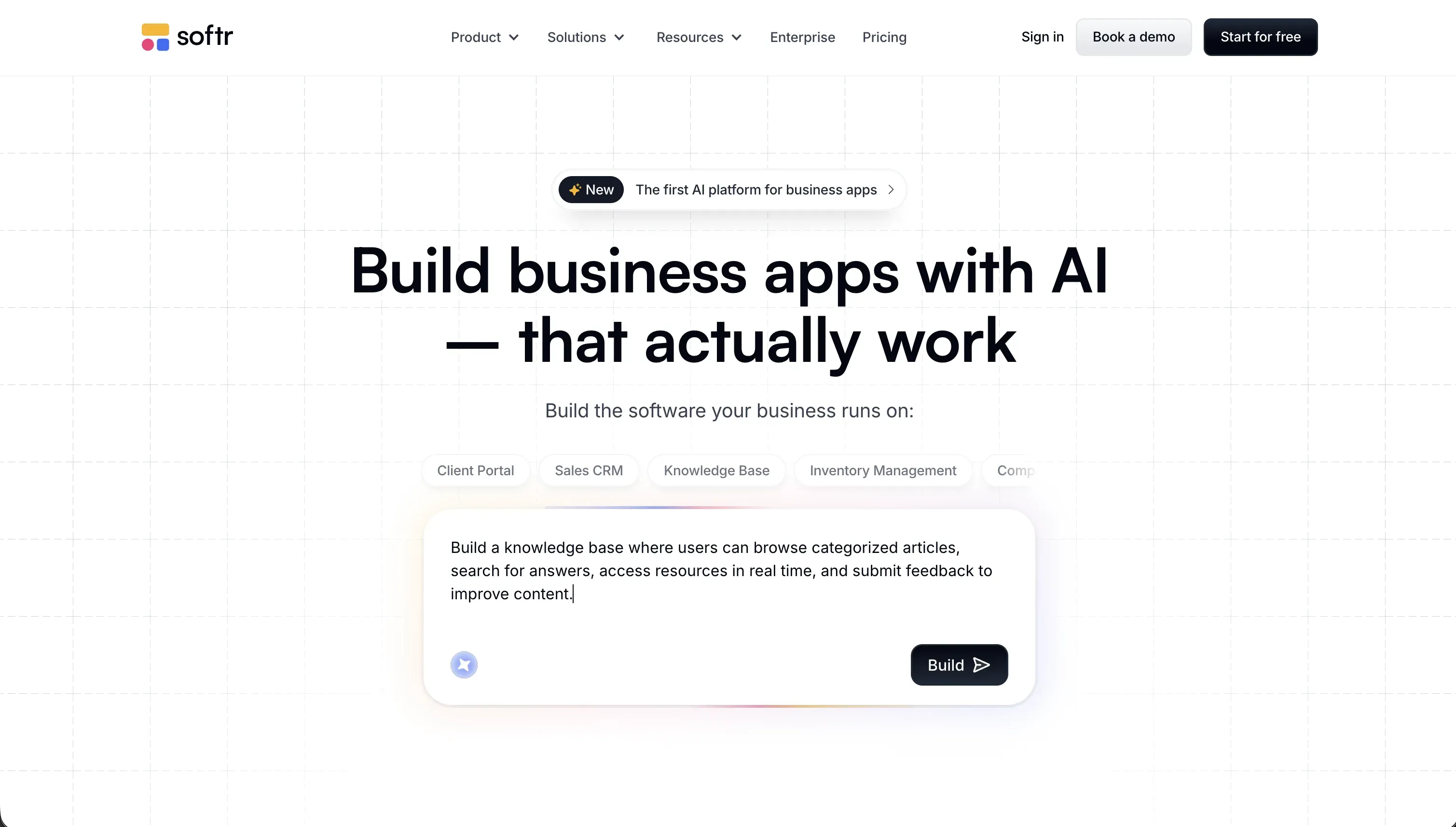 Softr homepage snapshot
Softr takes the top spot because it approaches mobile-responsive business software as a platform standard. Building a PWA with Softr is straightforward: you configure your application, connect your data - starting with native Softr Databases or referencing external sources like Airtable - and set your PWA icon in the theme settings so users can install your web app directly onto their mobile home screens.
The layout engine relies on battle-tested blocks that default to mobile-friendly visual parameters, removing the typical layout prompting fatigue where builders spend dozens of prompt runs just aligning icons or correcting touch spacing. If you need bespoke visual elements, the built-in Vibe Coding block allows you to construct custom React components that automatically inherit the app’s global styling, databases, and visual user group permissions. The result is a snappy, responsive PWA that works reliably for teams in the field the day you publish it. Full review.
2. Replit - full developer environments with AI scaffolding on mobile ports
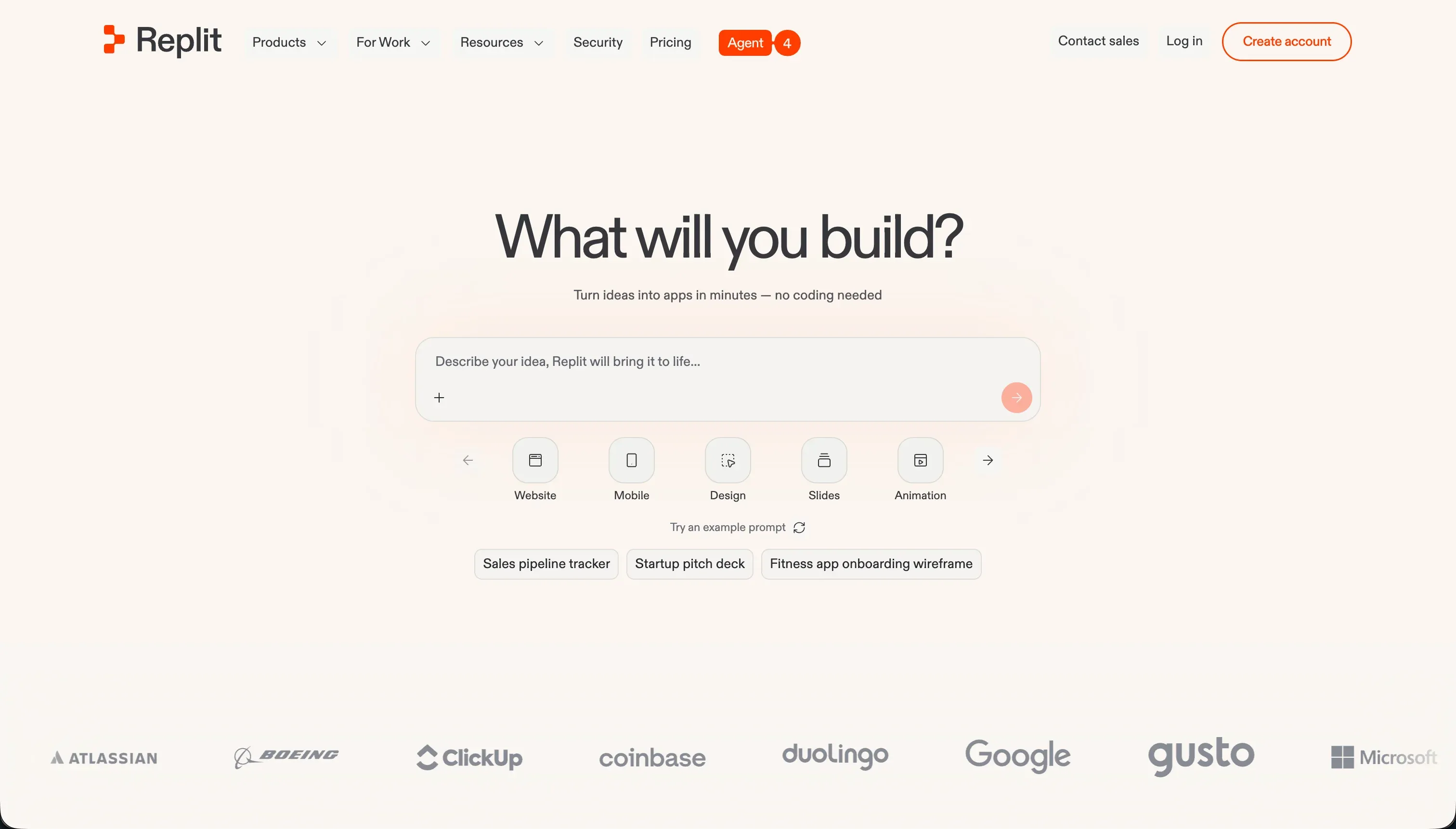 Replit homepage snapshot
Replit represents the code-first route using Replit Agent to design and deploy full-stack code bases. If you want direct access to your service workers and manifests to customize exactly how your PWA caches assets on mobile viewports, Replit provides zero-setup cloud development environments to write, test, and host the final application.
You should pick Replit if you have technical skills or want to learn because the output is a real code repository running inside an active container, requiring manual upkeep of library paths and PostgreSQL db structures. Non-technical operators may find themselves stuck in debugging loops when the agent makes mistakes or blows through credit limits with silent database checkpoint charges. However, if code control is your primary requirement, it is an extremely flexible launchpad. Full review.
3. Bubble - deep mobile logic with mature database engines
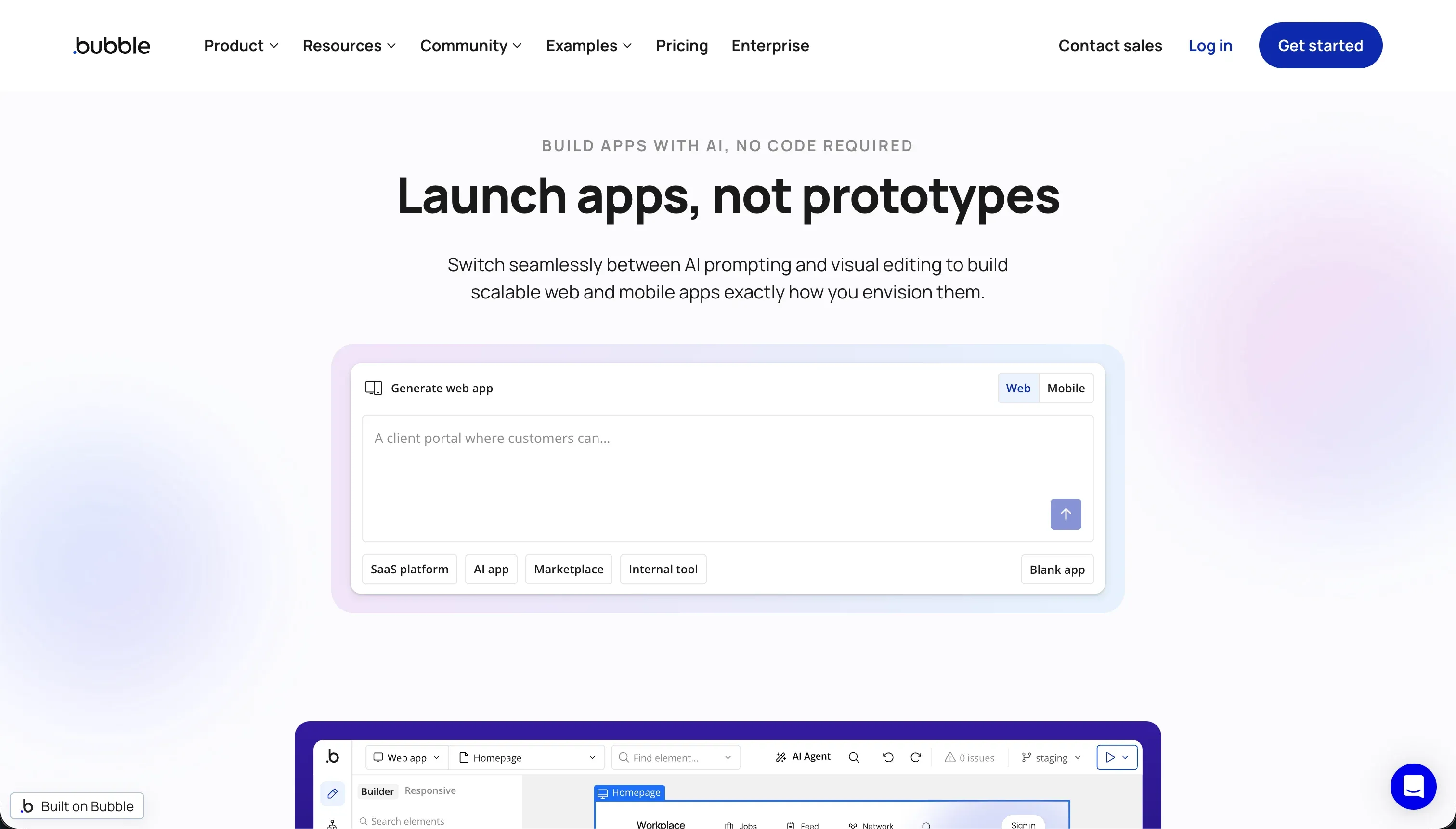 Bubble homepage snapshot
Bubble handles rich, multi-user operational workflows with native database tables. While it handles standard mobile viewport adjustments easily, PWA behavior is not a first-class platform setting, so expect extra configuration work (plugins or custom headers) to get a correct manifest and caching in place.
We place it third because mastering Bubble’s visual programming constructs requires deep developer-like conceptual thinking, and unoptimized search queries can trigger massive consumption of Workload Units under their usage-based pricing models. However, when your PWA requires highly complex database relationships, nested workflows, or integrated payment configurations on a stable, mature ecosystem, Bubble is hard to beat. Full review.
4. WeWeb - decoupled visual frontend design on top of custom backends
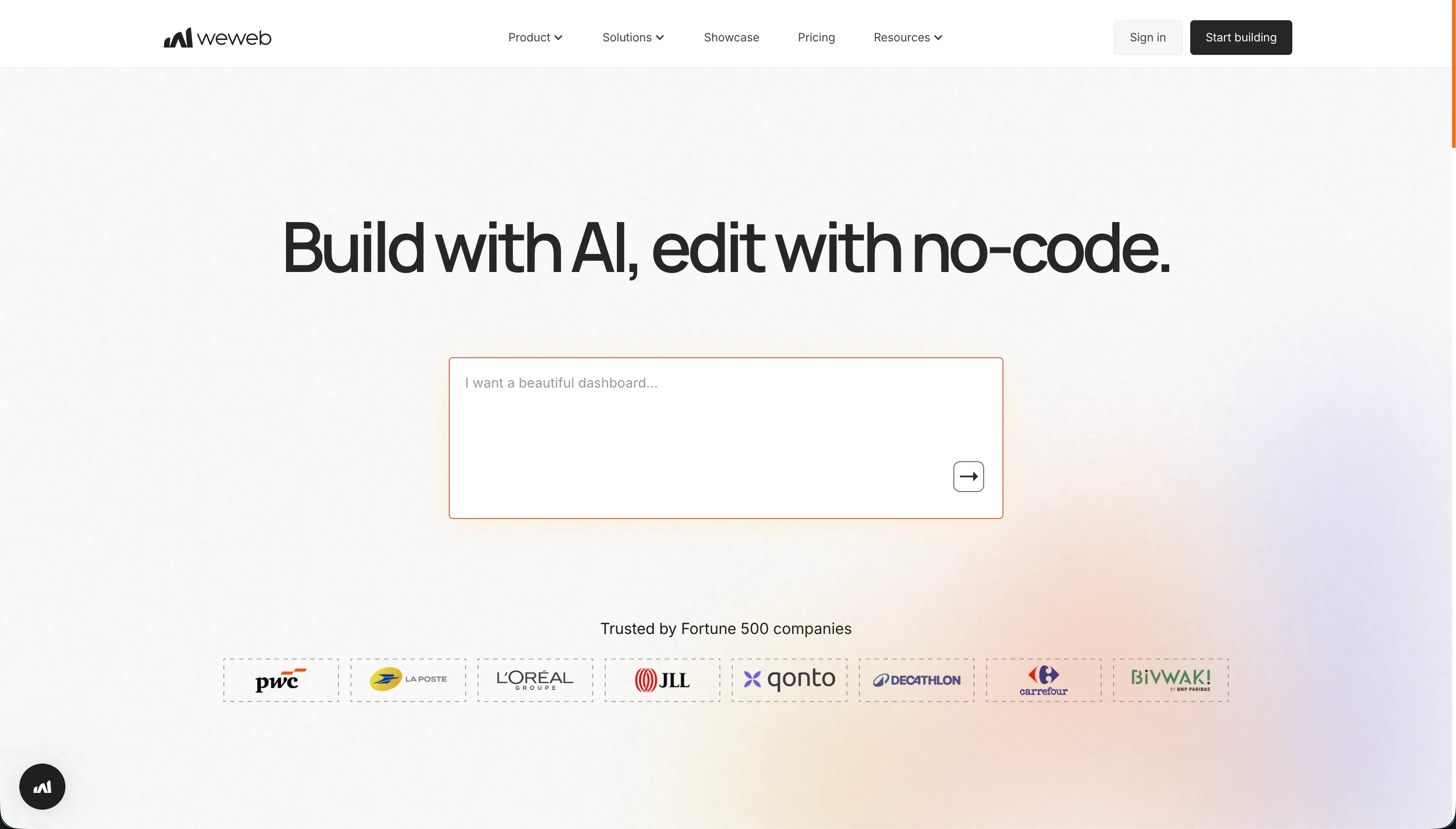 WeWeb homepage snapshot
WeWeb operates as a decoupled frontend editor, letting you design mobile layouts that connect directly to external backend engines like Xano or Supabase via REST APIs. Because it provides direct layout controls representing CSS flexbox and custom grids, you can sculpt precise touch-based interfaces that behave exactly like native apps.
While WeWeb provides PWA support out of the box, builders must manually coordinate authentication and security rules across a fragmented multi-tool stack, which increases setup time and overall monthly development friction. It is perfect for agencies and front-end designers who are willing to navigate this divided stack to achieve complete design freedom. Full review.
5. Bolt - rapid code scaffolding to get an instant frontend runtime
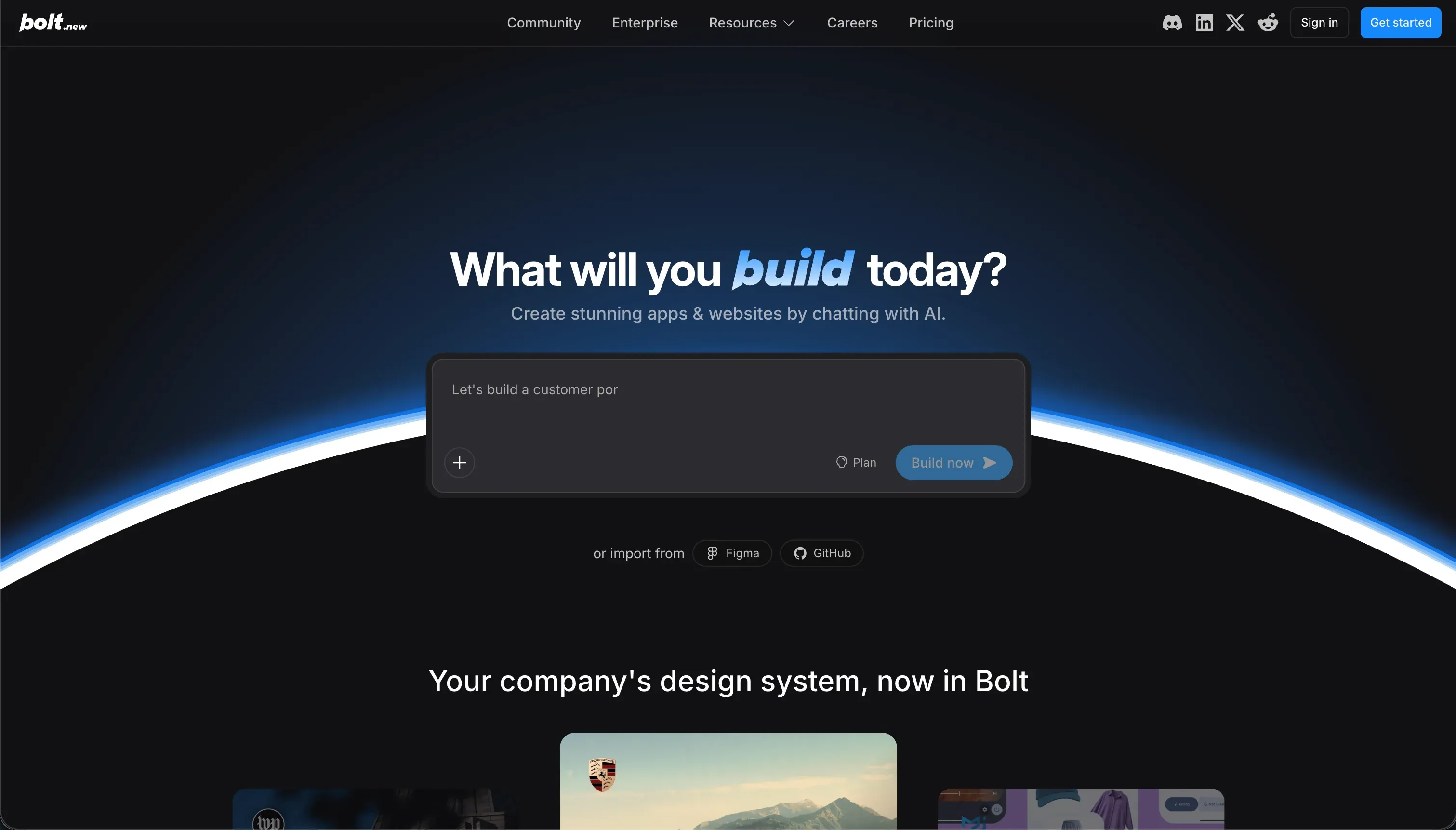 Bolt homepage snapshot
Bolt generates an entire responsive web interface in seconds from plain-language prompts using browser-native WebContainers. It is an amazing prototyping block for building quick codebases because it exports clean, standard React setups that developers can download with zero platform lock-in.
The primary drawback for a production PWA is the absence of native administrative panels for permissions, user profiles, or databases, meaning you must prompt the AI or code your own backend integration from scratch. Additionally, debugging complex loops or code regressions can deplete your monthly token pool quickly. It remains a top option when you need the AI to quickly scaffold clean code layouts that you intend to host independently. Full review.
6. Lovable - gorgeous visual prototypes that require database backend audits
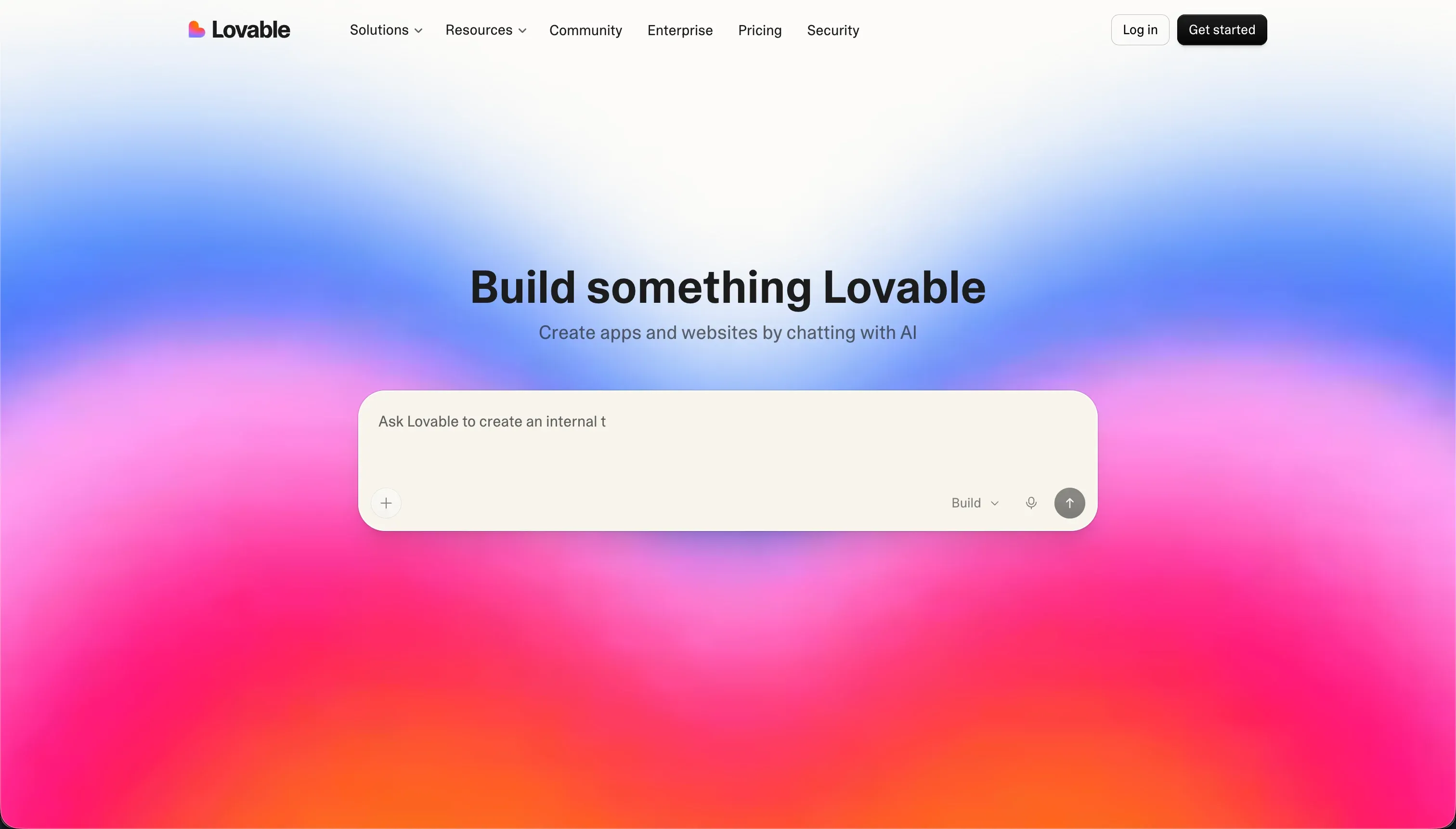 Lovable homepage snapshot
Lovable compiles standard React and TypeScript codebases connected to Supabase backends. Prompting a new dashboard or a mobile tracking log with Lovable is fast, rendering beautiful desktop and mobile prototypes within minutes.
However, relying entirely on an AI agent to secure permissions and structure database schemas introduces notable data exposure risks when opening the app to real production users. Real-world builders report that platform regressions often require manual, local code intervention down the road. Use Lovable to build highly interactive layouts quickly, and prepare to transition the output to a standard development IDE for long-term safety. Full review.
Also tried: the tools that didn’t make the cut
We also took a close look at alternative routes. v0 by Vercel creates stunning, modernized React views from simple wireframes, but its lack of native database tables, backends, or authorization structures makes it a designer’s block rather than an installable app solution. FlutterFlow compiles visual widget trees into native mobile packages, but compiling Flutter to web environments can lead to heavy performance overhead and slower initial loading times on mobile search engines compared to direct, responsive web options.
How to pick your PWA builder
The right choice comes down to how you intend to handle data security and page maintenance as your application scales. If you don’t want to audit raw code lines for leaks or spend credits every time you update a visual element, stick with visually constrained platforms.
| Your situation | Build on |
|---|---|
| Non-technical operations team | Softr |
| Complex data relationships, no custom code | Bubble |
| Front-end designer mapping custom rest APIs | WeWeb |
| Full-stack developer with custom host targets | Replit or Bolt |
As a quick test, load your application on a phone and turn off your wireless network. If you immediately get a blank browser crash screen instead of a branded loading screen, the AI failed to correctly configure the app’s offline manifest and caching headers - a structural gap that visual platforms prevent by default.