
What is Bolt?
Bolt is an AI-powered full-stack web application generator operating entirely within your web browser. Driven by StackBlitz’s WebContainers technology, it runs a virtual Node.js system directly in client memory, meaning you can install npm packages, trigger dev servers, and execute actual terminal commands without configuring a local environment. When you type an idea, Bolt generates matching React components, client-side routing, page state, and styling code, presenting it side-by-side with a live, hot-reloading rendering of the app.
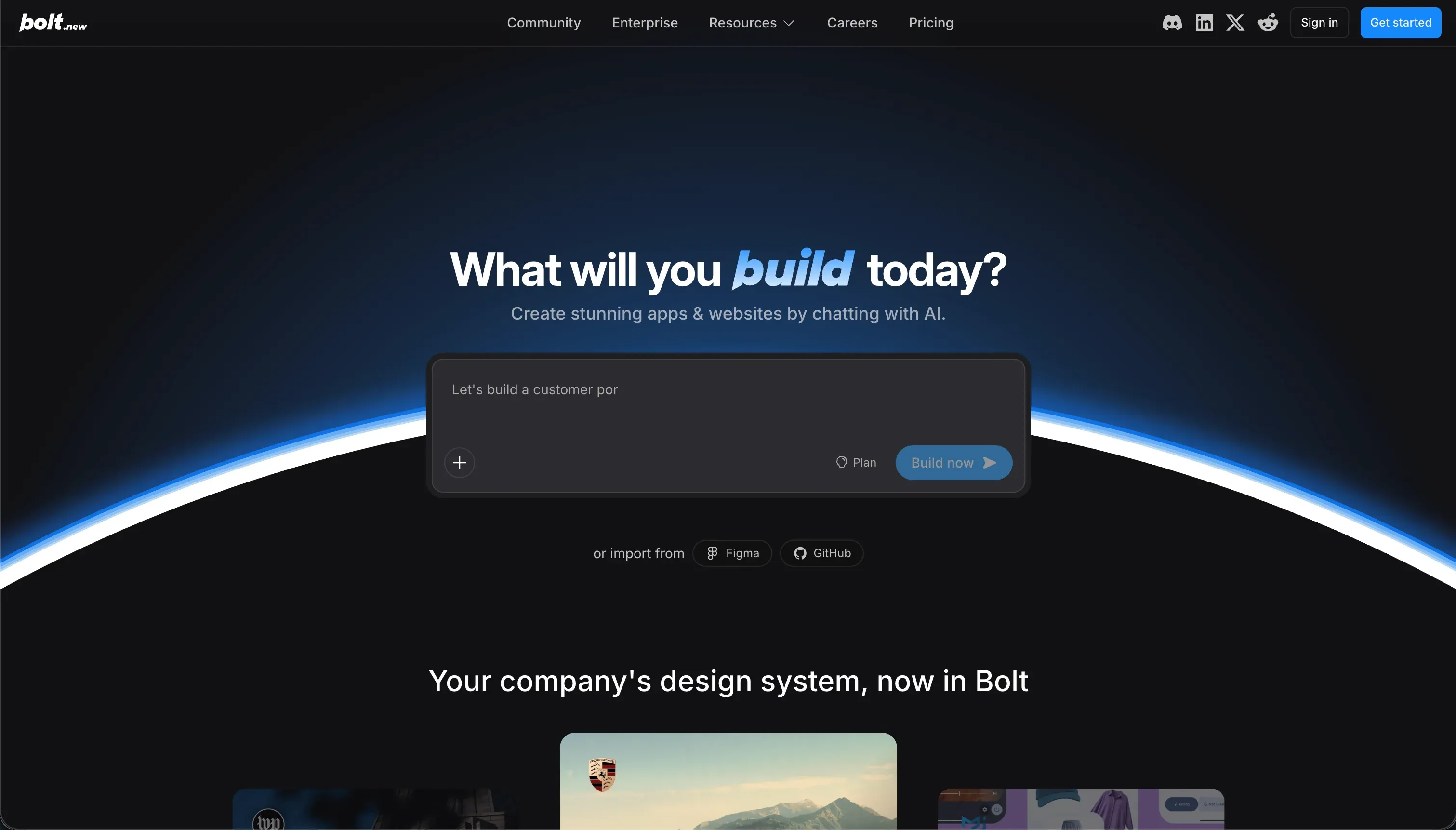 Bolt homepage snapshot
The strategic bet behind Bolt is that the browser window is the best place to design, code, and preview an app in one single loop. It targets builders who favor coding frameworks like React and Vite but want AI to skip the tedious boilerplate work. Because it works with standard files and folder trees rather than visual blocks, you maintain real, readable code that you can immediately synchronize with GitHub or export directly into your favorite programming environment. Both halves are valuable: the AI moves your design vision forward, and the underlying IDE keeps your hand on the wheel.
What can you build with Bolt?
The sweet spot for Bolt is single-page responsive web applications and clean frontend interactive prototypes.
- SaaS landing pages with mock pricing sliders, interactive product tours, and high-fidelity Tailwind stylings
- Interactive dashboards featuring Chart.js widgets, dynamic mock tables, and fast multi-tab layouts
- Web utilities and forms like conversion calculators, multi-step layout flows, and clean browser tools
- Client-facing concept demos built over a weekend to showcase design alignments and user experience ideas
What makes these builds work so well here is Bolt’s sheer generation speed. Since the container compiles in real-time, you can see changes, test button clicks, and adjust typography within seconds of submitting a prompt. Additionally, the built-in prompt enhance option refines your brief before submission, so the initial scaffold lands much closer to what you actually meant.
Where it halts is any backend-heavy production business tool or database-heavy pipeline. Bolt lacks an integrated, visual database modeler, a native user authentication module, or reliable backend storage. If your app requires safe transaction logs, secure workspace roles, or scalable APIs, you must ask the prompting interface to programmatically assemble an integration like Supabase, meaning you are fully on your own to secure and maintain the server infrastructure. Furthermore, because it outputs standard web files, it cannot compile native mobile apps or produce builds suitable for submission to the Apple App Store.
What users are saying
The community feedback on forums and technical product platforms shows a clear dividing line between swift initial successes and frustrating maintenance phases.
- Extremely fast initial generation loops that produce impressive landing pages in a single-shot prompt
- Excellent execution of styling changes and front-end layouts using Tailwind classes
- Clean code export settings with straightforward GitHub code ownership integration
However, users report that once a prototype expands past a few basic files, Bolt often suffers from code regression. The AI frequently overwrites fully functioning assets or deletes custom layouts while trying to resolve unrelated minor issues. Multiple developers have documented occurrences where the platform aggressively burns daily token limits in ‘bootloops’ while attempting to solve its own generated build errors, pausing development times when users are closest to a working version.
“Bolt still messing up entire existing, fully functioning pieces of code with complete overhauls of looks and appearance.”
Our read: Bolt is a fast engine for generating visual frames, but iterative changes get expensive and risky once a project grows. It’s a strong starting platform, but plan to move the code to your local machine when the app becomes complex.
What it costs in practice
Bolt operates on a subscription plan that charges a base monthly fee combined with a tier-based token consumption model.
| Plan | Price | Included Tokens | Primary Target |
|---|---|---|---|
| Free | $0 | 1M / mo | Testing capability |
| Pro | $25/mo | 10M / mo | Solo builders |
| Teams | $30/member/mo | 10M / member/mo | Small teams |
If your token requirements scale, Bolt offers intermediate tiers where you can pre-purchase higher amounts. For example, buying 55 million monthly tokens costs $100 per month on Pro, scaling up to a 1.2 billion monthly token option at $2,000 per month. The monthly tokens on paid plans roll over for up to two consecutive months as long as your subscription remains active.
In practical usage, tokens consume aggressively when editing. Because Bolt utilizes a diff-based alteration loop that sometimes regenerates entire files to make small styling shifts, a few diagnostic code fixes can drain your daily caps. To keep your billing predictable, we recommend adopting these cost-saving habits:
- Use the ‘Enhance Prompt’ button to maximize structural accuracy on your first run, reducing the need for iterative corrections.
- Do not run unattended prompts or allow the AI to handle infinite error-recovery loops without reviewing the code.
- Export your codebase to a local developer workspace like VS Code once the basic UI architecture is complete.
What are Bolt’s common alternatives?
Choosing the correct alternative depends on whether you seek visual simplicity, deeper developer control, or integrated databases.
| If you want… | Look at | Why |
|---|---|---|
| A production business app with visual auth and SQL | Softr | Visual roles, native databases, and permissions are standard, avoiding code maintenance and credit limits. |
| An AI-assisted developer IDE for your own system | Cursor | Direct desktop execution over your local files with deep context control and no container memory limits. |
| Perfect high-fidelity UI and design components | v0 | The strongest frontend generation accuracy of the bunch, tuned for modern component design. |
| Complete database hosting and deployment integration | Replit | Native PostgreSQL databases and autoscale hosting are built into the IDE loop. |
| Quick web generation with high-fidelity aesthetics | Lovable | Generates beautiful prototypes with fast custom alignments and strong visual logic. |
Selecting the right development tool depends heavily on your technical background and what you intend to build. If you want to launch a production business application without writing a lot of code, Softr provides stellar visual authorization and native SQL database connections that bypass heavy maintenance. In contrast, experienced developers who want to control their local environment directly should consider Cursor. Cursor works as an intelligent desktop IDE that runs on your local machine, allowing you to bypass the memory and container limitations of sandbox web environments while maintaining deep file context.
For those who prioritize frontend aesthetics and user interface accuracy, v0 offers incredible high-fidelity design generation, making it the premier choice for modern component layouts. If your project demands quick aesthetic prototypes that prioritize visual logic, Lovable serves as a strong alternative for fast alignments and rapid iteration. Meanwhile, teams wanting a more traditional development loop with integrated backend storage will find Replit to be a highly capable platform, especially with its autoscale hosting and native PostgreSQL deployment options built straight into the workspace.
Ultimately, balancing your development skills with your platform hosting needs will guide you to the perfect environment for your next project.
Who Bolt is for (and who it isn’t)
Bolt is best for developers, tech-focused founders, and digital builders who want rapid frontend code scaffolding with clean export paths. It tops our best-vibe-coding-tools-for-ai-coding list because of its speed, layout capabilities, and zero platform lock-in. If you understand basic web frameworks and want to avoid the tedious hours of hand-writing basic HTML layouts and component structures, Bolt provides the perfect workspace to generate, preview, and sync standard React repositories.
However, skip it if you want an app ready for production operations without managing database configurations or security policies. For business pipelines, internal dashboards, or client platforms, a visual no-code environment like Softr is much safer. With structured blocks, native logins, and secure database connections, you do not risk losing your work to AI code overhauls or burning tokens on routine styling fixes. If you understand code structures and just want to generate, tweak, and export visual layouts instantly, Bolt is a genuine accelerator to add to your toolkit.