
What is v0?
v0 is Vercel’s AI frontend generator. You describe a component or page in plain language, or upload a screenshot, and it returns editable React code styled with Tailwind CSS and commonly built around shadcn/ui patterns. The product runs in the browser, lets you iterate conversationally, and is mainly about turning design intent into code faster.
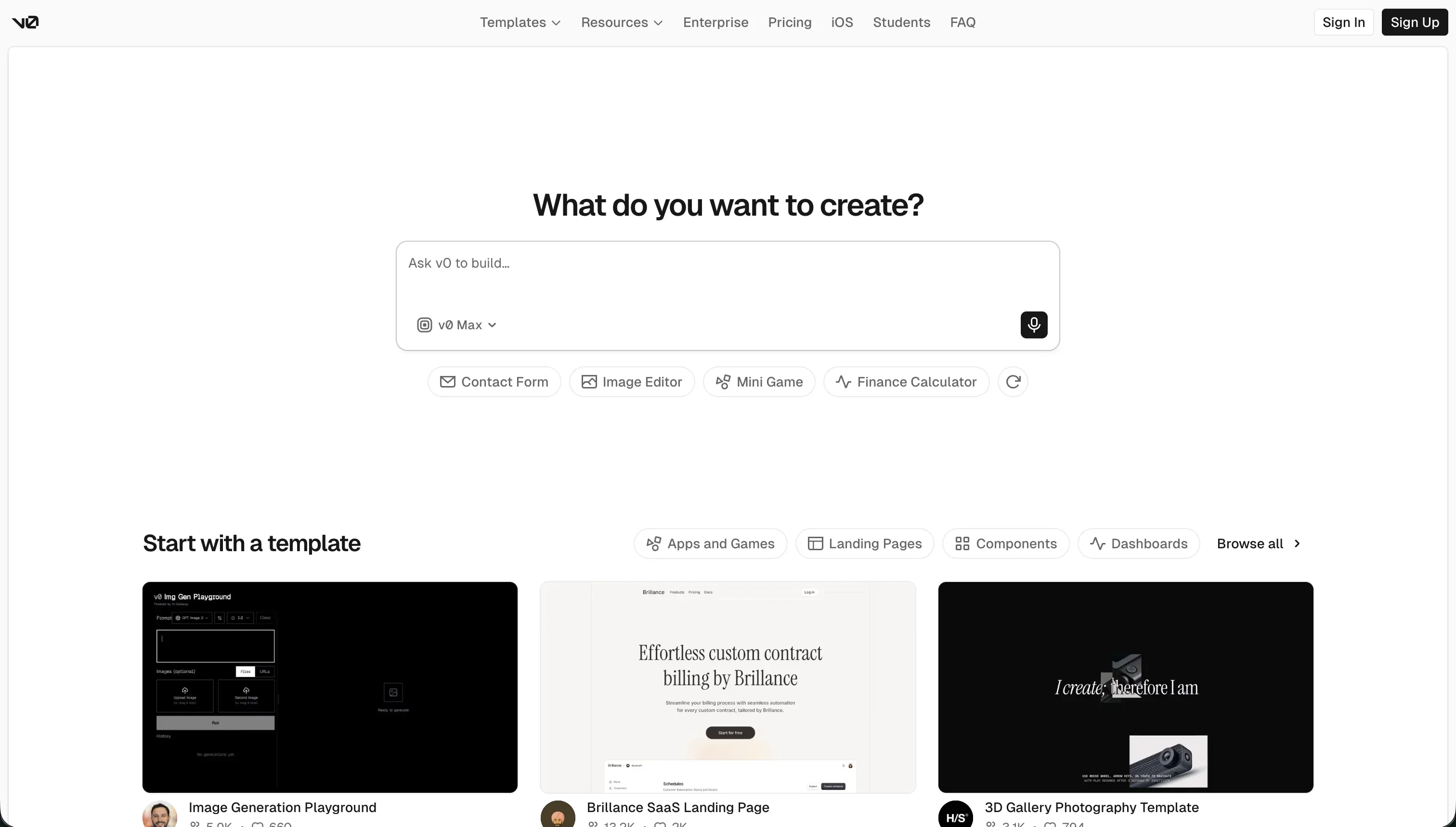 v0 homepage snapshot
The bet behind v0 is that strong product work often starts with interface clarity, so the tool goes deep on visual output instead of trying to be a complete app builder. That focus is why it can produce unusually polished UI, but it also means you still own the backend, data model, and app logic once the mockup phase ends.
What can you build with v0?
v0 is best for frontend-heavy work where visual quality matters more than backend complexity.
- Marketing sites with polished hero sections, pricing blocks, feature grids, and responsive layouts
- SaaS dashboards with cards, tables, navigation, charts shells, and settings screens ready for data wiring
- App prototypes that turn rough ideas or screenshots into clickable UI you can review with teammates or clients
- Design system components like forms, modals, tabs, headers, and reusable interface patterns in React
These work well because v0 is optimized for modern web UI conventions and produces code that feels close to the stack many React teams already use. If your team lives in Next.js, Tailwind, and shadcn/ui, the handoff is straightforward, and the generated output is easier to keep than a throwaway image mockup.
Where it stops is full application depth. It is not the right tool to carry a product that depends on built-in authentication, database modeling, backend workflows, or secure multi-user permissions. You can use it to create the shell of those products, but not to replace the infrastructure underneath them.
What users are saying
User feedback is consistent on one main point: v0 looks impressive fast, but reliability and cost become the sticking points.
- People praise how polished the first output looks compared with more general AI coding tools
- Users like that screenshots and rough mockups can become usable React layouts quickly
- Developers appreciate getting real code they can export and own rather than a locked visual artifact
- Teams value the fast path from prompt to shareable Vercel-hosted prototype
Complaints center on what happens after the initial wow moment. Users repeatedly report that longer sessions lose context, produce bloated or buggy code, and become frustrating once several prompt turns stack up. Pricing is the other recurring pain point: the shift to credits means even failed attempts or fussy visual changes still count against usage, and some builders describe burning through a month’s allocation during iterative debugging rather than new feature creation.
Our read: the enthusiasm is real, but so is the pattern. v0 is strongest as a short-burst UI generator that you export early, not as a place to nurse one long conversation into a whole product.
What it costs in practice
| Plan | Price | What you get | Best for |
|---|---|---|---|
| Free | $0/mo | $5 monthly credits, 7 messages per day, visual editing, Vercel deploys | Trying it and simple components |
| Team | $30/user/mo | $30 monthly credits per user, $2 daily login credits, shared chats, centralized billing | Active product and design teams |
| Business | $100/user/mo | Monthly credits, daily login credits, data opt-out by default | Larger orgs with admin needs |
In practice, v0 behaves more like a metered AI tool than a flat-fee builder. Your bill depends on the model and the number of tokens consumed, so exploratory prompting, repeated restyling, and debugging all eat into the same credit pool. That makes the product feel cheap for a one-shot component and much more expensive when you keep refining the same thread.
The practical budgeting lesson from user reports is simple: costs spike when you use v0 to solve problems it is not best at, especially long debugging sessions or repeated revisions inside bloated chats. If you use it as a fast generator and move the code into your own editor early, the value equation looks much better.
- Start new chats for new components instead of piling everything into one thread.
- Export working code early and finish detailed edits locally.
- Save higher-cost model usage for harder layout problems, not every small tweak.
What are v0’s common alternatives?
The best alternative depends on whether you need prettier frontend code or a fuller app stack.
| If you want… | Look at | Why |
|---|---|---|
| A visual app builder with auth and database workflows | Softr | It handles data, permissions, and app structure instead of just UI code |
| Full-stack generation in the browser | Bolt | It is aimed at generating both frontend and backend pieces together |
| An AI coding workspace with hosting | Replit | It combines coding, agents, deployment, and project runtime in one place |
| A more traditional visual web app builder | WeWeb | It gives you direct visual control plus real data connections |
When evaluating alternatives to v0, your choice depends heavily on how much of the application stack you want to build and manage. If you need a comprehensive visual application builder that handles user authentication and database workflows out of the box, Softr is a fantastic option. It moves beyond simple user interface code generation by structuring your actual data and access permissions. For developers who want to generate both frontend and backend elements simultaneously within the browser, Bolt offers full-stack generation capabilities. This is a great transition if you find v0 is too focused on frontend components and you want a more cohesive, self-contained development process.
On the other hand, if you require a complete coding workspace that features integrated hosting, artificial intelligence coding agents, and an active project runtime, Replit provides an incredibly robust platform. It bridges the gap between quick artificial intelligence generations and professional development environments. Developers who prefer a more traditional, visual web design experience that still connects deeply to live data sources will find their match in WeWeb, which offers excellent design control without sacrificing backend integration. Choosing your path comes down to whether you want to focus heavily on user interface design, visual database assembly, or full-stack code generation.
Ultimately, discovering the ideal balance between raw code generation and structured visual development will guide you to the platform that integrates most smoothly into your building style.
Who v0 is for (and who it isn’t)
v0 is an easy yes for React-fluent builders who care about interface polish. If you already know how your app’s backend will work and mainly want to accelerate frontend work, it is a strong fit for agency mockups, startup landing pages, and product UI exploration. It makes the most sense for readers browsing our best vibe coding tools for agencies and best vibe coding tools for marketing teams rankings.
Skip it if you need an all-in-one way to launch a working business app without touching infrastructure. In that case, a platform like Softr is usually a better fit because it covers authentication, data structure, and internal app logic more directly. If your bottleneck is frontend taste and speed, pick v0 confidently; if your bottleneck is application plumbing, move on without guilt.