


Most vibe coding tools quietly assume the web. So when people say “mobile app,” they often mean a responsive site you can save to your home screen. This ranking is about the other thing: real native apps you can submit to the App Store and Google Play, that feel like apps and survive store review. That is a much narrower field.
For general solo builds, see personal projects. If a phone-friendly web app is actually what you need, see the PWA ranking.
For this use case, a tool has to do more than look good in a simulator. It needs mobile-native UI, a build system that does not collapse under real changes, and a credible path to TestFlight and Play Store releases. We ranked these tools by what survives real use, not demo speed: what actually packages into a store-ready app, what stays editable after the first prompt, and what does not force a full rewrite the moment you hit auth, data, or device quirks.
1. FlutterFlow - the visual builder that still clears store release
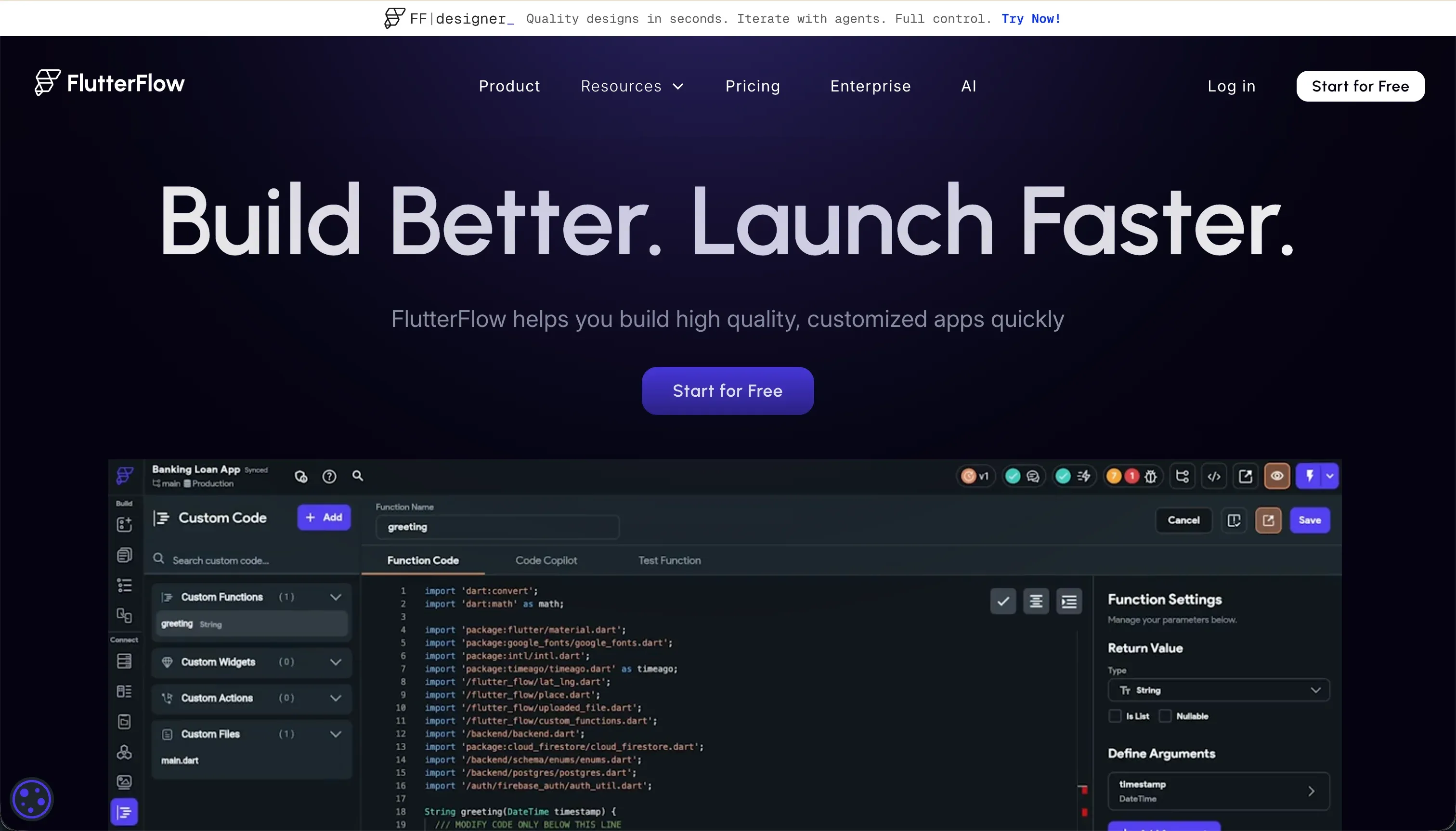 FlutterFlow homepage snapshot
FlutterFlow earns the top spot because it is one of the few tools here that is genuinely built around shipping native apps, not stretching a web workflow until it breaks. You get a visual Flutter builder, AI help for scaffolding screens and logic, and a platform that understands the unglamorous parts of mobile work like state, backend wiring, and release packaging. The big differentiator for this use case is the real store-shipping path.
What holds up in practice is not just that FlutterFlow can generate an app, but that teams can keep working in it after the first version. You still need to think like a builder, especially around layout rules, data models, and debugging. That is why it is not the easiest option on this list. But if your bar is “can this become an actual App Store product,” FlutterFlow is the most convincing answer here.
Pick it if you want the strongest mix of native output, visual speed, and long-term viability. It ranks first because it survives contact with real release work better than the rest, not because it is the simplest to learn. Full review.
2. VibeCode - the fastest route if prompts are the product
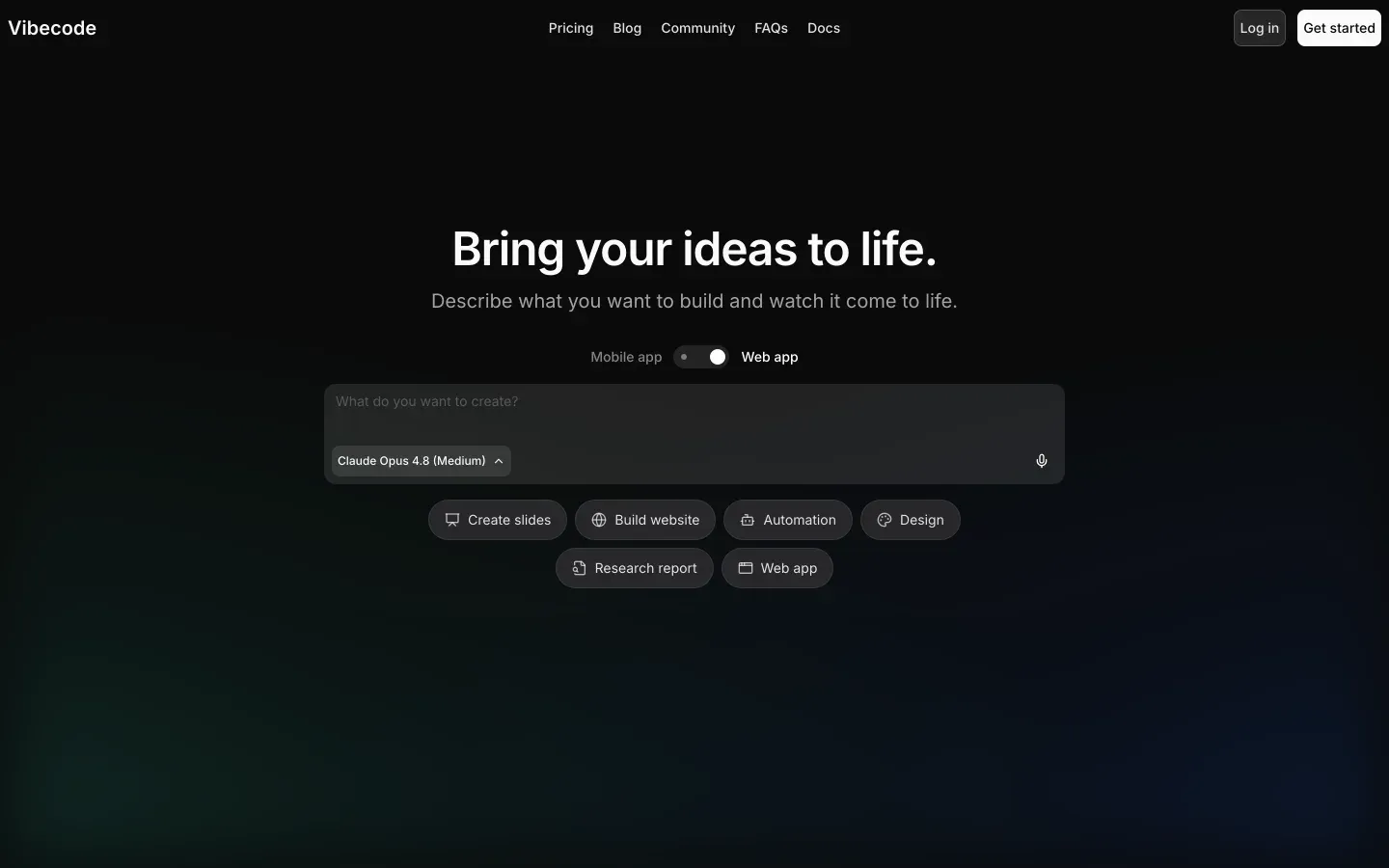 VibeCode homepage snapshot
VibeCode is the closest match to what many people imagine when they hear “vibe coding for mobile.” You describe the app in plain language, the platform generates screens and app structure, and it bundles in backend basics like data, auth, and storage. For simple utilities and MVPs, that can feel dramatically faster than learning a full visual builder. Its appeal is the prompt-first mobile workflow.
The reason it sits below FlutterFlow is reliability at the edges. It is strong when the app is straightforward and the product logic is still forming. It gets shakier once flows become more conditional, auth gets more nuanced, or you need tighter control over generated structure. That does not make it bad. It just makes it a better fit for lighter apps than for ambitious mobile products with a lot of moving parts.
Choose VibeCode if speed matters more than precision and you want to get to a store-ready first version quickly. It is ranked second because it feels effortless at the start, but less dependable as the app becomes more complex. Full review.
3. Replit - the agent route for builders who want the repo
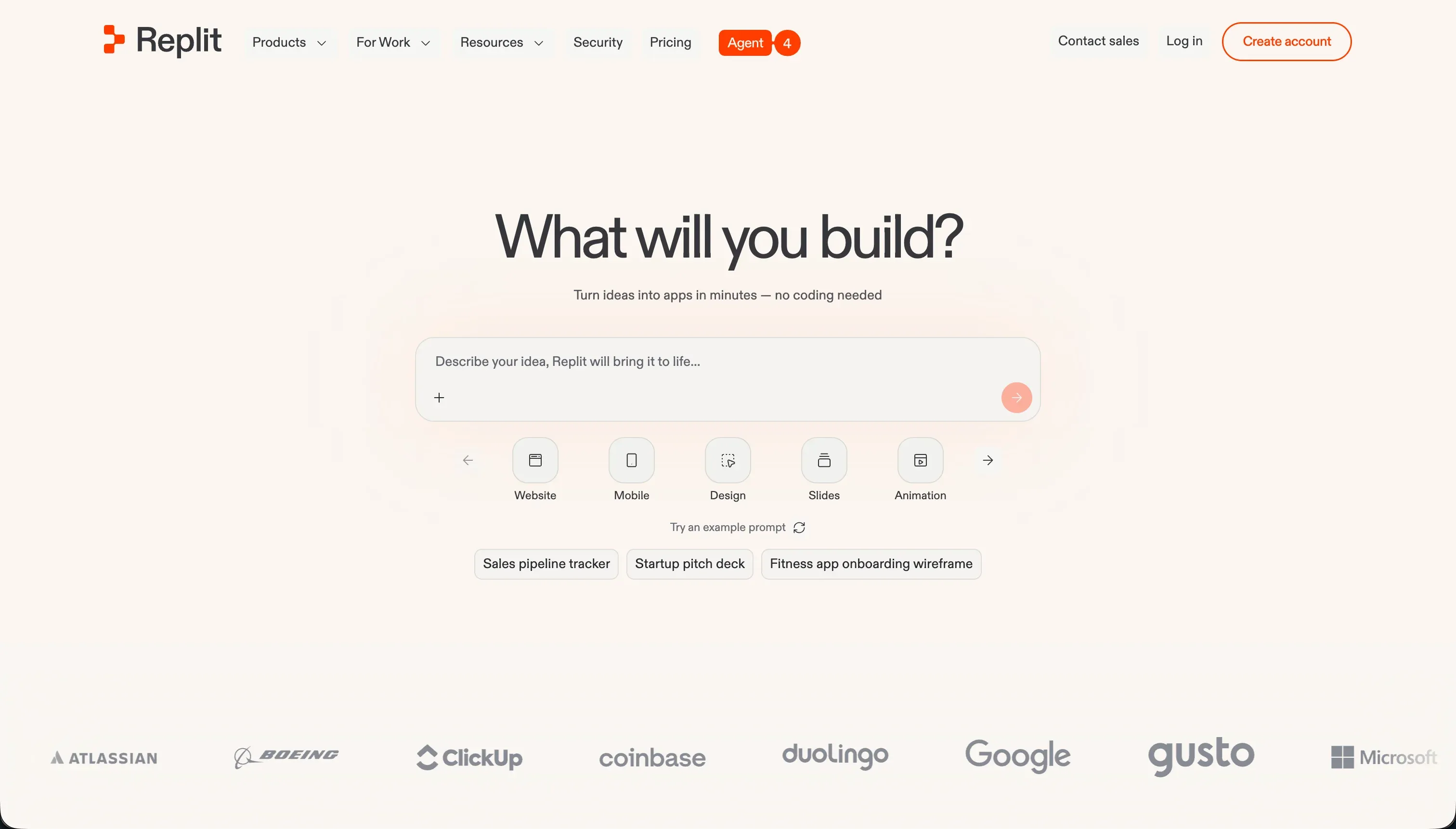 Replit homepage snapshot
Replit makes this list as the escape hatch for people who still want AI help but do not want to stay inside a no-code or low-code shell. Replit Agent can scaffold app structure, generate backend pieces, and help you stand up a cross-platform mobile project in a browser IDE. For technical builders, the value is obvious: you get AI acceleration plus direct access to the underlying project. The deciding feature here is full code-level control.
It ranks third because this use case is not just about generating a mobile project. It is about shipping one. Replit does not give you the same managed, opinionated publishing path to Apple and Google stores that the top two do. You are still responsible for configuration, dependencies, build issues, credentials, and release plumbing. That is fine if you are comfortable doing that work, but it is a real disadvantage for anyone seeking a smoother vibe-coding experience.
Pick Replit if you are code-comfortable and want the agent to handle scaffolding while you keep control of the repo and deployment stack. It is here because it can get you there, not because it makes mobile shipping easy. Full review.
Also tried: the tools that didn’t make the cut
We also looked at Bolt, Anything, and Same.new. All three are better understood as web app generators than native mobile app tools: they can help you make something phone-friendly, but they are not the tools we would trust for a true App Store or Google Play workflow. Emergent was in a similar spot in our research, promising for fast full-stack generation but not yet as convincing for native mobile release work as for browser-based apps.
Building for your business instead?
Chasing native App Store distribution for internal business tools, client portals, or member directories is often a massive waste of time. Store review guidelines, certificate management, and app updates create constant maintenance overhead. If your users just need to access a database, submit forms, or view a dashboard on their phones, a mobile-responsive Progressive Web App (PWA) built with Softr is a much faster and more reliable path.
Softr allows you to assemble responsive web apps using visual components connected directly to Airtable, Google Sheets, or Softr Databases. You get secure user roles, custom permissions, and instant updates without dealing with App Store delays. It is the smarter route for business workflows. Read more in our PWA ranking.
How to pick your mobile app builder
Do you need a true App Store app, or just something that works well on a phone?
| Your situation | Build on |
|---|---|
| You want the safest path to a real native app release | FlutterFlow |
| You want the fastest prompt-led path to an MVP | VibeCode |
| You want AI help but still own the full codebase | Replit |
| You mainly need a business app that works on mobile browsers | The PWA route (see the aside above) |
A simple test: if you would be disappointed by “this is really just a web app,” do not pick a web-first tool and hope it becomes native later. And if your first release needs complex auth, permissions, or offline behavior, build one ugly but real end-to-end flow before you commit to any platform.