
What is Same.new?
Same.new is a web tool for copying the visual layer of an existing site into code. You paste a public URL, it analyzes the page, and it generates an editable React frontend with Tailwind styling that aims to match the original layout, colors, typography, and spacing.
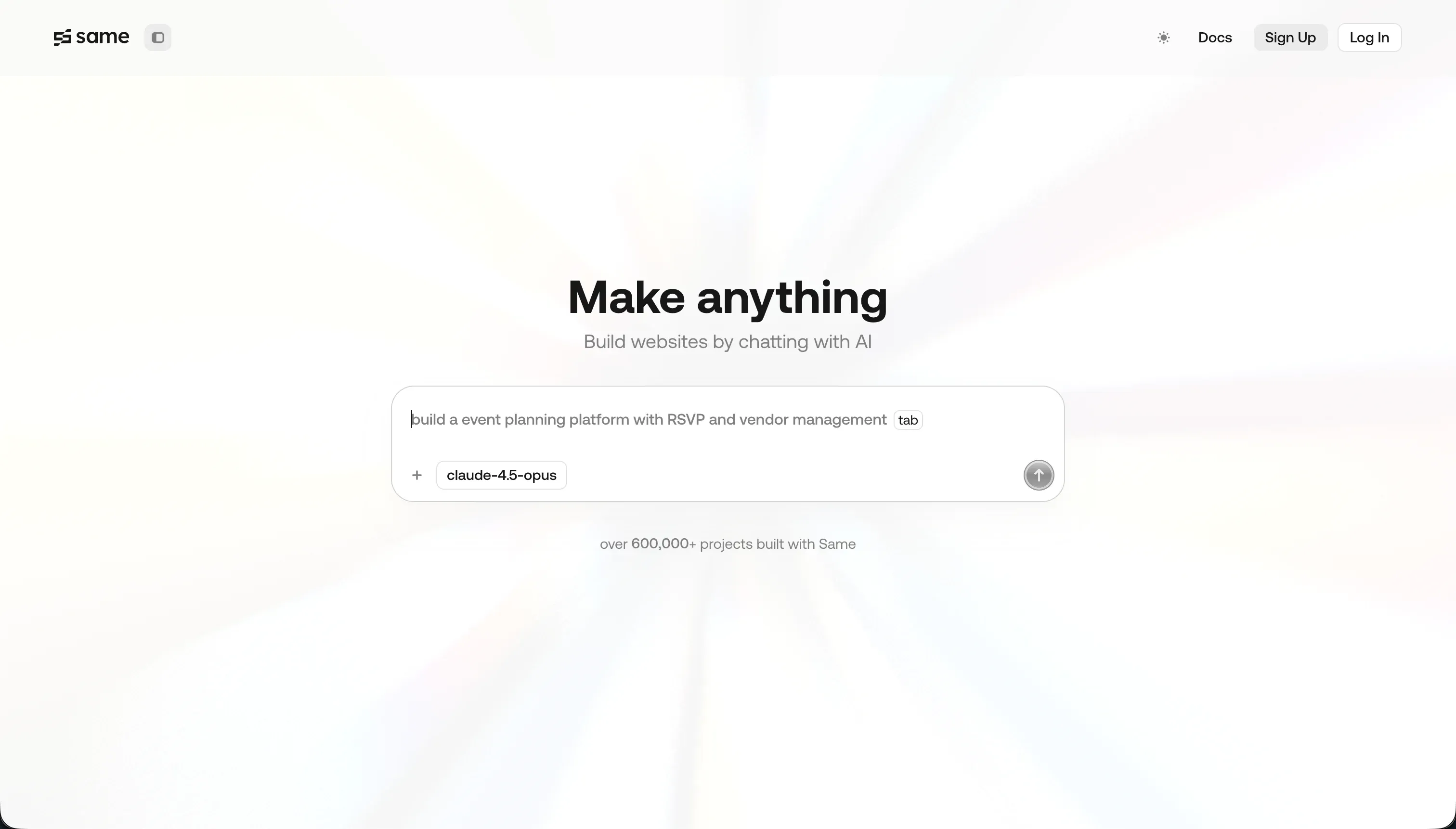 Same.new homepage snapshot
The bet is that front-end layout recreation should be automated, not rebuilt by hand from screenshots or memory. That matters because Same.new is not trying to be a full app builder: its value is the fast first draft, while the real catch is that you still need another workflow for backend logic, stability, and long-term development.
What can you build with Same.new?
The honest sweet spot is static or mostly static frontends where the visual structure matters more than the app logic.
- Landing pages cloned from a reference site and then edited into your own copy and branding
- Marketing site sections like hero blocks, pricing grids, testimonial bands, and footer layouts
- Dashboard mockups that show cards, charts, sidebars, and navigation without deep app behavior underneath
- Form and signup layouts that need presentation scaffolding before wiring up real validation and data handling
- Design reference prototypes used as a starting point for local React development
These work because Same.new is strongest at reading visible page structure and turning it into usable React and Tailwind scaffolding. If your job is getting from inspiration to editable UI quickly, that can remove a lot of repetitive setup work.
Where it stops is anything that depends on durable app logic. It is not the right place to carry production auth flows, database-backed products, complex stateful interactions, or large codebases you plan to evolve through many AI edits. Use it for the first visual pass, then move the project into a steadier development environment.
What users are saying
Community sentiment is consistent: people love the initial visual cloning speed, but they do not trust it deeply for longer edit cycles.
- It can capture styling, spacing, and page structure from clean public URLs surprisingly well
- The first generated React and Tailwind output often feels useful as a starter scaffold
- Simple prompt edits for text, colors, or section swaps can be fast and convenient
- Exporting code into a local workflow is seen as the safest way to use it
Complaints center on reliability once users keep iterating inside the product. The strongest stories are about destructive rewrites, including reports of simple layout changes wiping 1,500 or more lines of working code. Users also raised frustration around the Same.dev to Same.new transition, saying some paid workspaces or access paths became unreliable during the changeover. Pricing frustration shows up too, mainly because token burn can feel disproportionate when larger generations fail or need several retries.
This platform failure - where a simple section reordering destroyed 1500+ lines of working code - is completely unacceptable…
Our read: the praise and complaints fit together. Same.new looks best as a fast visual importer, not as the place you trust to preserve a growing product over many rounds of AI edits.
What it costs in practice
| Plan | Price | What you get | Best for |
|---|---|---|---|
| Free | $0 | Limited tokens and URL-based visual cloning | Testing output quality |
| Pro | $10/mo | 2 million tokens, with extra tokens at $10 per 2 million | Regular cloning and UI iteration |
In practice, the important part is not just the sticker price but how token usage behaves. Costs can climb quickly when you regenerate large sections, retry failed edits, or keep prompting the assistant to rewrite complex components. That makes Same.new feel cheap for quick clones and much less predictable for prolonged sessions.
If you use it, budget for export-heavy workflows rather than long in-app development cycles. The users who seem happiest treat the paid plan as a way to get a strong first draft, then move into local development before repeated edits consume tokens.
- Export as soon as the initial clone is good enough.
- Avoid repeated full-section rewrites on large layouts.
- Test risky changes on duplicates before spending more tokens on the main version.
What are Same.new’s common alternatives?
The best alternative depends on whether you care more about visual cloning, full app logic, or a safer coding workflow.
| If you want… | Look at | Why |
|---|---|---|
| A no-code business app with auth and data built in | Softr | Better for real internal tools and portals with structured data and permissions |
| Stronger AI-generated UI code for modern frontends | v0 | More established for component generation and iterative front-end work |
| A fuller browser-based build-and-ship loop | Bolt | Better suited to building beyond the static UI layer |
| AI help directly in a real codebase | Cursor | Gives you agent-style editing inside local development instead of a fragile hosted clone workspace |
When evaluating alternatives to Same.new, your choice depends heavily on how close you need to get to production-grade code. If you are looking to build a functional business application or internal portal without writing any code, Softr represents a much sturdier path. It provides built-in authentication, user permissions, and structured data connections out of the box, whereas Same.new focuses more on generating a visual surface. For those who want high-fidelity frontend components and iterative design control, v0 is a highly established alternative that excels at producing clean, modern UI code. If your goal goes beyond static interfaces to a complete browser-based build-and-ship cycle, Bolt offers a more comprehensive environment for driving full-stack application logic right from your browser.
Developers who prefer to work within their existing development environments will find Cursor to be a far superior option. Instead of wrestling with a fragile web workspace, Cursor embeds agent-style AI utilities directly into your local codebase. This allows you to edit, refactor, and ship code with AI assistance while maintaining complete control over your files and version history. Selecting the right tool ultimately relies on whether you need a quick visual mockup or a reliable environment to develop real software.
Weigh your development needs carefully to choose the platform that best fits your workflow.
Who Same.new is for (and who it isn’t)
Same.new gets a narrow but real recommendation for builders who want to grab a live site’s visual structure, turn it into React quickly, and then keep working elsewhere. If you are comparing options in our best-vibe-coding-tools-for-websites ranking, it fits as a specialist tool for front-end inspiration, scaffolding, and reference-based UI drafts rather than as a full product stack.
Skip it if you need stable long-session editing, backend logic, or a place to run an actual business app. If your project needs users, permissions, and structured data, Softr is the safer fit. The right reader should leave here treating Same.new as a visual shortcut, not a full build home.