
What is Anything?
Anything, formerly called Create.xyz, is an AI web app builder that turns prompts into pages, forms, simple logic, and database structure. You work inside a browser canvas, generate a first version from text, then click specific parts of the interface to ask the AI to revise only that section instead of regenerating the whole page.
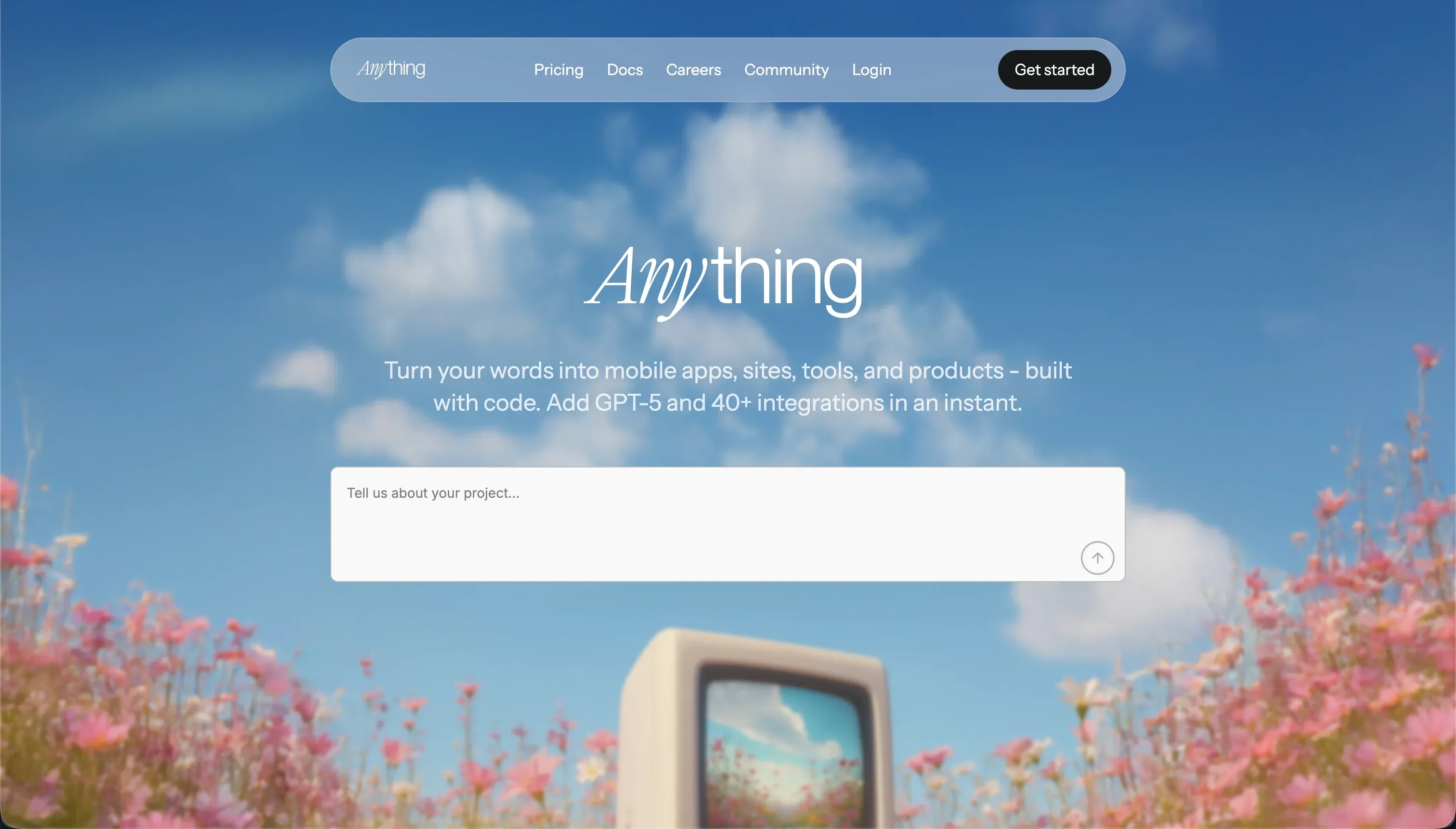 Anything homepage snapshot
The bet is that app building gets easier when visual editing and prompting happen in the same place. That matters because the visual half makes iteration faster for non-developers, while the AI half helps create working structure without starting from a blank file. Its most decision-relevant idea is targeted prompt editing, but the tradeoff is trusting a hosted platform to stay stable enough for work you care about.
What can you build with Anything?
Anything is strongest for visual-first web apps and prototypes that need basic data, forms, and user flows more than deep backend control.
- Client portals with forms, tables, and simple account access
- Internal dashboards that display relational data in a lightweight UI
- SaaS MVPs with signup, simple billing, and a narrow workflow
- Landing pages that need custom sections and fast visual iteration
- Directory or listing apps backed by straightforward database tables
These projects work well here because the canvas makes it easy to adjust layout block by block, and the platform can generate common app pieces like auth screens and basic data models quickly. If you are validating a concept, showing a client a working flow, or assembling a usable front end without setting up infrastructure, that combination is genuinely useful.
Where it stops is production software with complex roles, strict data security, or advanced backend behavior. If your app depends on row-level permissions, nuanced business logic, or high confidence in long-term platform stability, Anything is better treated as a prototype engine than the final home.
What users are saying
Community feedback is consistent: people like how fast Anything gets them to a usable prototype, but trust drops when stability becomes part of the job.
- Localized prompting on a specific UI block feels more controllable than whole-page regeneration
- Built-in templates for auth and data tables help users get to a working draft quickly
- The free tier is generous enough for experimentation and early mockups
- Code export is seen as an important safety valve if someone wants to leave later
The complaints center on reliability and cost behavior during iteration. Users reported painful disruption around the shift from Create.xyz to Anything, including paid projects becoming read-only or breaking after the transition. Separate complaints also point to credit burn when fixing visual issues takes several prompt attempts, which makes the platform feel cheap at first and less predictable once a project gets messy.
Our read: the praise is real, and the product clearly helps people build faster at the prototype stage. But the negative stories cluster around exactly the moments when a builder stops playing and starts depending on the tool.
What it costs in practice
| Plan | Price | What you get | Best for |
|---|---|---|---|
| Free | $0 | Up to 20 projects, basic AI credits | Trying the editor and rough prototypes |
| Pro | $19/mo | Higher credit limits, advanced models, REST API integrations | Active solo builders and client work |
| Max | Tiered | Larger quotas and custom support | Heavier usage and production-oriented teams |
In practice, Anything behaves less like a flat software subscription and more like a subscription shaped by credit consumption. The key question is not just plan price, but how many prompt retries your workflow needs. If your first generations are close and you mainly make targeted edits, costs stay more reasonable. If layouts break, assets render oddly, or you need repeated fixes, the same month can get expensive in effort and credits.
That means the Pro plan is the likely default for serious use, but budgeting should include a buffer for iteration churn rather than just the sticker price. The platform’s localized editing helps control waste better than broad regeneration tools, but it does not remove the underlying risk of spending credits on cleanup.
- Use targeted component edits instead of reprompting whole screens.
- Lock scope early before polishing visual details repeatedly.
- Export code once a prototype stabilizes so final tweaks do not all consume credits.
What are Anything’s common alternatives?
The best alternative depends on whether you care most about visual speed, backend control, or production reliability.
| If you want… | Look at | Why |
|---|---|---|
| Stable client portals on existing data | Softr | Better fit for business apps with clear permissions and predictable flat pricing |
| High-quality frontend code generation | v0 | Stronger for polished React UI output and component-level frontend work |
| Full coding control with AI help | Replit | Better for developers who need files, runtime control, and custom backend logic |
| Mobile-first app flows | VibeCode | More directly aimed at mobile-style experiences than desktop web prototypes |
| AI coding inside a codebase you own | Cursor | Full code control with AI assistance, no hosted-platform dependency at all |
When evaluating alternatives to Anything, users must weigh their need for structured business applications against the desire for raw code control. Softr stands out as an excellent choice when businesses need to build stable client portals or internal tools using existing databases like Airtable or Google Sheets. It offers a more predictable flat pricing model and robust, built-in permission systems that keep sensitive data secure without requiring complex custom coding. On the other hand, those who prioritize highly polished frontend designs might lean toward v0. This tool specializes in generating high-quality React UI components and clean frontend code, making it a stronger contender for aesthetic prototyping and modern component-level design work.
For creators and developers who want to move beyond visual models into full development environments, Replat and Cursor present powerful solutions. Replit provides an interactive space with runtime control, direct file management, and customizable backend logic, which is perfect for building scalable web applications. If developers prefer to maintain absolute ownership over their codebase without being tied to a hosted platform, Cursor integrates advanced generative AI directly into a local editing environment. Finally, for projects that target smartphone users directly, VibeCode offers a tailored development experience focus on mobile-first application flows rather than standard desktop web layouts.
Ultimately, selecting the right platform involves identifying whether your project requires structured business workflows, rapid frontend prototyping, or complete control over an independent codebase.
Who Anything is for (and who it isn’t)
Anything is a strong pick for fast prototype-first builders who want to move from idea to interactive web app quickly without setting up a traditional stack. It makes the most sense for founders, designers, and solo makers validating workflows, and it fits naturally alongside our best-free-vibe-coding-tools recommendations for inexpensive experimentation.
Skip it if your app will hold sensitive business data, depend on complex permissions, or become operational software people rely on daily. In that lane, Softr is the cleaner choice because its permission model and pricing are easier to reason about. If you need a prototype machine, Anything is appealing. If you need dependable production plumbing, choose accordingly and move on with confidence.