


Marketing teams are blocked by the dev backlog more than almost anyone: a landing page, a campaign microsite, a simple lead-capture tool, all waiting on tickets. Vibe coding hands that work back to the team, as long as the tool fits how marketers actually work and connects to the data they care about.
Related app-type rankings: landing pages and waitlists and dashboards.
To build marketing software that survives actual traffic and connects to your CRM, you need more than a flash demo. We ranked these tools on how they handle crucial marketing plumbing - API connections, visual landing page edits, responsive layouts, and form validation that holds up, all without running up massive technical debt. Research shows that typical raw AI code generation delivers successful compilations but carries a 45% rate of OWASP Top 10 vulnerabilities. Marketing teams must balance rapid prompt-based prototyping with secure, predictable systems that won’t break on launch day.
1. Claude Code - terminal-based accelerator for GTM and marketing ops
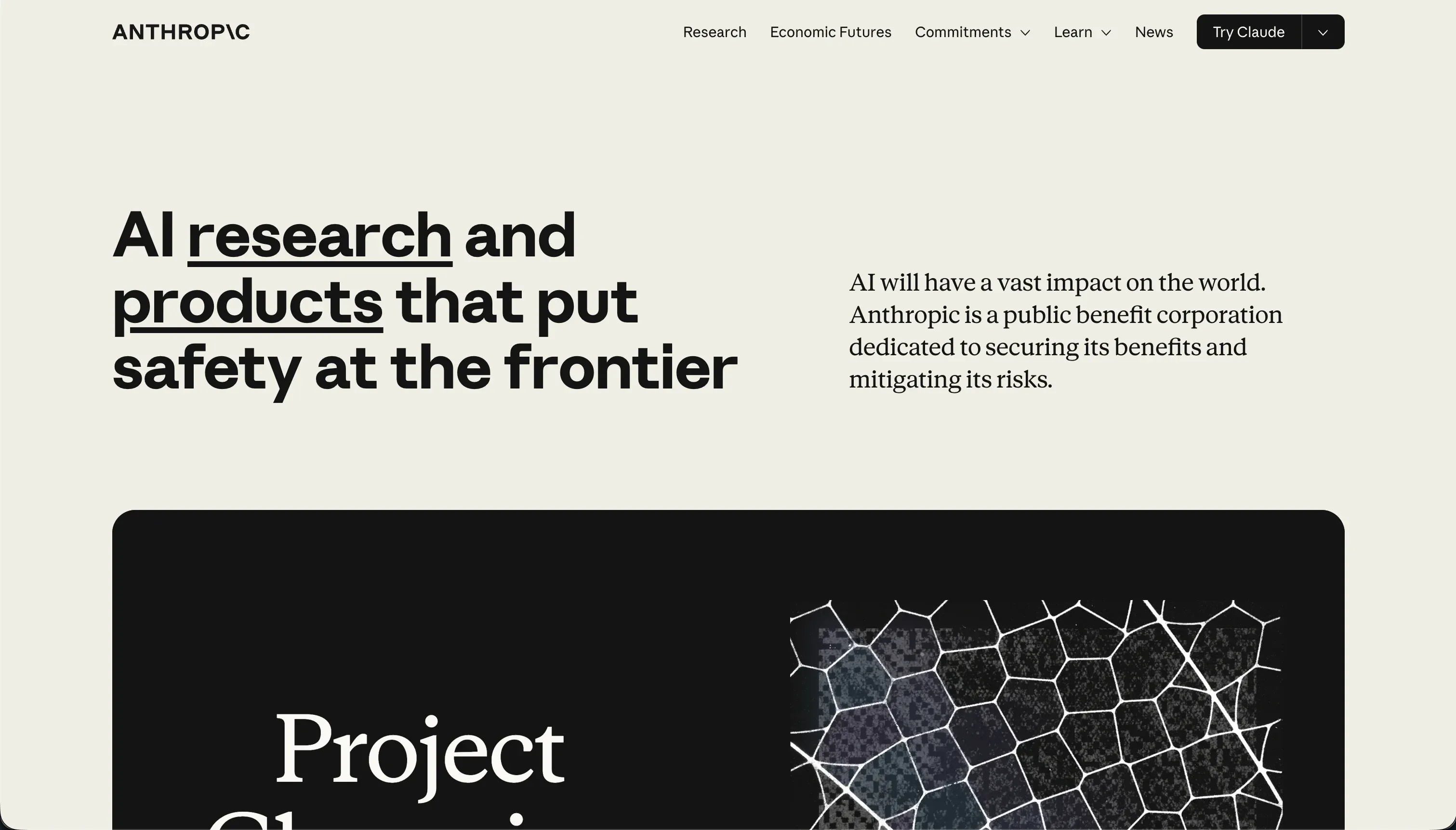 Claude Code homepage snapshot
Claude Code commands the top spot for marketing operations and GTM execution. Rather than acting as a visual browser container, it operates as a terminal-based command-line agent. Marketing ops managers and growth hackers use it to run quick calculations, script custom automation tasks, and brainstorm GTM campaign strategies directly from the command line. Its primary value is the speed of command execution and text processing.
It ranks first because it helps marketing teams automate GTM pipelines, draft complex campaign calculators, and refine messaging frameworks faster than visual tools can scaffold static templates. The trade-off is the interface: there is no visual layout builder or drag-and-drop screen editor. But if your goal is script execution, content processing, or building specialized widgets, Claude Code is an outstanding engine. Full review.
2. Softr - the campaign and lead-capture stack that never breaks
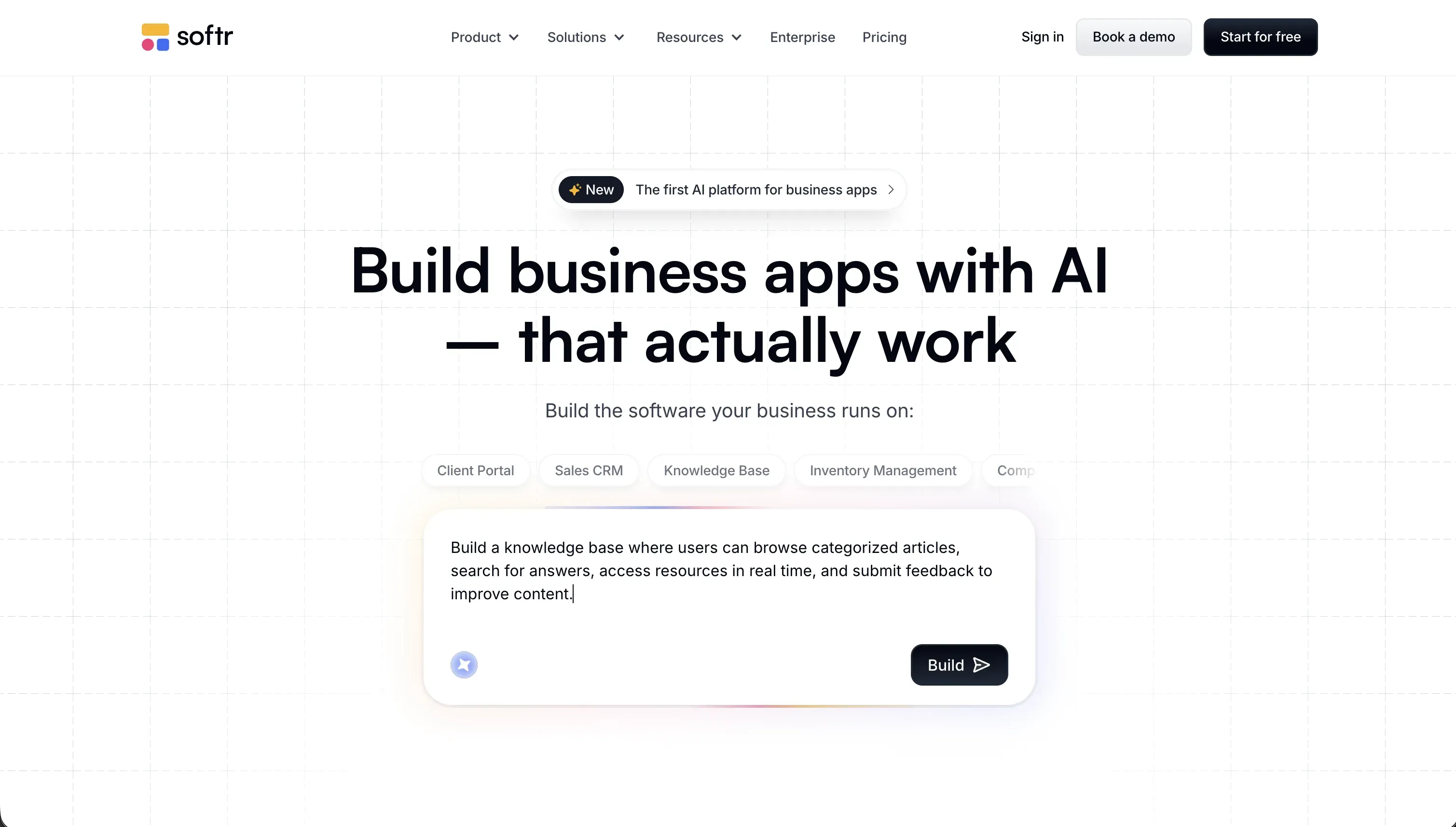 Softr homepage snapshot
Softr takes the second spot because it combines the blistering speed of AI prompt generation with the absolute reliability of structured, no-code architecture. When you need to ship a campaign microsite or a client-facing intake portal, you don’t want an AI model hallucinating your lead-capture forms or database connections. Softr’s AI Co-Builder instantly generates the pages, blocks, and forms, but leaves them in an interface you can visually tweak. You can drag, drop, and edit without spending a single AI credit on simple text updates or color changes.
Furthermore, Softr integrates natively with HubSpot, Airtable, and Google Sheets, alongside its own secure Softr Databases. This means you do not have to configure complex database credentials or navigate the Google Cloud Console just to capture form inputs. It handles the 80% of standard marketing infrastructure out of the box so you can focus entirely on copy and campaign strategy. Full review.
3. Replit - the complete developer stack for engineers on marketing duty
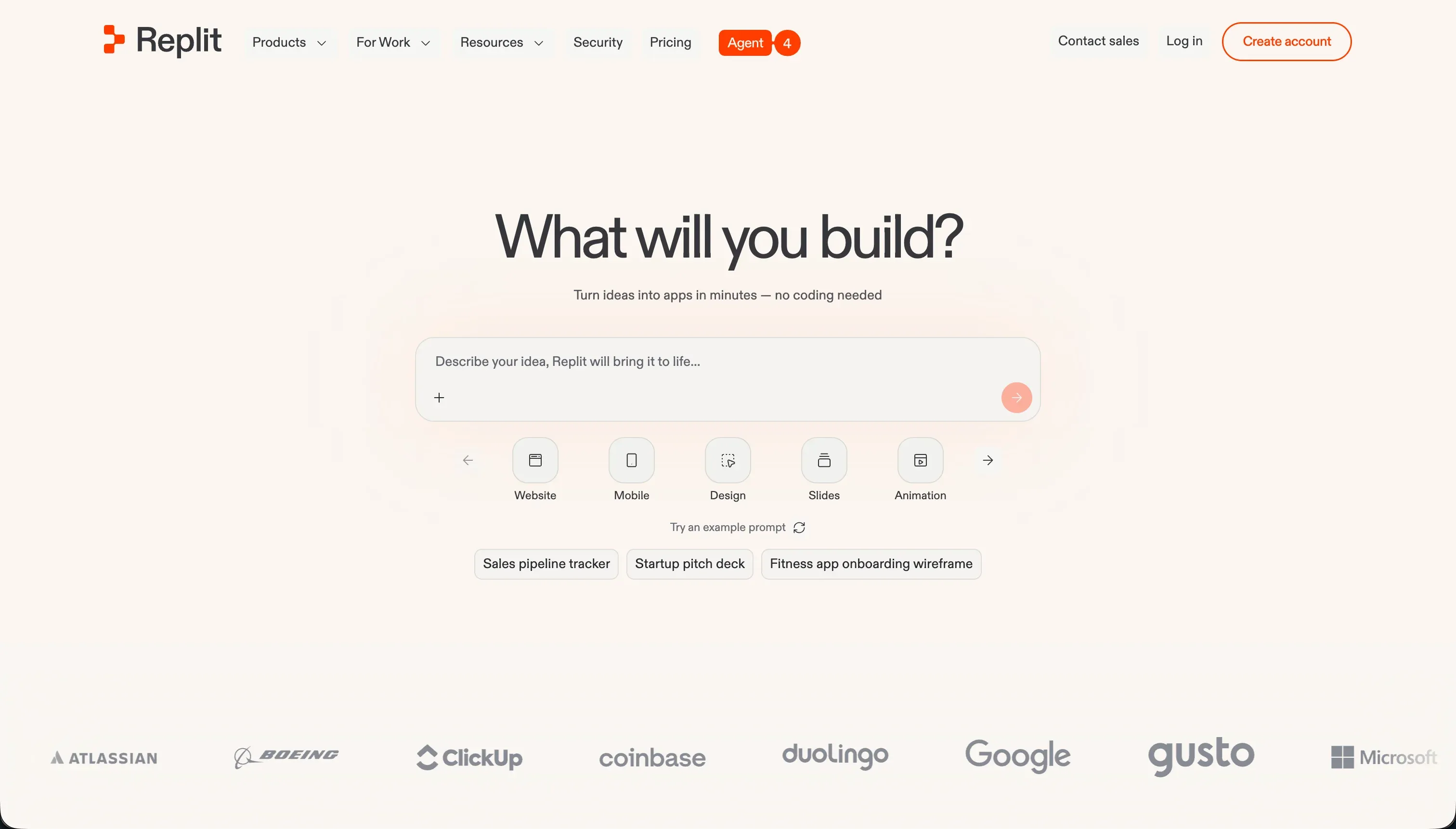 Replit homepage snapshot
Replit is the powerhouse developer choice when your campaign requires deep programmatic logic, custom backend scripts, or complex external APIs. The Replit Agent can scaffold entire web applications using Python, JavaScript, and PostgreSQL. It acts as an elite technical helper that writes file structures, installs packages, and configures cloud databases based on plain-language prompts.
However, Replit is an advanced programming environment, not a marketing designer’s playground. While the agent builds fast, you are still responsible for debugging system dependencies, managing server scaling, and handling hidden billing fees. It is the perfect choice if you have dedicated developers supporting your marketing team who want absolute stack freedom but require AI speed. Full review.
4. v0 - the ultimate design generator for stunning frontend components
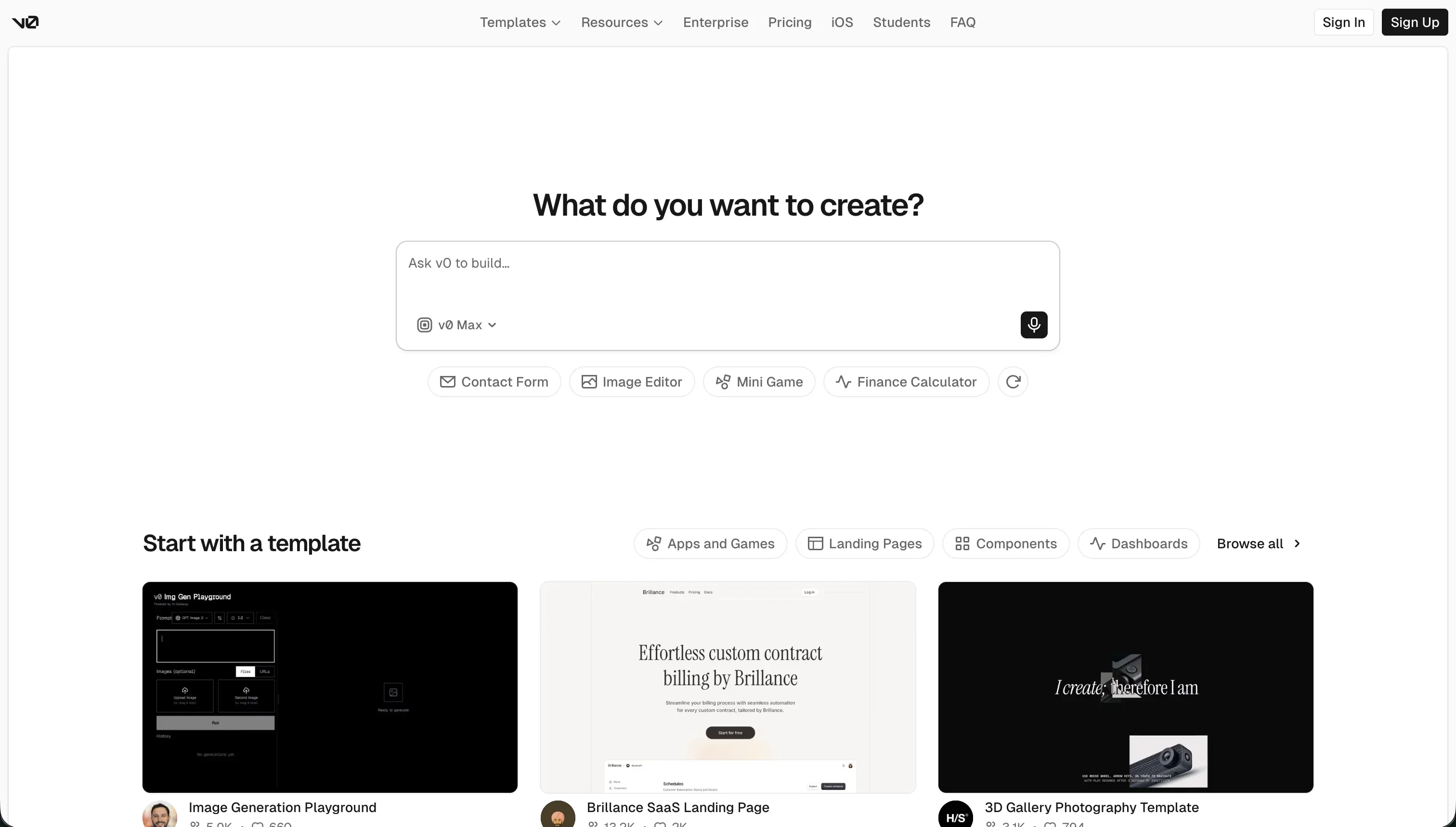 v0 homepage snapshot
Developed by Vercel, v0 is a magnificent tool for front-end design alignment. By uploading some campaign mockups or simply typing a description, v0 generates incredibly polished, responsive user interfaces styled with Tailwind CSS. It is the absolute fastest way to design a beautiful, modern banner, interactive lead-capture form, or content card.
The critical caveat is that v0 is strictly a frontend designer’s sketchpad. It does not feature built-in databases, user authentication tools, or backend logic. To turn a v0 layout into a live, lead-generating campaign, your developers must manually copy the React/TypeScript code and integrate it with backend hosting and database systems. Full review.
5. Bolt - fast browser scaffolding for custom web application prototypes
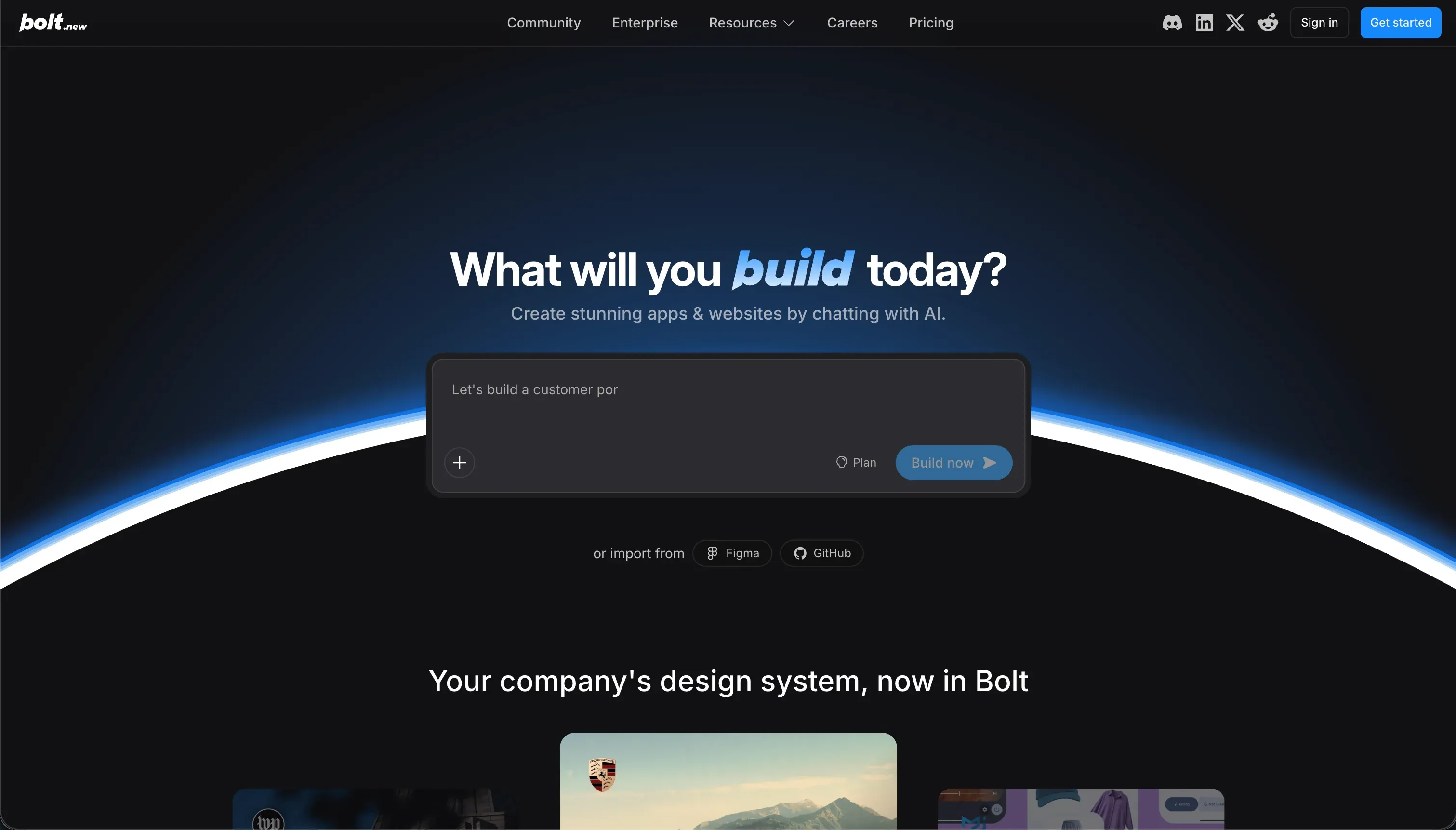 Bolt homepage snapshot
Bolt lets you build custom web structures fast. Operating directly inside your browser using WebContainers tech, it generates React code, installs dependencies, and lets you preview your marketing layouts in real-time. For prototyping and code ownership, it provides clean exports matching modern frameworks without strict lock-in fears.
The friction point for marketing teams is that Bolt lacks visual settings panels and built-in database tools. Adjusting colors or aligning margins often requires writing code manually or spending credits on prompt-to-code iterations. Managing security configurations and setting up external backends like Supabase requires real engineering understanding, which can quickly pull marketing managers back into the dev backlog. Full review.
6. Lovable - gorgeous full-stack campaign interfaces with high-maintenance tailwinds
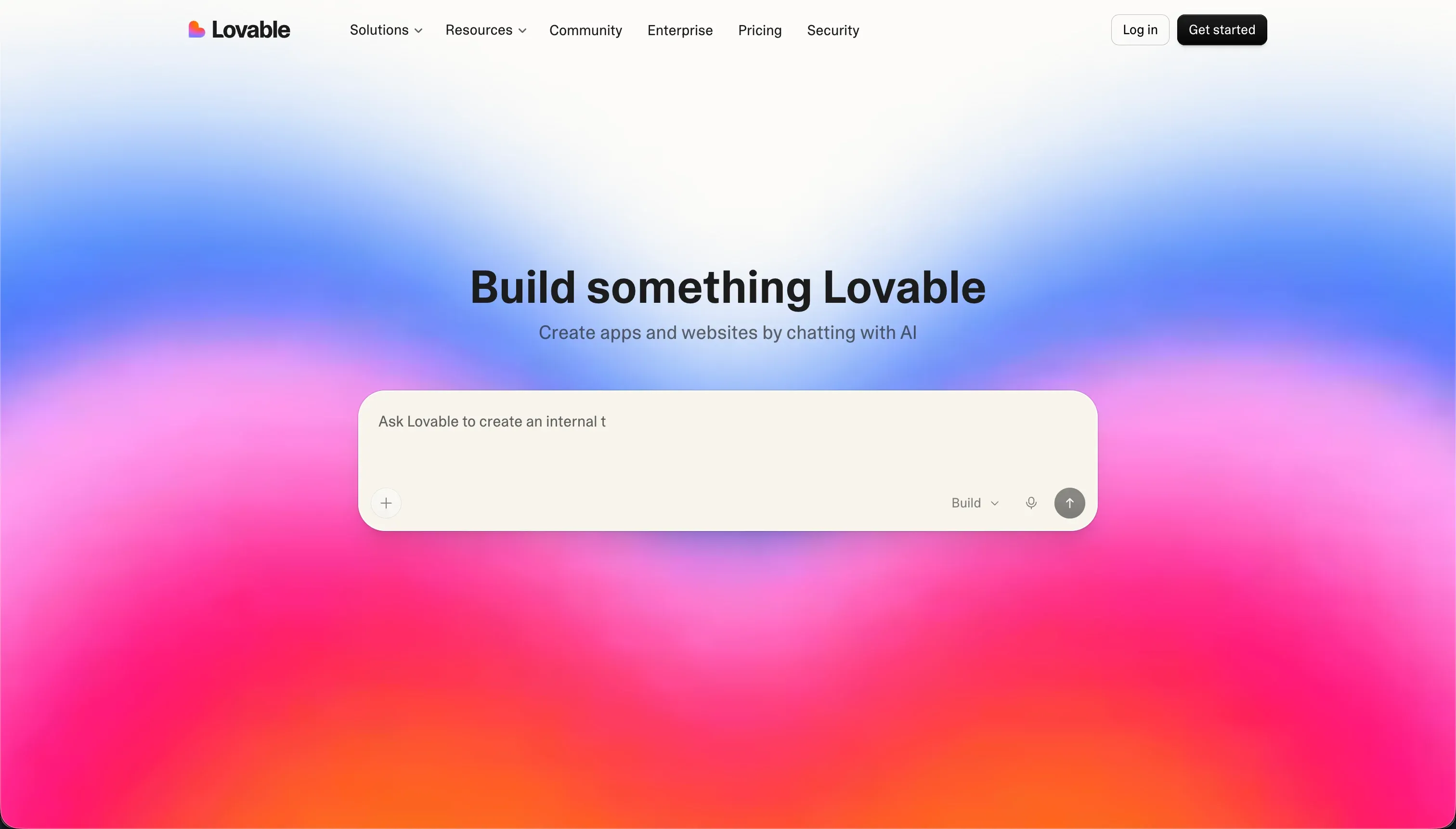 Lovable homepage snapshot
Lovable generates incredible, pixel-perfect web application prototypes. You type what you want, import your Figma designs, and watch the AI assemble full React templates connected to a Supabase backend. It is brilliant for quickly launching polished, interactive marketing experiences that require standard database entries.
Yet, the long-term reality of deploying Lovable for production marketing assets is complex. Reviewers warn of credit pools draining fast during debugging loops and platform updates that can break live installations. It requires deep technical oversight to keep database permissions safe and prevent the AI from generating messy code structures. Use it for fast experimental layouts, but not for software that runs your core business. Full review.
Also tried: the tools that didn’t make the cut
We also took a close look at several other industry favorites. WeWeb is a superb frontend visual builder, but its layout engine requires a steep learning curve and lacks native databases, which makes it too complex for campaign-driven teams. Bubble offers unparalleled workflow logic controls, but masterfully configuring its database schema and managing its volatile Workload Unit pricing is typically too slow and expensive for agile marketing squads.
How to pick your marketing tool builder
Which bottleneck are you actually trying to solve?
| Your marketing team | Build on |
|---|---|
| Marketing operations needing fast terminal automation and calculators | Claude Code - quick scripts, content parsing, GTM helpers |
| Non-technical operators who want to launch campaigns today | Softr - visual editing, flat pricing, zero-setup databases |
| Technical marketers who want full hosting and code base control | Replit - raw programmatic freedom with AI assistance |
| Frontend developers who want to skin custom layouts fast | v0 - rapid styling that exports clean React code |
Here is a simple rule of thumb: If your marketing asset is mostly forms, content feeds, CRM connections, and directories, build on Softr where security and layout integrity are handled by the platform. If your asset is a custom interactive calculator or browser tool, use Claude Code, v0, or Bolt to build the specific widget, and nest it cleanly inside your main visual pages.