




“AI coding” covers a wide spread: terminal agents that live in your codebase, editors with an AI pair, and full builders that go from prompt to deployed app. They suit different people, from developers who want an agent to non-coders who want the whole thing handled, which is why this list spans both individual and business builders.
This ranking sits in both directories for that reason. We have ranked these tools based on how they survive real, day-to-day use on complex repositories, rather than their initial demo speed. While generating a basic script from a quick prompt feels like magic, maintaining a real-world application requires tools that respect context limits, manage token burn economic realities, and keep your workspace stable.
To build software that endures, your AI coding tool needs to meet three strict requirements:
- Deep contextual integration: The tool must index your entire local repository safely to understand nested structures and dependencies.
- Controlled loops and safety: It must avoid runaway AI editing loops that destroy styling, packages, or configuration files.
- Pricing predictability: You shouldn’t hit opaque rate limits or face sudden, triple-digit cost spikes during a short debugging session.
1. Cursor - the developer standard for codebase-wide editing
 Cursor homepage snapshot
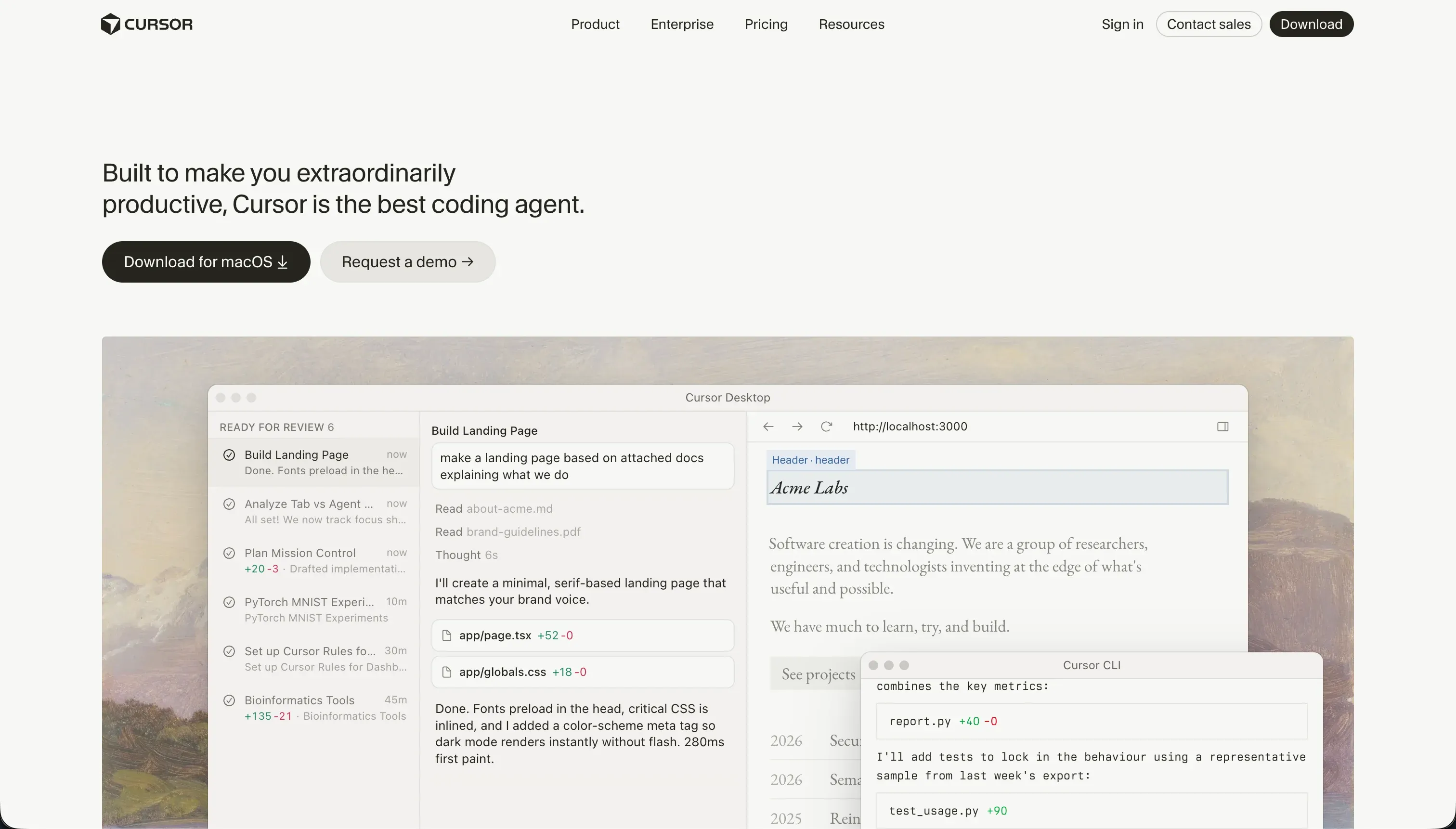
Cursor is currently the gold standard for software engineers who want to code significantly faster. Built on a fork of VS Code, it keeps your existing themes, settings, and extension ecosystem intact while placing context-aware autocomplete and semantic search right at the center of your environment. You can reference entire file trees, symbols, and logic constructs easily, allowing the AI to understand how updates in one file ripple across others.
However, Cursor is a professional developer’s IDE and strictly requires an engineering background to understand directory structures, debug library build errors, and run your own deployment configurations. The tool offers no turnkey databases or managed hosting. Keep an eye on your usage; complex tasks in Composer mode can occasionally run into infinite loops that alter irrelevant configuration files, and community members frequently report running through their monthly allotment of fast queries surprisingly quickly. Full review.
2. Claude Code - the agentic cli for terminal power users
 Claude Code homepage snapshot
Claude Code brings the power of Anthropic’s reasoning models directly into the local terminal window. Operating headlessly, this command-line interface tool reads, edits, and refactors local files automatically. It is highly streamlined for version control, allowing developers to configure and execute bash scripts, run test suites, check git histories, and generate comprehensive pull request write-ups in a single terminal flow without graphical IDE overlays.
Because it runs exclusively inside a terminal, there is no visual layout interface, meaning you must have high CLI navigation proficiency. The biggest challenge is the invoice: Claude Code operates on a pay-as-you-go model that can cause unpredictable token cost surges if the tool reads entire repository indexes repeatedly while debugging. It is also known to compact context early in larger repos, causing it to discard core system rules and loop repeatedly on identical file fixes. Full review.
3. Codex - openai’s parallel git workspace and ChatGPT bundle
 Codex homepage snapshot
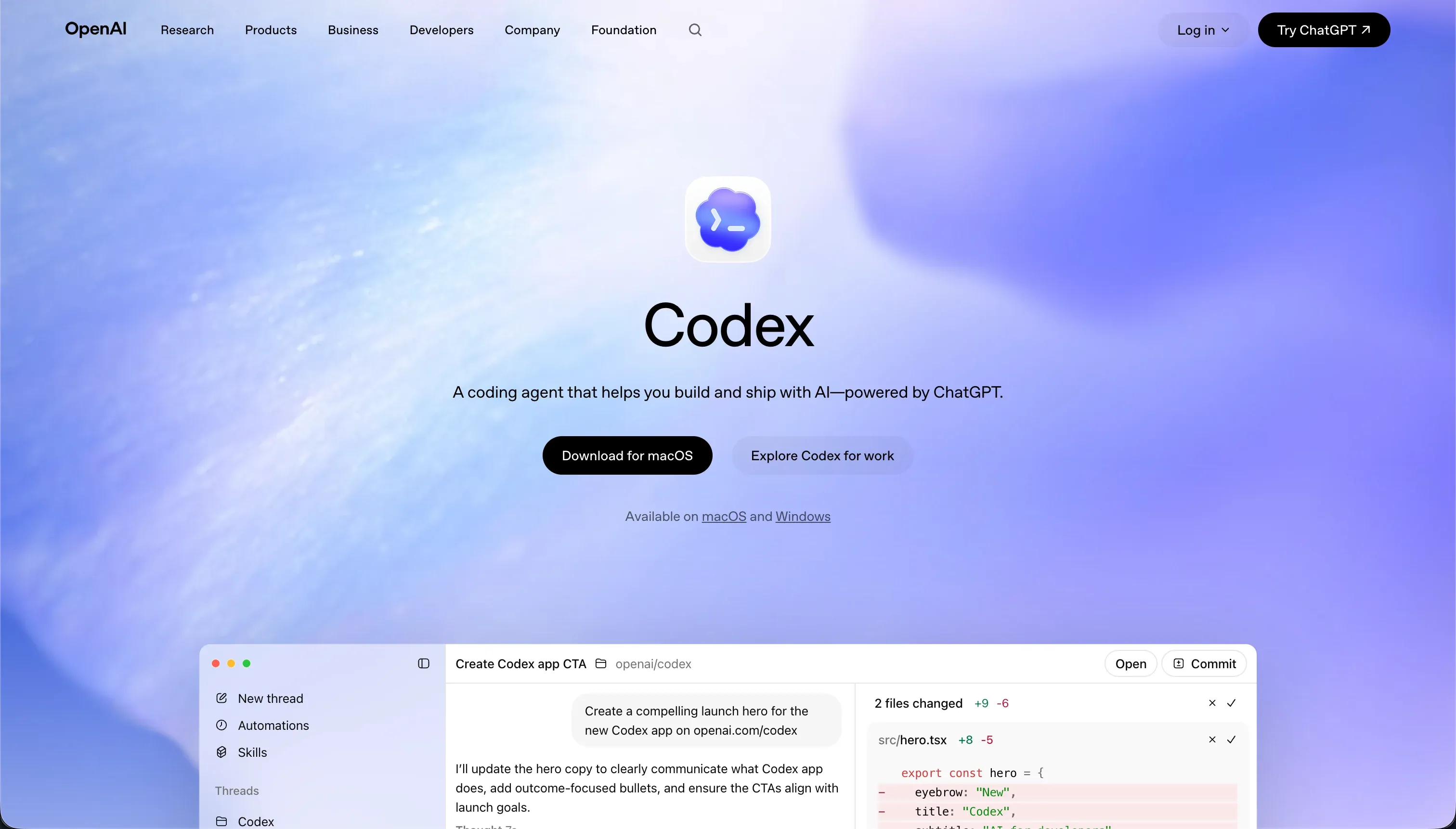
OpenAI’s Codex operates as an integrated CLI agent paired with a desktop app to manage parallel coding threads in isolated container branches. It is designed to offload tedious scripting, streamline git worktrees, and handle automatic pull requests directly from your terminal. Because it is powered directly by ChatGPT Pro and Plus subscriptions, it represents a highly efficient pricing structure for builders already using OpenAI’s ecosystem.
Though highly optimized for low token consumption, Codex has a developer-centric interface with absolutely no visual drag-and-drop components, leaving database compilation and system deployments entirely to you. You must maintain strict code review, as Codex requires manual verification of outputted diffs to prevent the introduction of logical errors into your main branch. Developers on Windows also note that WSL file overhead can occasionally trigger connection latency during repository indexing. Full review.
4. OpenCode - the provider-agnostic, open-source local coding companion
 OpenCode homepage snapshot
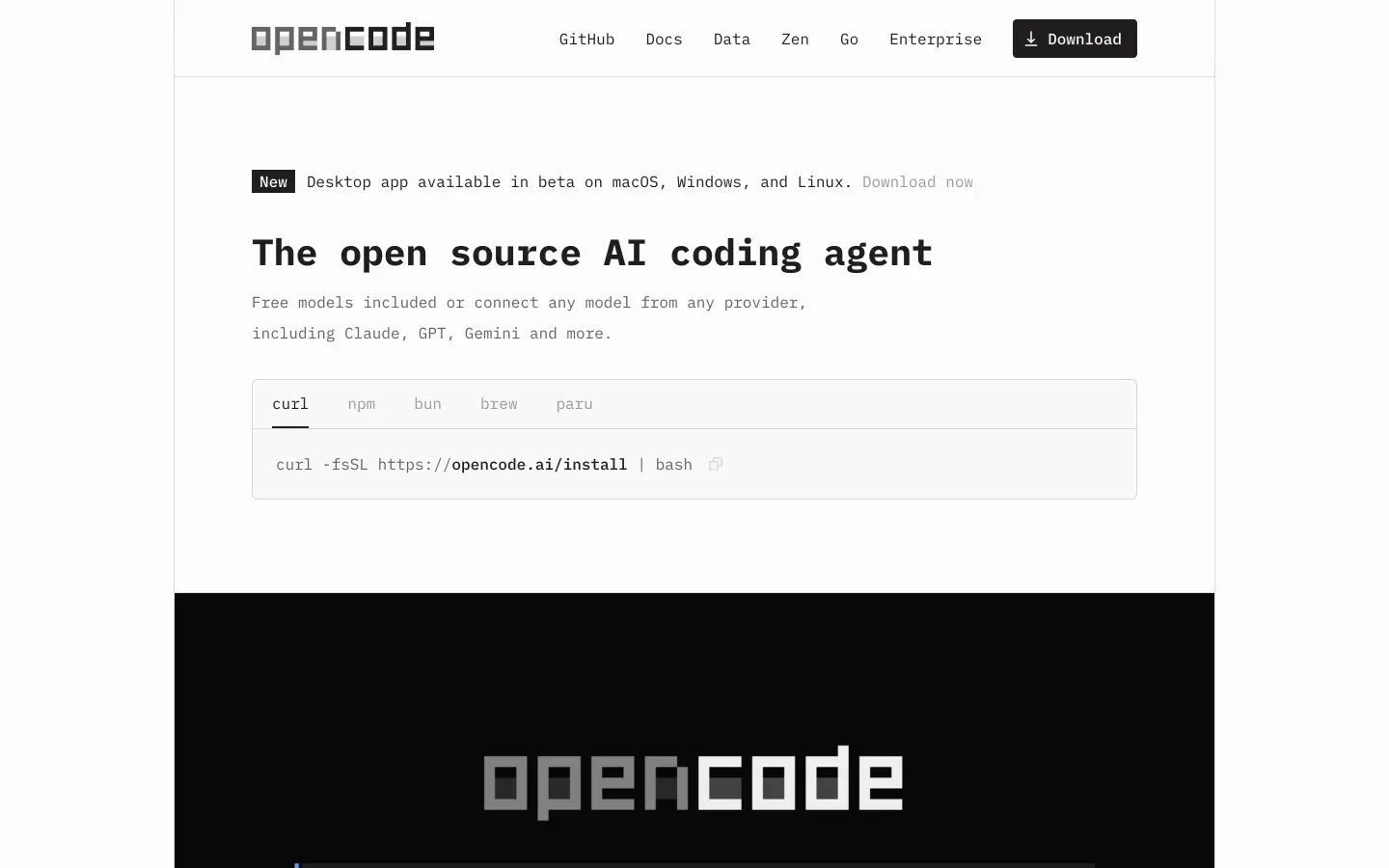
OpenCode stands out as a highly flexible, open-source desktop application and Terminal User Interface (TUI) client. Operating with a client-server architecture, it lets developers run a background server locally while managing prompts from an IDE extension or terminal. Its most prominent advantage is provider flexibility; it integrates with local engines like Ollama to run code models entirely offline, safeguarding sensitive source code from third-party APIs.
Its distinct workflow is defined by Plan Mode, which allows you to explore proposed edits safely in a read-only state before entering the default edit-capable Build Mode. However, the desktop application is still in an early beta state, lacking the refined UX of mature editors. Using OpenCode via paid API endpoints like OpenRouter can also become highly expensive for continuous, high-volume developers who are used to flat-rate workspace pricing. Full review.
5. Devin - the multi-file editing assistant inside a complete IDE
 Devin homepage snapshot
Devin, formerly known as Windsurf, presents a comprehensive development environment that combines low-latency line autocompletions with the highly capable Cascade assistant. It functions as an AI-first IDE that indexes your entire project to deliver structural edit recommendations. Its multi-file capabilities permit the agent to make changes across several files and packages concurrently, making it a powerful tool for refactoring large modules in a single session.
This codebase agent can occasionally introduce subtle hallucinations and logical errors by drawing from outdated packages, meaning you must diligently supervise code reviews and diff tests. The learning curve can be steep as you discover the optimal ways to guide Cascade, and some builders complain about connection dropouts during highly intensive agent runs. It remains a developer-centric IDE that writes code, leaving hosting, servers, and security configurations to you. Full review.
Also tried: the tools that didn’t make the cut
We also evaluated several alternative channels that didn’t make our top five. Same.new provides an interesting frontend UI prototyping layout, but users show frustration with destructive code loss where subtle visual prompts destroy working React setups, as well as account access bugs during its recent rebrand. Replit remains a fantastic multiplayer cloud workspace for learning, but developers warn of massive database checkpoint charges, debugging loops that drain expensive agent credits, and instances where the agent ignores set stacks to install incompatible frameworks on its own.
Need a business application instead?
If you are trying to build an operational business tool rather than writing raw software code manually, using a developer IDE represents a massive, expensive detour. Instead of spending your days managing containers, debugging package JSON files, or struggling with environment variables, you should consider a dedicated no-code business platform. Check out Softr and explore our ranking of the best vibe coding tools for internal tools to build portals and secure CRMs visually in a weekend.
How to pick your AI coding assistant
Picking the right AI coding assistant depends entirely on your technical comfort zone and how much you trust an agent to modify files autonomously.
Which interface do you want to live in while building?
| Your situation | Build on |
|---|---|
| You want a standard IDE with smart multi-file composer agents | Cursor |
| You want to work quickly in CLI directories using Anthropic models | Claude Code |
| You want offline execution for strict codebase privacy and compliance | OpenCode |
| You want lightweight git commands bundled in ChatGPT subscriptions | Codex |
A solid rule of thumb: open your current project in Plan Mode (or read-only settings) first. Try prompting the agent to analyze your structure and explain its proposed edits. If it consistently misses dependencies or forgets your system rules during analysis, do not upgrade it to write access - it will save you hours of debugging and protect your repository from fragmented code debt.