
What is OpenCode?
OpenCode is an open-source, provider-agnostic AI coding agent built for developers who want terminal-first control. It separates a headless background server from its interfaces, including a terminal UI, a beta desktop app, and IDE connections, so the agent can run where your code lives while you interact from the setup you prefer.
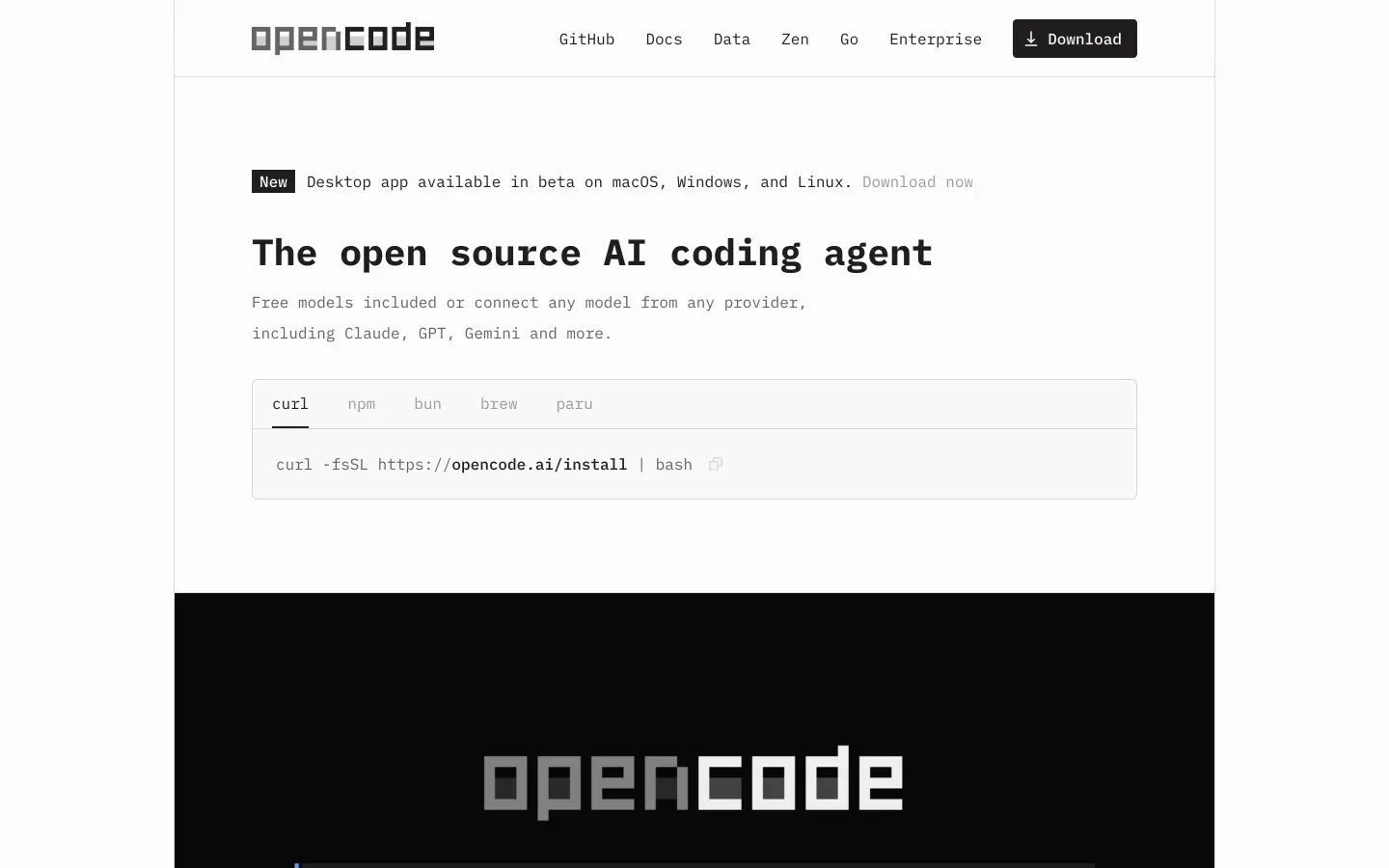 OpenCode homepage snapshot
The bet is that developers should keep model choice and data control instead of accepting one hosted workflow. OpenCode combines local code awareness through language-server context with flexible model routing, and both halves matter because they let you inspect, plan, and modify code without giving up control of where the work runs.
What can you build with OpenCode?
OpenCode’s honest sweet spot is maintaining, refactoring, and extending code that already lives in a real developer workflow.
- Backend APIs for Python, Go, or TypeScript services
- DevOps scripts for CI jobs, automation, and environment tasks
- Large refactors across existing repositories with many files
- CLI tools that you build and test locally
These work well here because OpenCode is built around codebase inspection, terminal execution, and controlled write access instead of visual app generation. Plan mode helps you map changes safely before execution, and Build mode can take action across files while using language-server diagnostics to stay grounded in the project.
Where it stops is equally important. OpenCode is not a hosted app builder, visual page designer, or backend platform with built-in auth, database hosting, and deployment flows. If you need polished customer-facing web apps, internal tools for non-technical operators, or collaborative business software assembled visually, this is the wrong category of tool.
What users are saying
OpenCode users tend to agree on who it is for: technical developers who want local control more than a polished out-of-the-box experience.
- People praise the ability to run local models and keep code on their own machines
- Developers like the headless server approach for remote boxes and flexible workflows
- Power users value subagents for parallel exploration of large repositories
- The open-source MIT-licensed codebase earns trust from developers who want transparency
The complaints center on usability and setup overhead. Community feedback consistently points to the client-server setup, API wiring, package management, and Git troubleshooting as the real cost of entry, especially for anyone expecting a simple desktop install. Users also report that the desktop companion is still a beta experience, so the terminal remains the most dependable interface.
Our read: the pattern is consistent with the product’s design. If you already work comfortably in terminals and care deeply about model freedom, the friction looks acceptable; if you want convenience first, it will feel like unnecessary labor.
What it costs in practice
OpenCode itself is free to use, but your real bill depends on whether you stay local or connect paid model APIs.
| Plan | Price | What you get | Best for |
|---|---|---|---|
| Open-Source Edition | Free | Local model use through Ollama, terminal and IDE workflows | Offline use and privacy-first teams |
| Bring Your Own Key (BYOK) | Variable | Connect your own paid APIs like OpenRouter, Anthropic, or OpenAI | Developers who want model flexibility |
In practice, local use can mean no software bill at all beyond your own hardware. The catch is cloud usage: once you route heavy coding sessions through token-priced models, costs can rise quickly and become less predictable than flat monthly tools. That makes OpenCode cheap for local workflows and potentially expensive for long agent loops on paid models.
To keep the bill sane:
- Use local models for routine inspection, formatting, and low-stakes edits.
- Reserve paid frontier models for complex refactors or debugging passes.
- Start in Plan mode before running write-heavy loops that may burn extra tokens.
What are OpenCode’s common alternatives?
The right alternative depends on whether you want a different terminal agent, a polished coding editor, or a visual app builder.
| If you want… | Look at | Why |
|---|---|---|
| An official Anthropic terminal workflow | Claude Code | It is built specifically for agentic coding inside the command line |
| A more polished AI coding editor | Cursor | It wraps agent features in a mature visual IDE experience |
| A different local-first coding assistant | Codex | It focuses on secure, code-centric workflows with local emphasis |
| A visual internal tool and portal builder | Softr | It gives you UI, auth, and app structure without terminal setup |
When evaluating alternatives to OpenCode, the right choice depends heavily on your preferred interface and the level of structural support your project requires. Developers who appreciate command line efficiency but want an official, highly optimized agentic workflow should consider Claude Code. Built directly by Anthropic, it brings state of the art reasoning directly into your terminal, allowing you to run tests, manage git commits, and search codebases with minimal friction. If you prefer a visual workspace over the command line, Cursor presents a compelling option by wrapping sophisticated agent features inside a highly mature IDE environment. It offers a seamless transition for developers who are accustomed to modern graphical editors but still want deep, context aware code generation and refactoring tools.
For those who prioritize data sovereignty and local execution, Codex serves as an excellent alternative. It focuses on secure, code centric workflows that emphasize keeping your intellectual property close to home, which is ideal if you operate under strict privacy compliance. On the other end of the spectrum, if your goal is to build portals or internal tools without getting bogged down in terminal setups and manually writing boilerplate, Softr provides an entirely different avenue. It shifts the focus away from traditional coding entirely, giving you prebuilt user interfaces, authentication, and application logic out of the box so you can assemble functional applications visually. Each of these tools addresses a distinct balance of developer control, convenience, and privacy to suit your specific engineering requirements.
Who OpenCode is for (and who it isn’t)
OpenCode is a strong pick for terminal-native developers who care more about control than convenience, especially people managing local repos, automation, and privacy-sensitive workflows; they should also see our best vibe coding tools for AI coding ranking for close comparisons. If you are comfortable with shells, Git, local model runtimes, and configuring your own environment, its design will make sense fast.
Skip it if you want a guided setup, polished GUI-first workflow, or a business app platform for non-technical teammates. If your real goal is shipping an internal tool or client-facing portal without wrangling servers and keys, Softr is the more natural fit. The right reader should choose OpenCode confidently for control, and skip it just as confidently for convenience.