


Students learn fastest by building something real, and vibe coding lowers the barrier to a first working app dramatically. The catch is that some tools hide so much that you never learn much, while others let you inspect the code as you grow. Budget matters too, so free tiers carry real weight in this ranking.
For the broader beginner angle, see personal projects.
To help you pick the right tool for computer science homework, hackathons, or entrepreneurial side projects, we analyzed these platforms specifically for students. This ranking ignores marketing vaporware and focuses on generous free tiers, code transparency that actually teaches, and debugging support that holds up in practice. The list is ranked on base-level value and what survives real use, not demo speed.
1. Replit - the sandbox that still teaches fundamentals
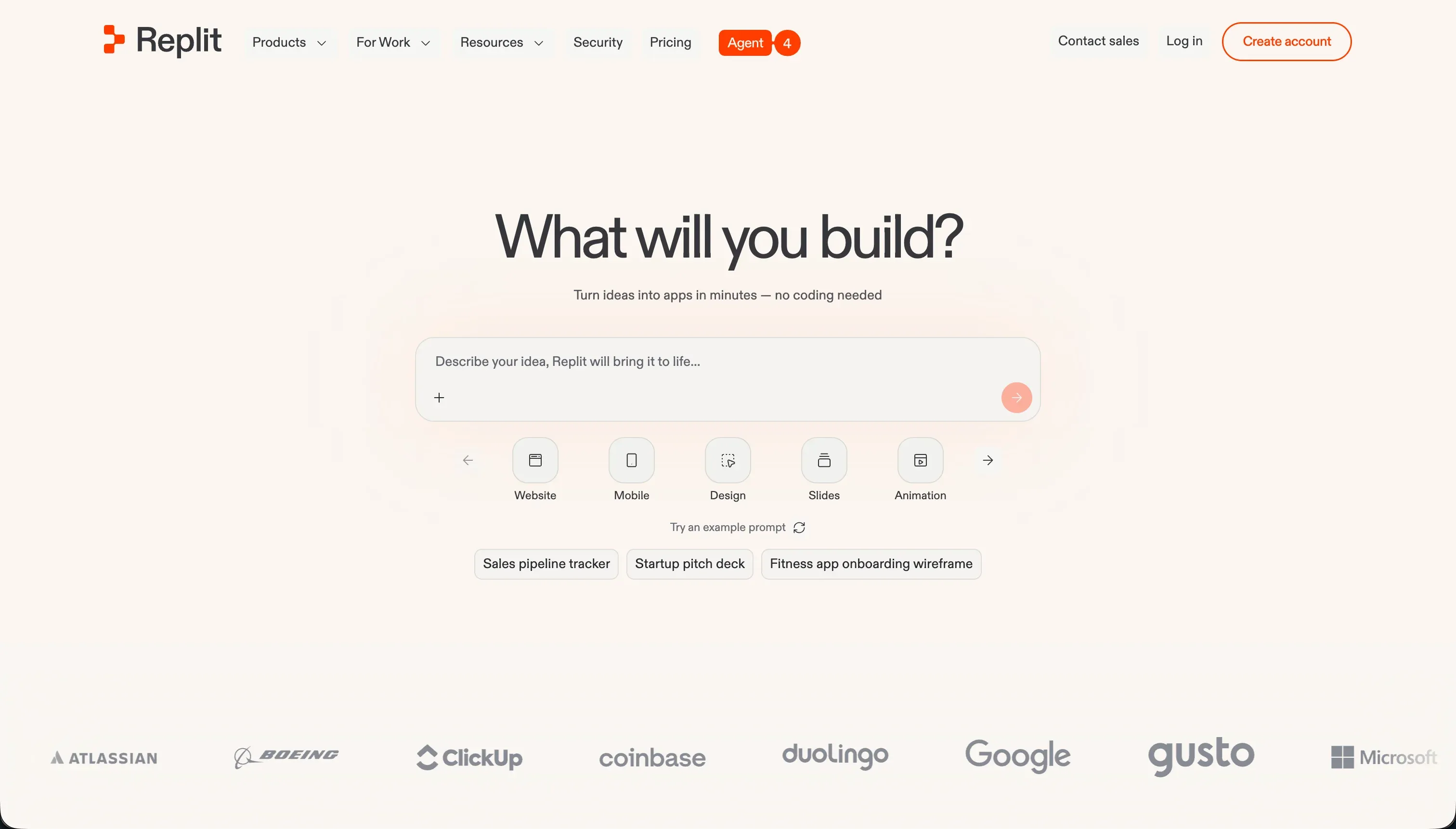 Replit homepage snapshot
Replit takes the top spot because it works like a real cloud IDE, not a toy layer that abstracts away how software fits together. You can open a browser and start building in Python, JavaScript, Go, or dozens of other languages without losing time to local setup. For students, that matters: less environment pain means more time understanding logic, debugging, and data flow.
Its AI agent can scaffold projects quickly, but the important part is that you can inspect and edit the code it generates. Terminal access, package management, and a usable database workflow make it strong for course projects and hackathons alike. It is not higher than perfect because long debugging loops can burn through credits, but among student-friendly options it balances speed, transparency, and free access best. Full review.
2. Softr - visual project management and professional client portals
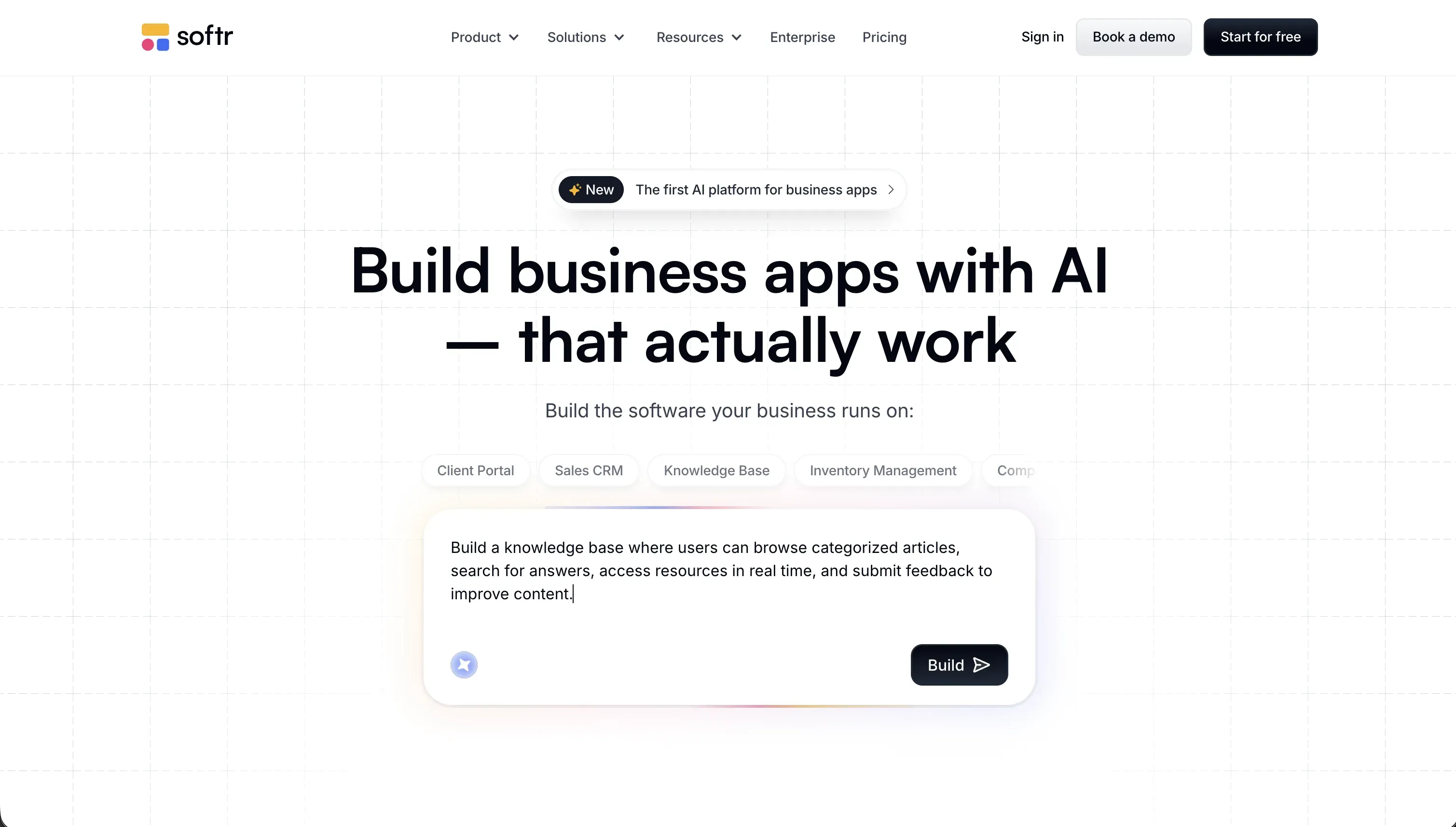 Softr homepage snapshot
Softr serves a different but critical learning goal for students: professionalizing organization operations and early freelance careers. If you are running a student association, organizing campus events, or managing member databases, code-first AI builders can introduce unnecessary complexity. Softr connects visually to databases like Airtable, Google Sheets, or Softr Databases, letting you structure data and build member directories or event tracking systems without writing code.
For students who are already starting to freelance, Softr is a valuable tool for delivering professional assets to clients. It allows you to build client portals, administrative workflows, and functional dashboards that remain secure and easy to maintain. Since you are building visually with prebuilt components, you avoid the technical debt of debugging code, making it an excellent platform for learning how business workflows are structured. Full review.
3. Cursor - the editor that builds real habits
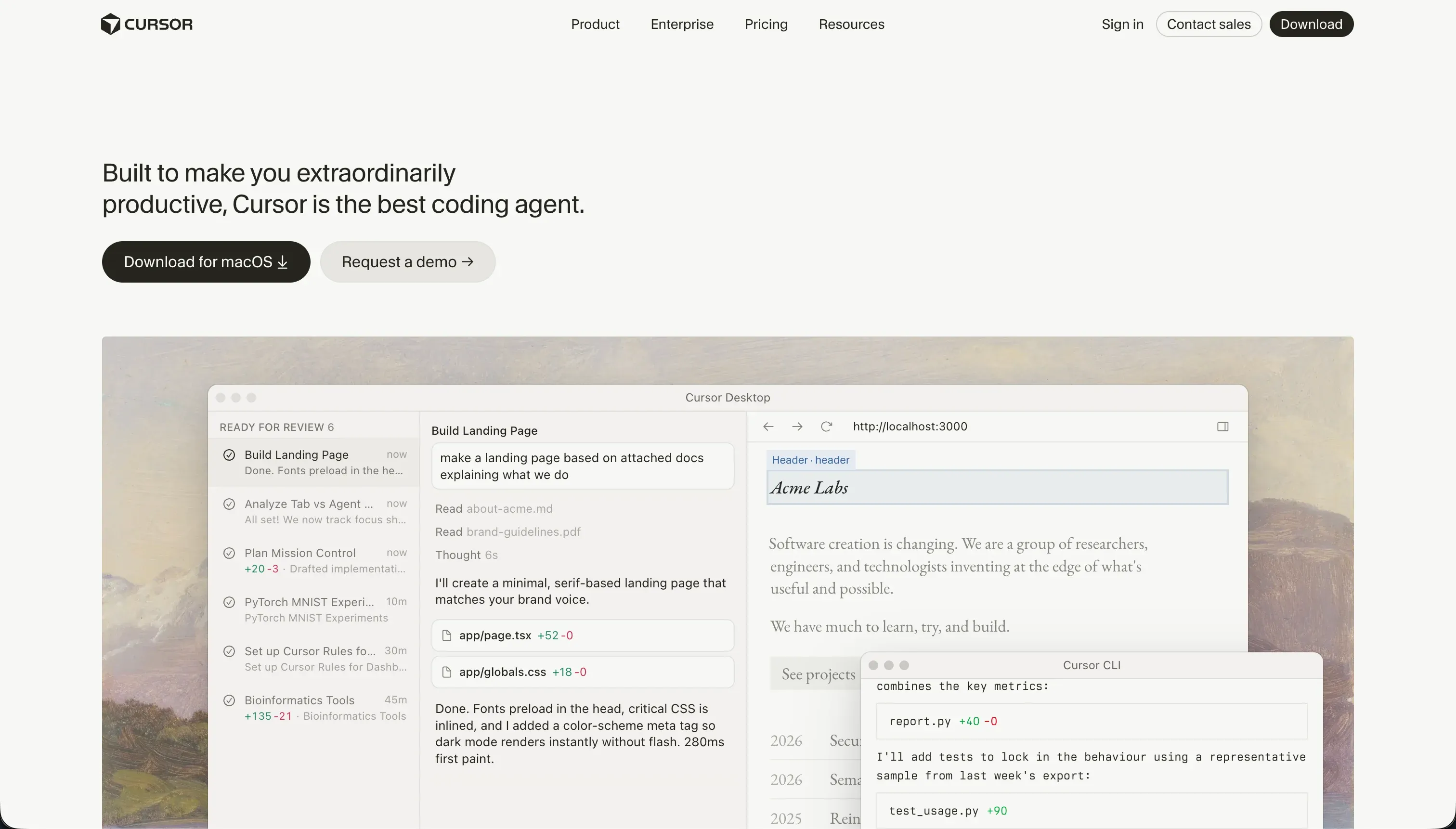 Cursor homepage snapshot
Cursor is the best fit for students who want their learning environment to resemble professional software work from day one. Because it is built on VS Code, the basics transfer directly: extensions, folder structures, terminals, git workflows, and debugging all feel familiar in the way employers and advanced courses expect.
That is also why it ranks second, not first. It makes you do more of the real setup yourself, which is great for learning but less forgiving than Replit when you just need to get moving from a Chromebook or lab machine. The Hobby plan is still accessible enough for many students, and if your goal is to become a stronger programmer rather than just ship a quick prototype, Cursor is an easy pick. Full review.
4. v0 - the cleanest route to frontend chops
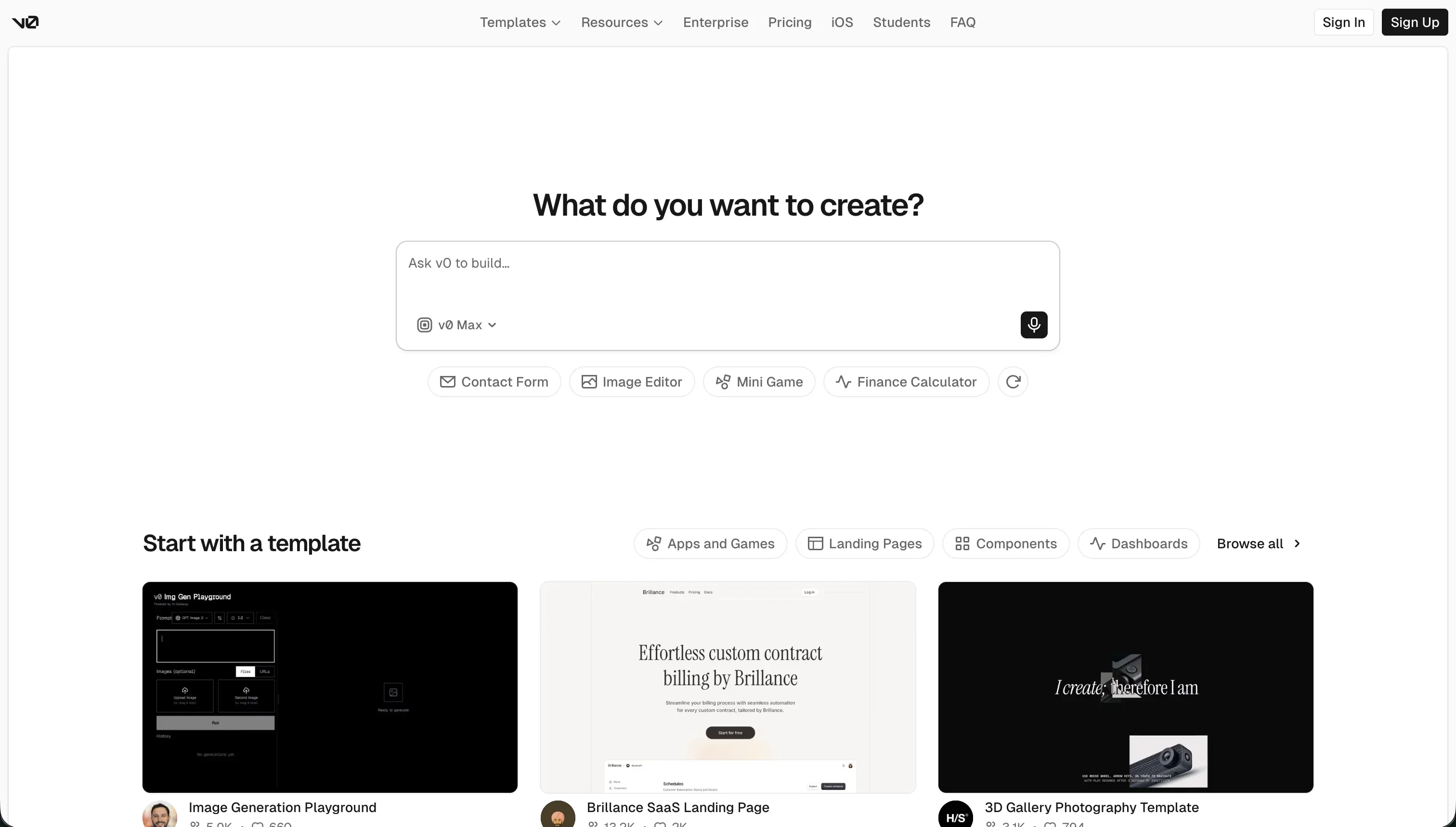 v0 homepage snapshot
v0 is best understood as a frontend specialist. It shines when you want to turn rough ideas, screenshots, or wireframes into polished React and Tailwind components fast. For students in web design, product, or startup classes, that makes it one of the fastest ways to see what good modern UI structure looks like.
The reason it lands here is simple: the output is useful, but the scope is narrow. You still need to connect real backends, data, and application logic yourself if you want a complete product. That keeps it below Replit and Cursor for general student use, but if your main goal is to learn interface patterns and ship clean demos, v0 is a strong third. Full review.
5. Bolt - the fastest browser prototype for weekends
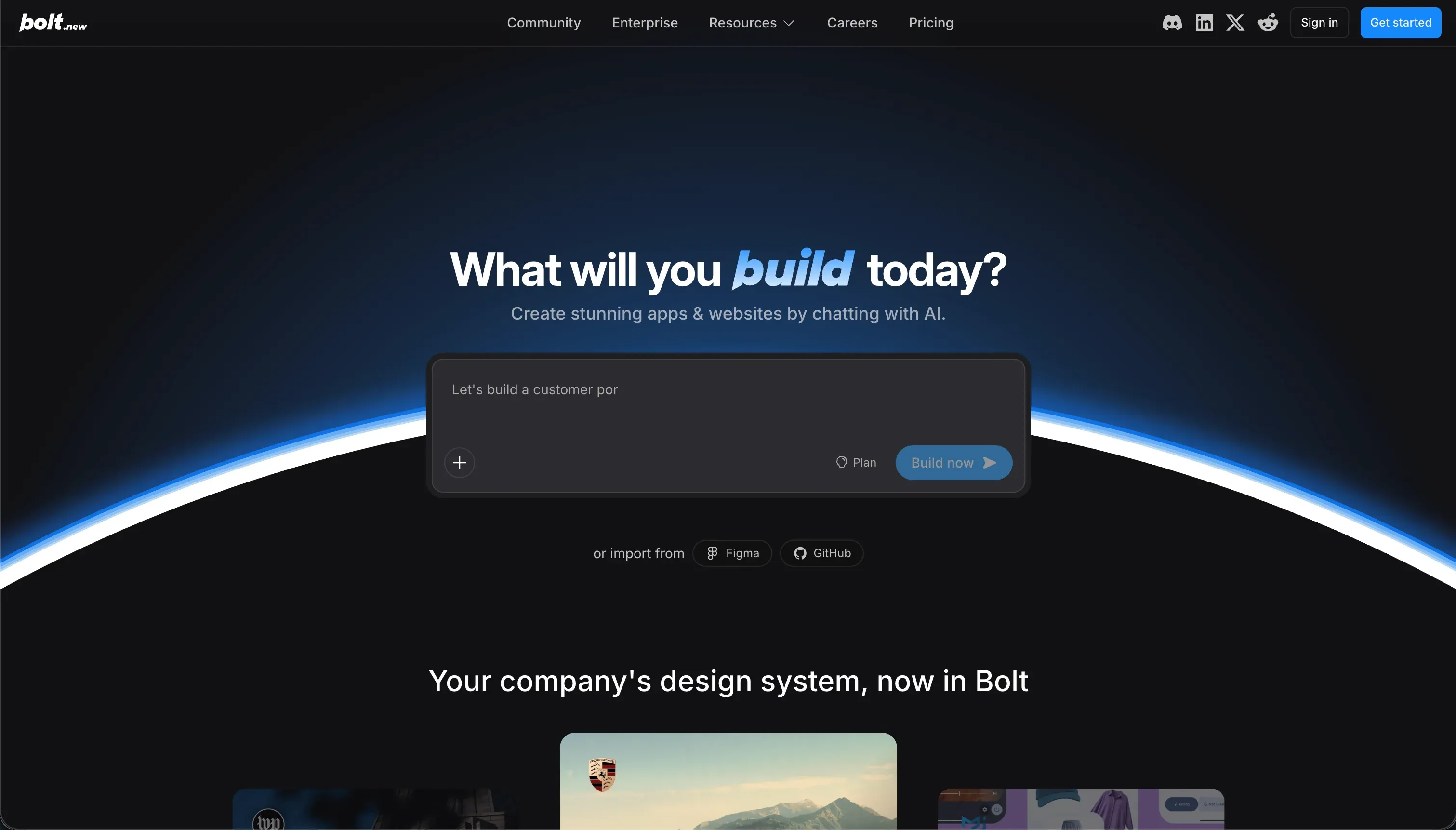 Bolt homepage snapshot
Bolt is impressive because it runs a real Node environment in the browser, letting you install packages, test server logic, and preview working apps without touching your local machine. For students in weekend build sprints or hackathons, that can be a huge advantage. You get speed without the usual install friction.
Its lower rank comes from reliability under sustained use. Token burn during repeated fixes is the real catch, especially when the AI iterates without solving the underlying problem. It earns its place for fast prototypes, but is less ideal as a day-to-day learning environment than Replit or Cursor because the workflow can push you toward prompting around problems instead of understanding them. Full review.
6. Lovable - the polished demo maker with tradeoffs
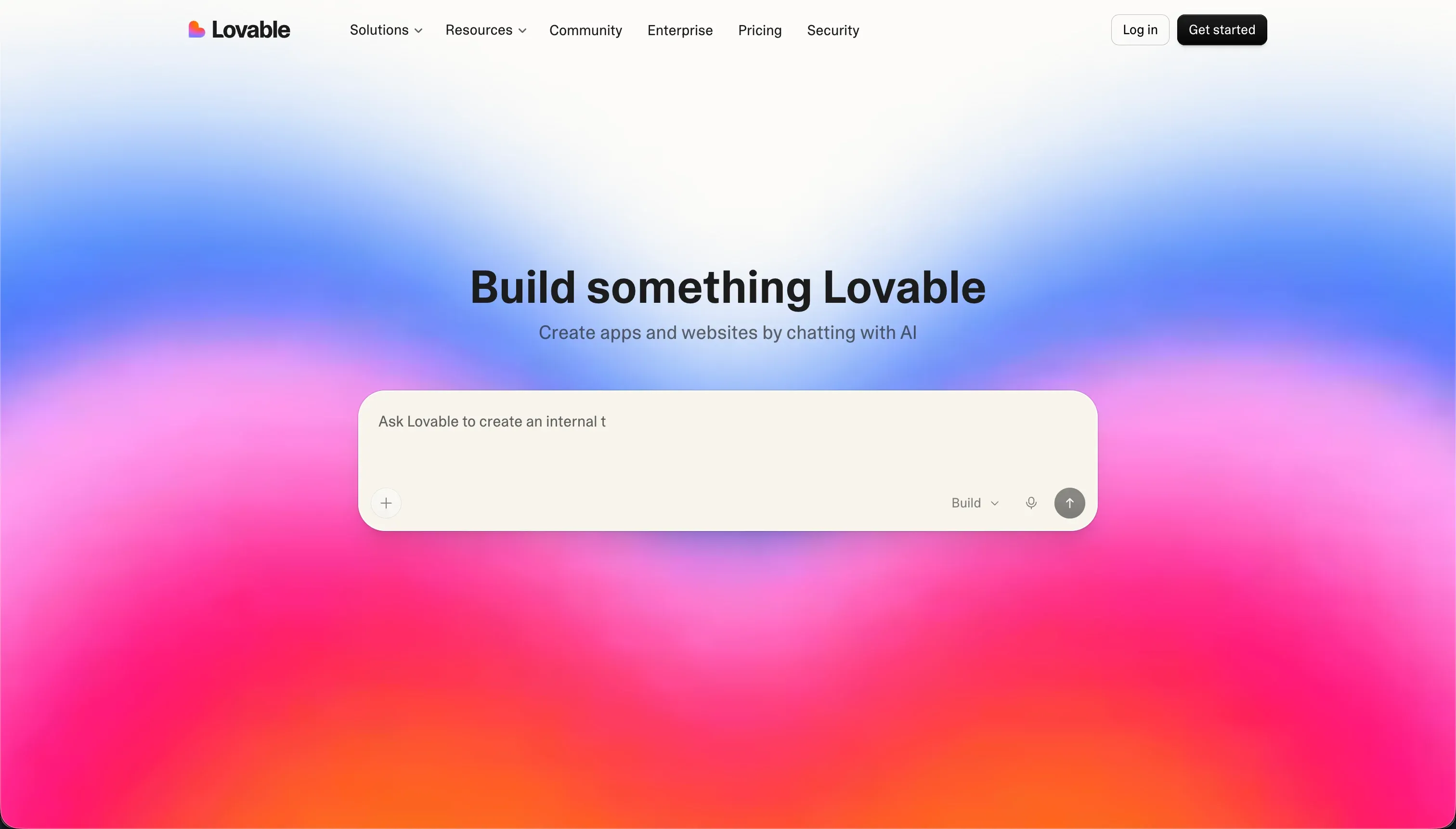 Lovable homepage snapshot
Lovable is very good at turning prompts into attractive full-stack prototypes, especially for students building startup demos, class presentations, or quick visual MVPs. It can move from idea to polished screens fast, and its Supabase-centered approach helps nontechnical builders produce something that feels real.
It ranks fifth because the workflow hides too much of the underlying structure for students whose main goal is learning to code. When the AI gets stuck, you can burn time and credits asking for fixes without gaining much understanding of what changed. Pick it if your assignment rewards speed and presentation quality more than technical depth, but not if you want the strongest programming practice. Full review.
Also tried: the tools that didn’t make the cut
We also looked at Dyad, which is appealing for privacy and local-first control but asks beginners to manage more setup than most students will tolerate. Claude Code is a serious agent in the terminal, yet its command-line workflow and usage-based cost make it a poor default for budget-conscious learners. Windsurf also came up, but in practice it did not separate itself enough on free access or student-friendly learning flow to beat the ranked tools above.
How to pick your student coding tool
What are you actually trying to learn: programming fundamentals or just how to ship a working demo fast? That question does more work than any feature checklist.
| Your situation | Build on |
|---|---|
| You want the best all-around student environment with minimal setup | Replit |
| You want visual organization ops or freelancing setups with no code debt | Softr |
| You want habits that transfer into internships and real software teams | Cursor |
| You mainly care about frontend polish and React UI practice | v0 |
| You need to build a working web prototype in a weekend | Bolt |
A good test you can run today: ask the tool to build a small app, then make one manual change yourself, add one package, and trace one bug end to end. If that feels possible and understandable, the tool fits your learning goals. If you are mostly re-prompting and hoping, it does not.